Table of Contents
I’ll be honest with you — when my buddy Tom first told me about a metal detector that could generate 3D scans of buried objects and show them through augmented reality on your phone, I laughed. Not because I doubted the technology existed, but because I assumed it would cost more than my car.
Turns out, I was half right. The technology absolutely exists. The price? Well, that’s where it gets interesting.
I’ve been metal detecting for over a decade, and I’ve seen the hobby evolve. We went from simple beep-and-dig machines to sophisticated imaging systems. But nothing in my detecting career quite prepared me for the TreasureHunter3D GoldenEye. This isn’t your grandfather’s metal detector. It’s not even your uncle’s high-end Minelab. This is a whole different category of tool — one that promises to show you exactly what’s underground before you break ground.
I spent three months testing the GoldenEye across multiple sites, from old homestead foundations to desert terrain. Here’s what I found.
What Is the TreasureHunter3D GoldenEye Scanner
The GoldenEye is a professional-grade 3D ground scanner. It detects buried objects up to roughly 30 meters (100 feet) deep — miles beyond what any conventional metal detector can reach. But depth isn’t the headline here. The headline is what it does with that data.
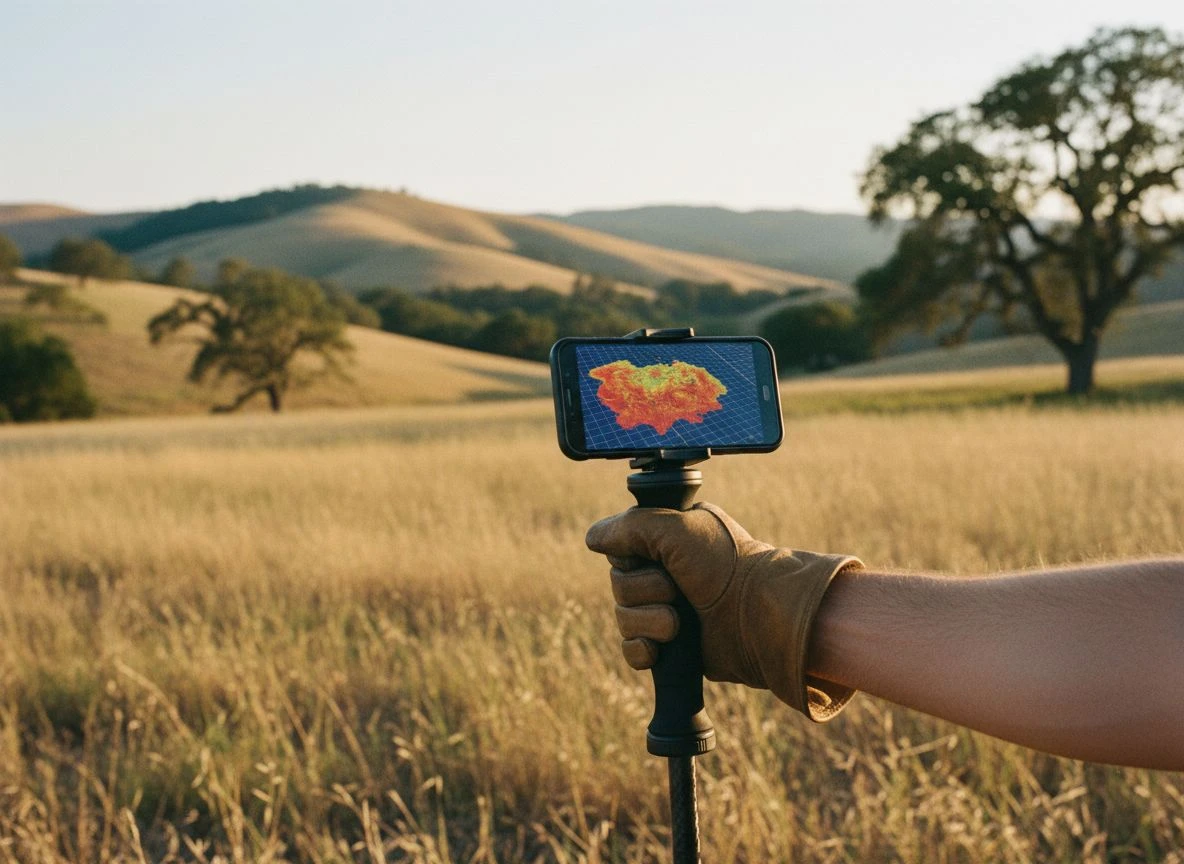
Instead of giving you a simple tone or a number on a screen, the GoldenEye generates a 3D scan of whatever’s underground. It displays that scan on your smartphone via Bluetooth. You can see the shape, size, position, and estimated depth of a buried object before you ever pick up a shovel. If that sounds like science fiction to you, you’re not alone — I felt the same way until I saw it work.
The GoldenEye+ model takes this further. It offers 160× better scan resolution than older models and a detection depth of 35 meters (114 feet). But the standard GoldenEye, with 40× better resolution and 30-meter depth, hits a sweet spot between capability and cost.
Carbon Hiking Stick with Ground-Penetrating Vision
Let’s talk about the physical design first. It matters more than you might think.
The GoldenEye is built into what looks like a carbon fiber hiking stick. It weighs less than 200 grams — about the same as a smartphone. The shaft extends from 70 cm to 140 cm, so it collapses small enough to toss in a backpack. The whole thing is 90% carbon material, which makes it incredibly light and surprisingly durable.
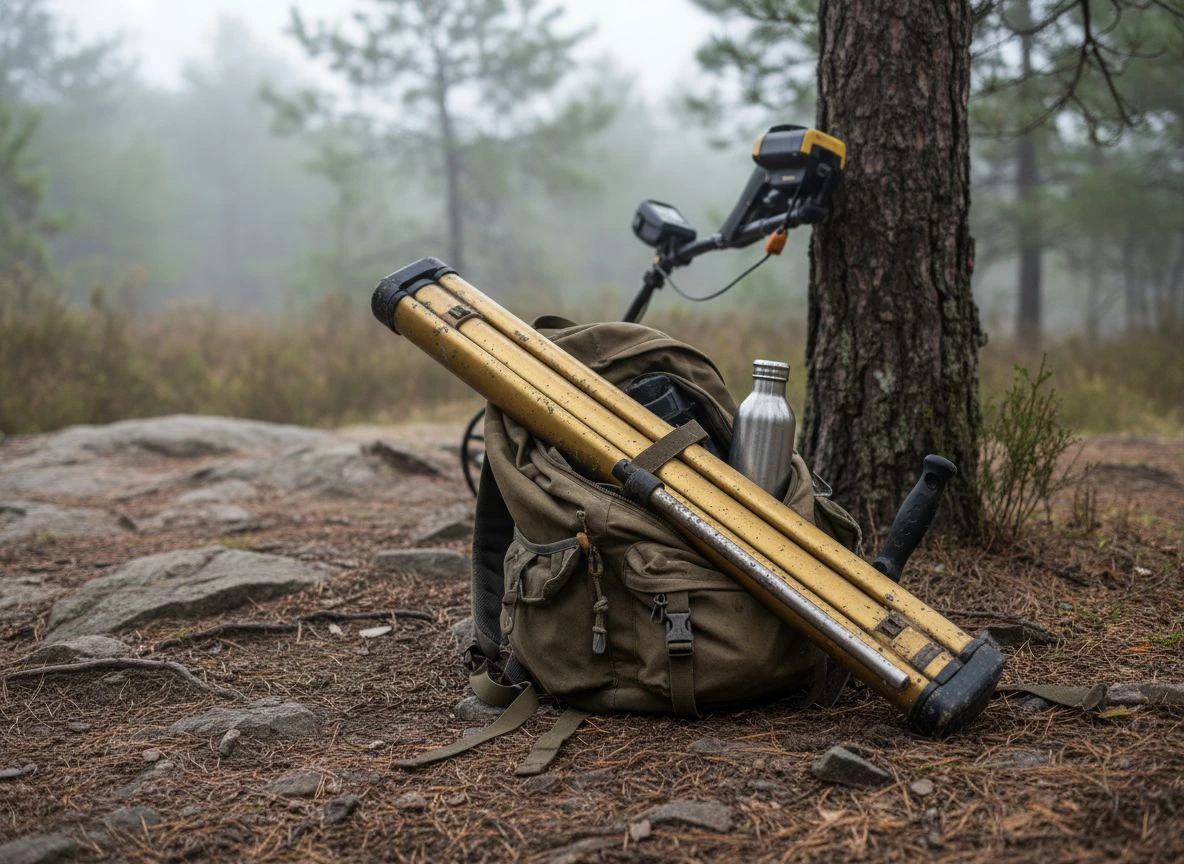
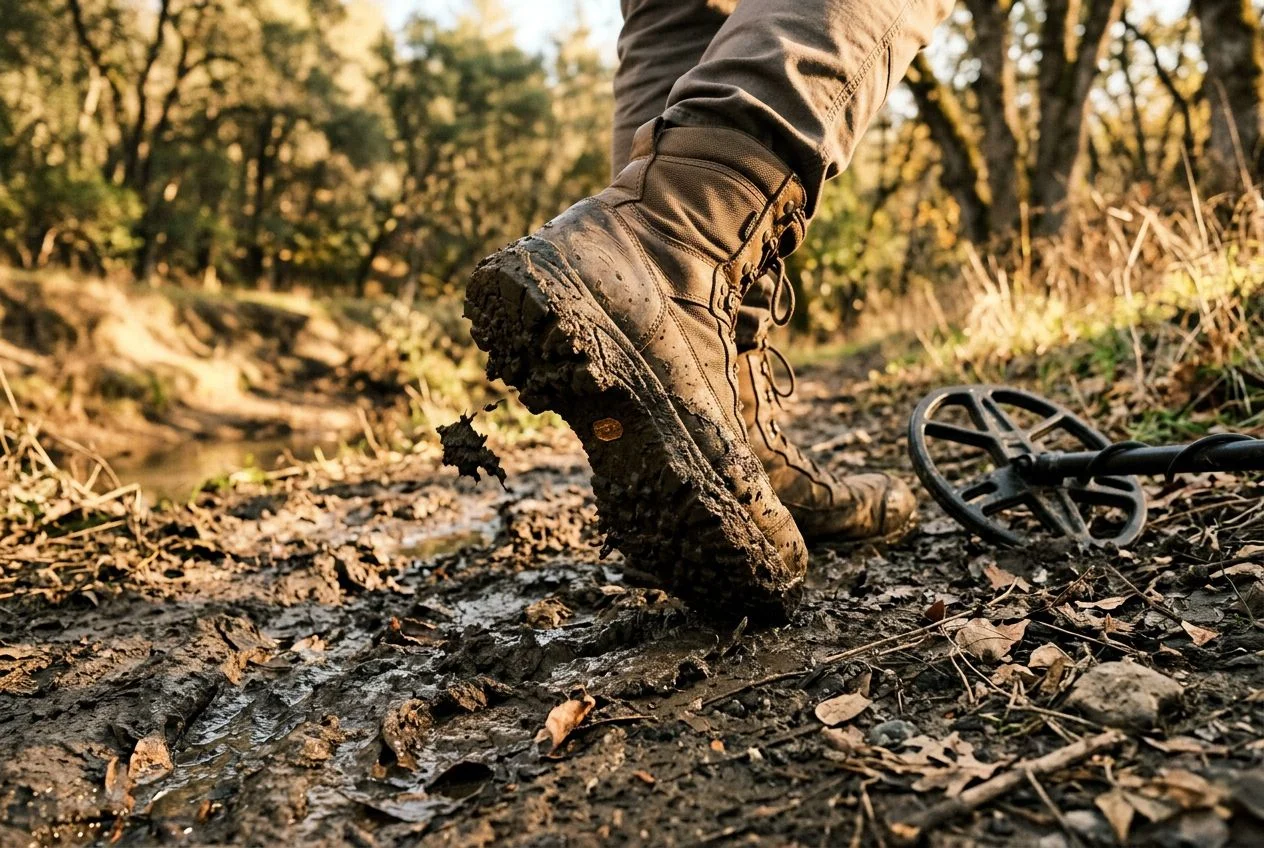
I took this thing on a four-hour hike into rough backcountry outside Sacramento. I barely noticed I was carrying it. Compare that to my Minelab Equinox 900, which at roughly 2.5 pounds (1.2 kg) with the stock coil starts feeling heavy after a few hours. The GoldenEye is genuinely effortless to carry.
The trade-off? It doesn’t feel like a traditional detector. There’s no control box, no display, no headphone jack on the device itself. Everything runs through the mobile app. Some detectorists will love that simplicity. Others will find it disorienting at first — I definitely did.
How the GoldenEye Detects Hidden Objects
This is where things get technical, but I’ll keep it practical.
The GoldenEye doesn’t work like a conventional metal detector. Standard detectors use electromagnetic induction to sense metallic objects within a limited range. The GoldenEye uses a different detection principle. It senses ferromagnetic anomalies in the ground — basically, disturbances in the Earth’s magnetic field caused by buried metal objects or even non-metallic features like voids, tunnels, graves, and underground structures.
You connect the device to your smartphone via Bluetooth 4.0, open the companion app, and start sweeping the ground in a steady, methodical pattern. As you scan, the app builds a 3D map of the subsurface in real time. You can view it in 2D or 3D mode. You can zoom in on anomalies. You get depth estimates for each target.
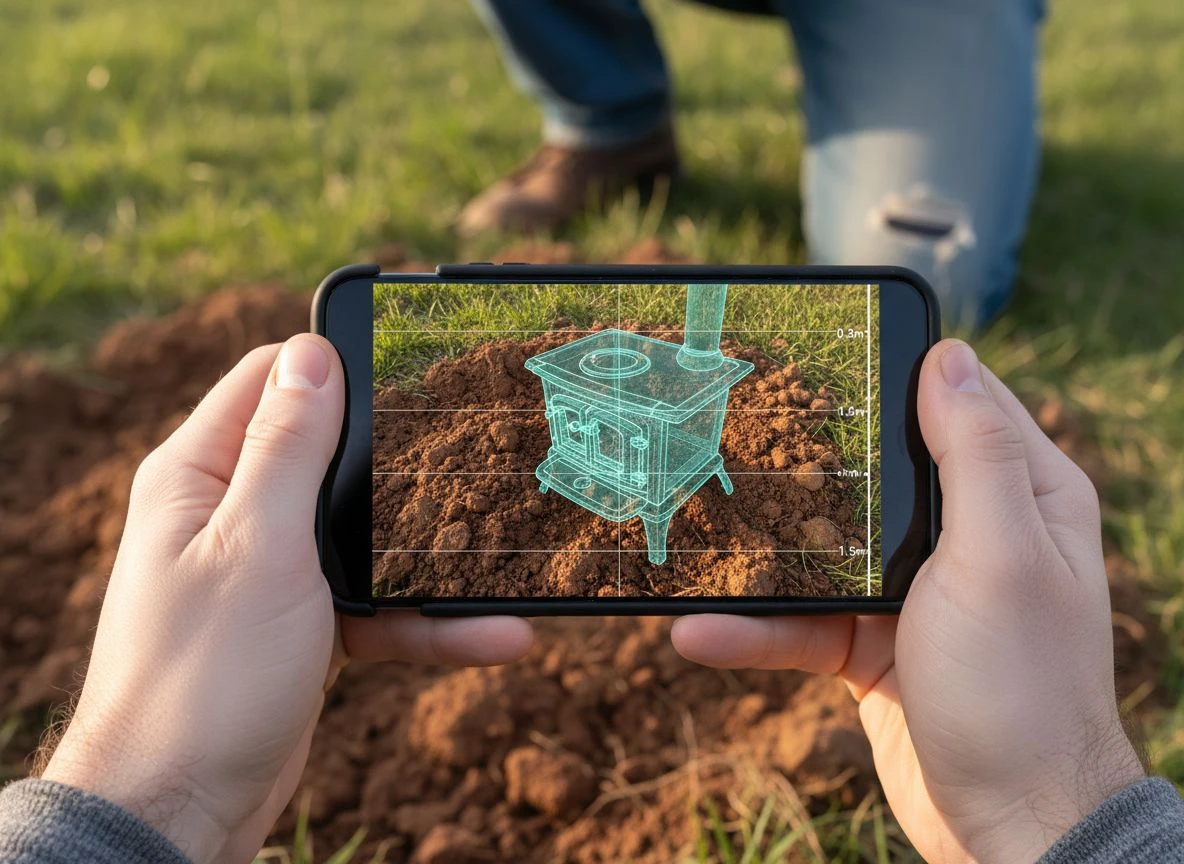
The augmented reality feature is the real showstopper. Point your phone at the ground, and the app overlays the scan results onto the live camera feed. You see the buried object “floating” beneath the surface on your screen. The first time I tried it, I felt like I was in a video game — except the treasure was real.
GoldenEye vs GoldenEye+ Key Differences
TreasureHunter3D offers two versions of this device, and the differences matter.
Base Model GoldenEye Features and Specs
- Price: €3,299 / $3,597
- Resolution: 40× better than older models
- Depth: Up to 30 meters (100 feet)
- Dimensions: 60-140 cm
GoldenEye+ Professional Model Upgrades
- Price: €4,299
- Resolution: 160× better than older models
- Depth: Up to 35 meters (114 feet)
- Dimensions: 70-150 cm
The core functionality is identical. Both models use the same app, the same AR features, and the same basic operating principles. The Plus version offers genuinely better resolution and slightly more depth. But you pay a significant premium for it.
For most serious detectorists, I’d recommend the standard GoldenEye. The 40× resolution improvement over older models is already substantial. Unless you’re doing professional archaeological surveys or searching for extremely deep, large targets like buried shipwrecks or underground chambers, the base model will handle everything you throw at it.
What the GoldenEye Does Well in the Field
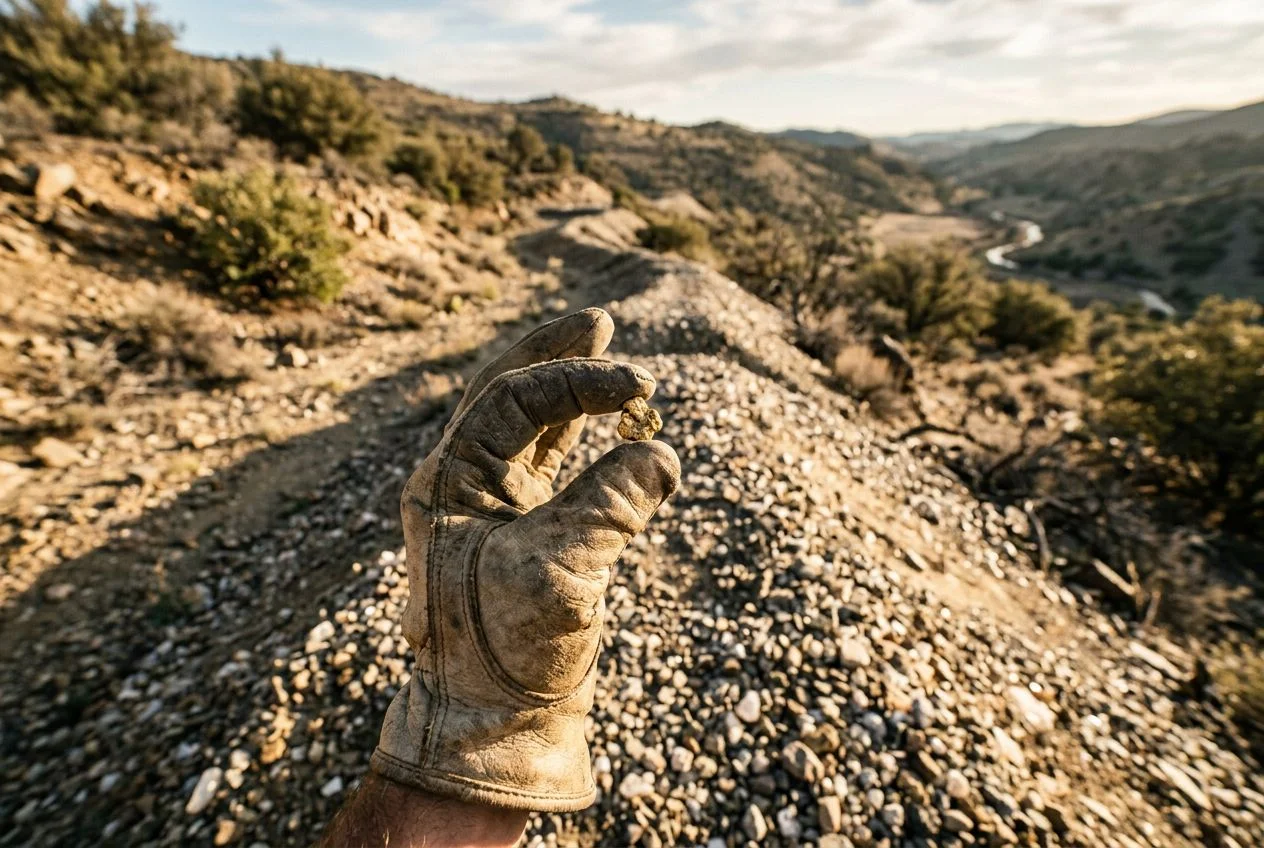
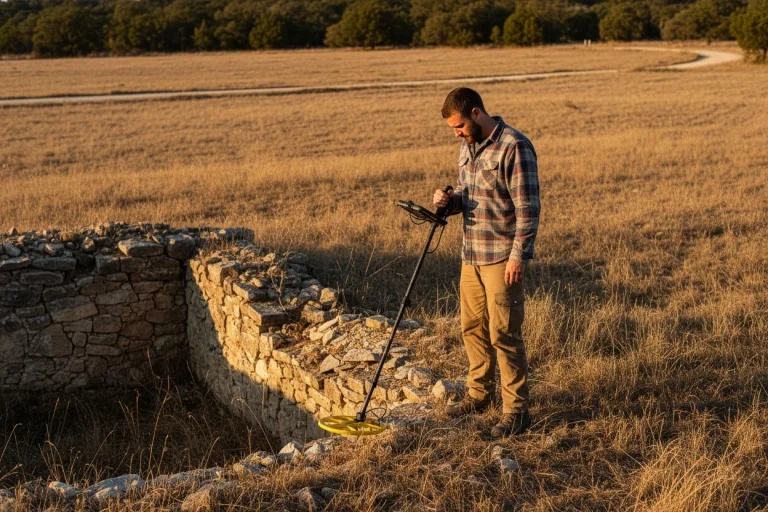
I tested the GoldenEye at three locations over several weeks. An old homestead site I’d already hammered with my Equinox 900. A dry riverbed known for gold prospecting. And a friend’s property where we suspected an old well had been filled in.
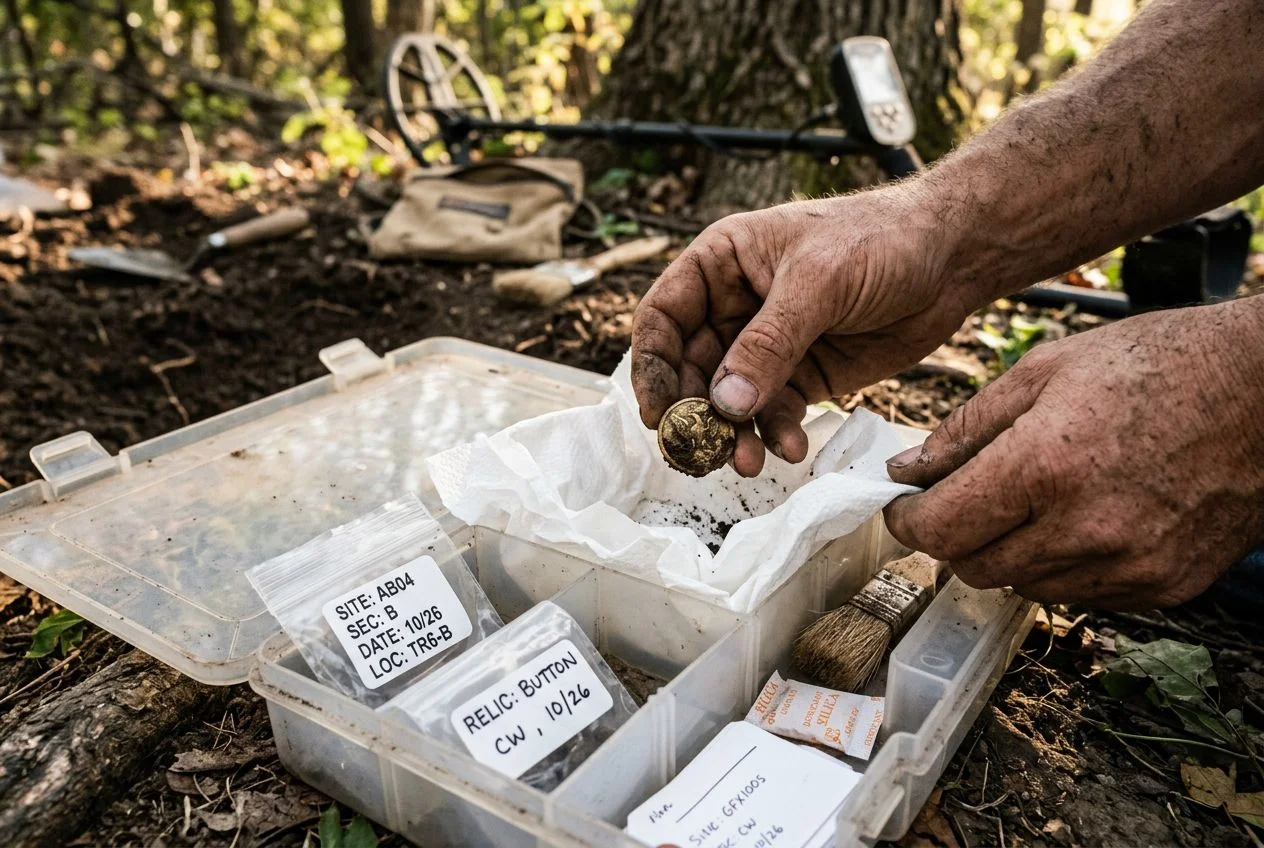
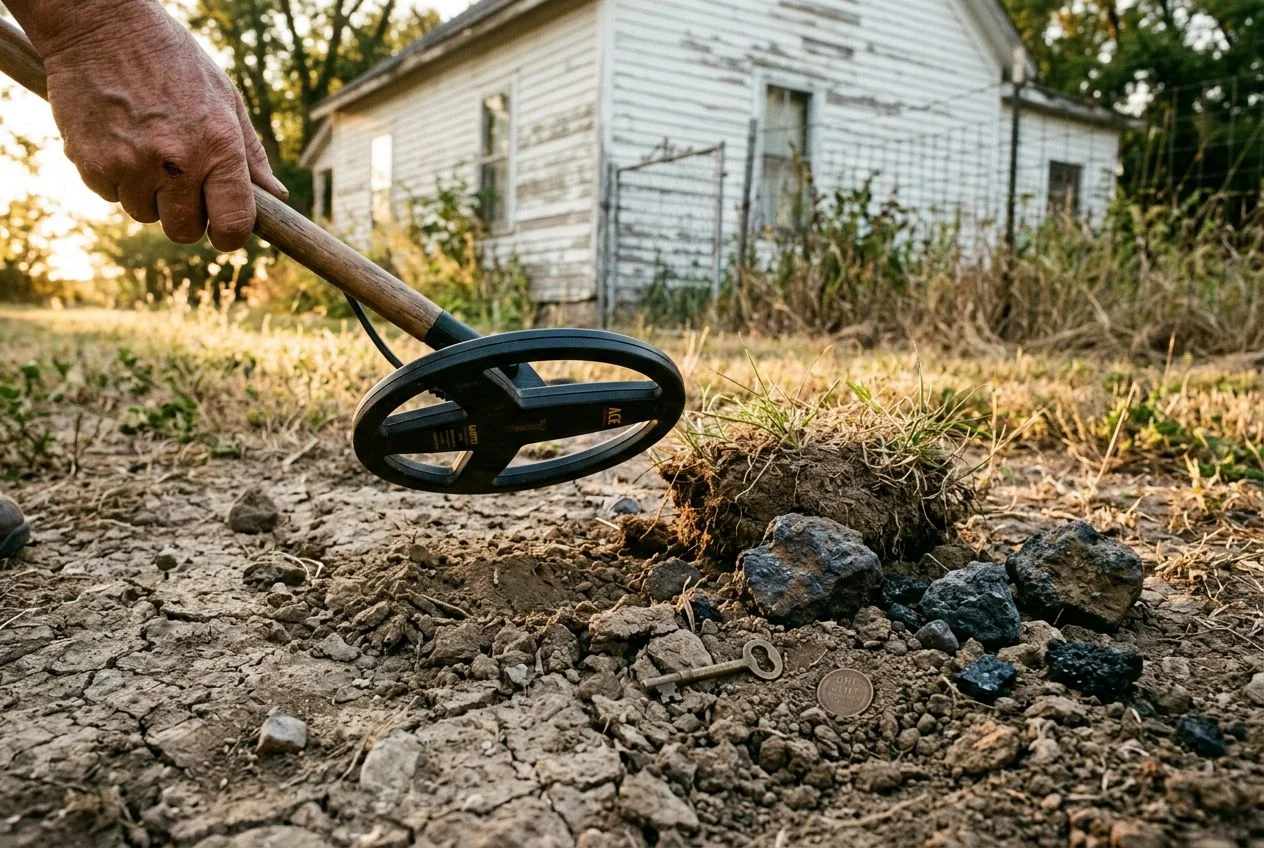
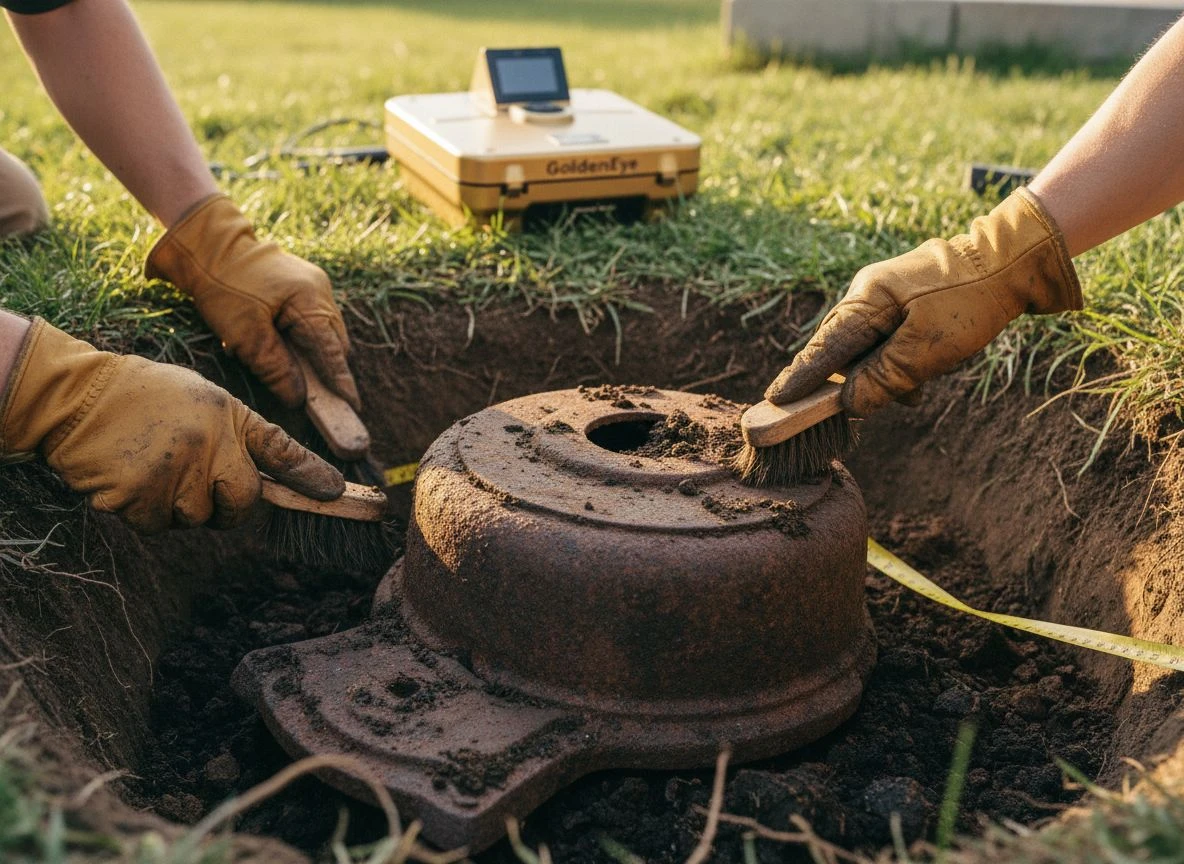
The homestead site was the most eye-opening. I’d detected this spot at least six times with my conventional detector. I pulled a few wheat pennies, some buttons, and a lot of junk. I figured it was cleaned out. The GoldenEye’s 3D scan revealed a large anomaly about 2 meters down that I’d never detected before — too deep for any standard detector. We dug a test hole and found the remains of an old cast-iron stove. It had been buried when the foundation was filled in. Not valuable, but incredibly cool. And it proved the device was seeing things my other detectors couldn’t.
The depth estimation was surprisingly accurate. Multiple times, the app predicted a target depth within a few inches of where we actually found it. That’s huge when you’re deciding whether to dig. Knowing a target is at 4 feet versus 10 feet completely changes your excavation strategy.
The portability can’t be overstated. I covered more ground in less time because I wasn’t exhausted from swinging a heavy machine. The light weight also made it easier to maintain a consistent sweep pattern, which improves scan quality.
Where the GoldenEye Falls Short
I’m not going to pretend this is a perfect device, because it’s not.
The learning curve is real. The app is functional but not particularly intuitive. I spent my first afternoon fighting with Bluetooth connectivity issues and trying to interpret scan results that looked like abstract art. The Reddit community has noted similar frustrations with documentation and tutorials. TreasureHunter3D provides basic instructions, but you’ll need patience to get proficient.
It’s not a replacement for a conventional detector. The GoldenEye excels at finding deep, large targets and underground structures. But it won’t replace your standard detector for coin shooting, relic hunting in the top 12 inches, or working trashy areas where you need precise discrimination. It’s a complementary tool — one you bring when you suspect something big is hiding deep.
Battery life is advertised at 8 hours, but your phone battery becomes the limiting factor. Running the AR feature and continuous Bluetooth streaming drains my iPhone fast. I got about 4-5 hours of heavy use before my phone needed charging. The detector itself was fine; my phone was the problem.
The detection principle has blind spots. Because it relies on ferromagnetic anomalies, the GoldenEye works best on objects that contain iron or are associated with ferromagnetic materials. Pure copper, silver, or gold objects that aren’t in iron containers may be harder to detect. The manufacturer notes this limitation explicitly — the device detects gold and precious metals “when associated with ferromagnetic materials or containers.”
Who Should Buy the TreasureHunter3D GoldenEye
The GoldenEye occupies an interesting position in the market. At roughly $3,600, it’s expensive. But it’s also dramatically cheaper than professional ground-penetrating radar systems, which can cost over $50,000. It’s the mid-range option for deep scanning that actually works.
This device is for:
- Serious relic hunters who want to find deep caches and buried structures that conventional detectors miss
- Gold prospectors searching for deep deposits or buried caches associated with ferromagnetic materials
- Archaeological field workers who need to survey large areas for underground features without expensive GPR equipment
- Property owners trying to locate old wells, foundations, or buried utilities
This device is NOT for:
- Beginner detectorists who are still learning basic coin shooting and relic hunting
- Casual hobbyists who mainly hunt parks and beaches
- Anyone looking for a precise pinpointer for small targets — the GoldenEye’s strength is large, deep objects, not individual coins
Pros and Cons of the GoldenEye Scanner
Pros:
- Incredible detection depth (30-35 meters) that no conventional detector can match
- 3D visualization with AR overlay genuinely changes how you approach a site
- Lightweight and portable — less than 200 grams
- Saves scan data with GPS coordinates for later analysis
- Significantly cheaper than professional GPR systems
Cons:
- Steep learning curve with mediocre documentation
- Requires a smartphone with good battery life
- Limited to ferromagnetic-associated targets
- Not a replacement for conventional detectors; it’s a specialized tool
- App stability varies (I experienced two crashes in field use)
- Customer support response times reportedly run 2-3 business days
Is the GoldenEye Worth the Investment
The TreasureHunter3D GoldenEye is genuinely impressive technology at a price that makes it accessible to serious hobbyists, not just professionals. It delivers on its core promise: showing you what’s underground in real-time 3D. The AR feature is not a gimmick — it genuinely helps you visualize and plan your excavation.
But it’s also a specialized tool with real limitations. Don’t buy this as your first or only detector. Buy it because you’ve hit the limits of conventional detecting at your favorite sites, and you’re ready to see what’s hiding deeper.
I’ve had mine for three months now. I’ve already found things at locations I thought were completely cleaned out. That alone makes it worth the investment for serious detectorists who want to take their hobby to the next level.
My advice? If you’re a dedicated hobbyist with a good conventional detector, and you’ve got a few thousand dollars to invest in expanding your capabilities, the GoldenEye is worth every penny. Just plan on spending some quality time with the manual before you hit the field.
Have you used the TreasureHunter3D GoldenEye or GoldenEye+? I’d love to hear about your experiences in the comments. And if you’re curious about their DroneRover aerial scanning system for covering large areas, I’m testing that next — stay tuned.

My name is Paul and I am the founder of Detector For Metal, a dedicated resource for metal detecting enthusiasts seeking to uncover historical treasures and connect with the past using the latest technology. As a stay-at-home dad and family man, I’ve found metal detecting to be the perfect hobby that combines family adventure with historical learnings for the whole family.
As a father, I’m deeply committed to passing on this hobby to the next generation of detectorists, starting with my own children. I share advice on everything from metal detecting with kids to exploring the top 10 metal detecting sites you never thought about. My methodical approach to the hobby goes beyond the thrill of discovery—it’s about creating family traditions while preserving history and sharing the stories of those who came before us.