Table of Contents
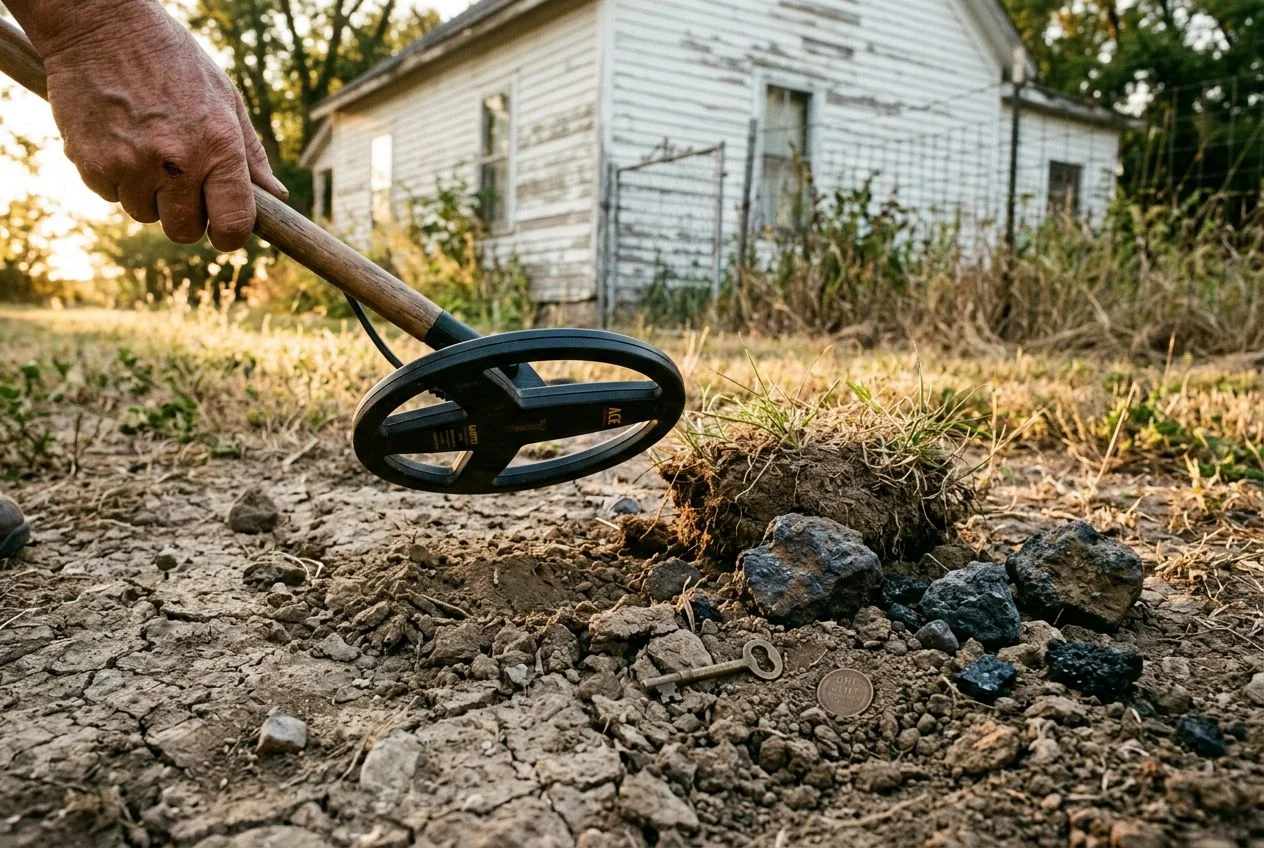
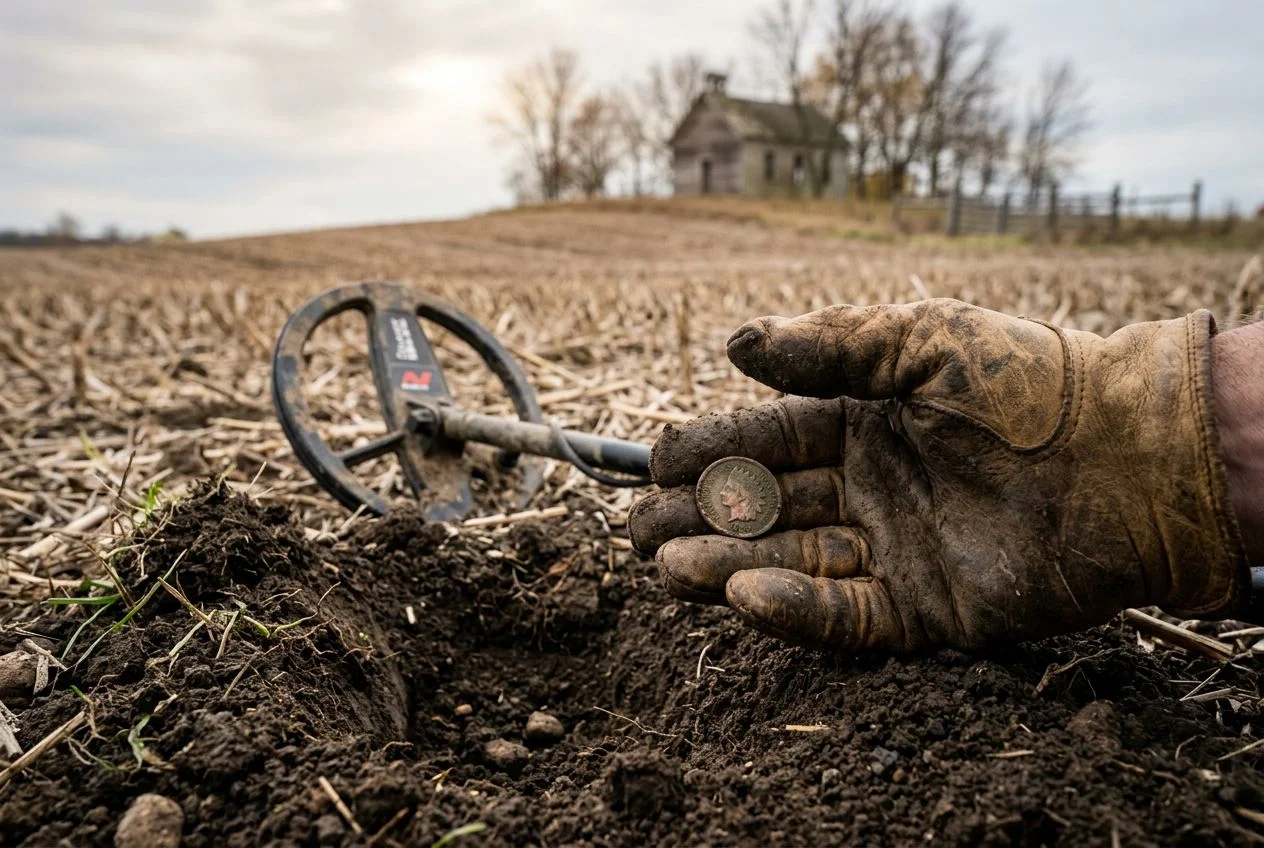
I’ve been metal detecting for more than 15 years now, and let me say — I’ve dug a lot of things I wish I hadn’t. Rusty bottle caps. Aluminum foil. The occasional mysterious metal object that turned out to be a beer can from 1987, punctured and crumpled into a shape that *sounded* exactly like a silver half dollar on my old Garrett ACE 250.
My buddy Mike still teases me about that. “Another silver dollar?” he’ll say when I show him a crushed can at club meetings.
So when I first heard about the TreasureHunter3D GoldHunter — a VLF detector that claims to show you the target’s position, size, and depth on your smartphone before you dig — I was skeptical. The skeptic in me went: sure, another gimmick. But the researcher in me went: I need to try this thing.
I’ve now spent several weekends with it in the field. Here’s what I found.
How Does the GoldHunter Detector Work?
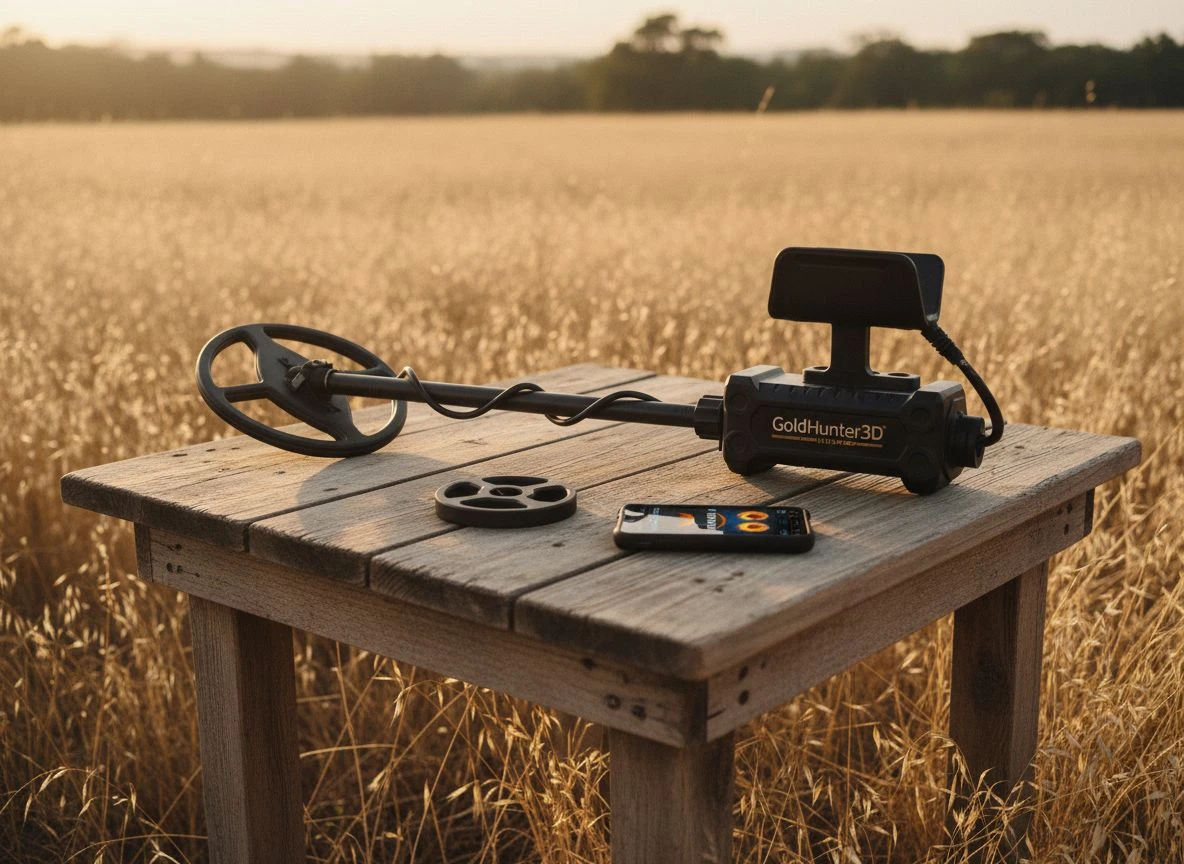
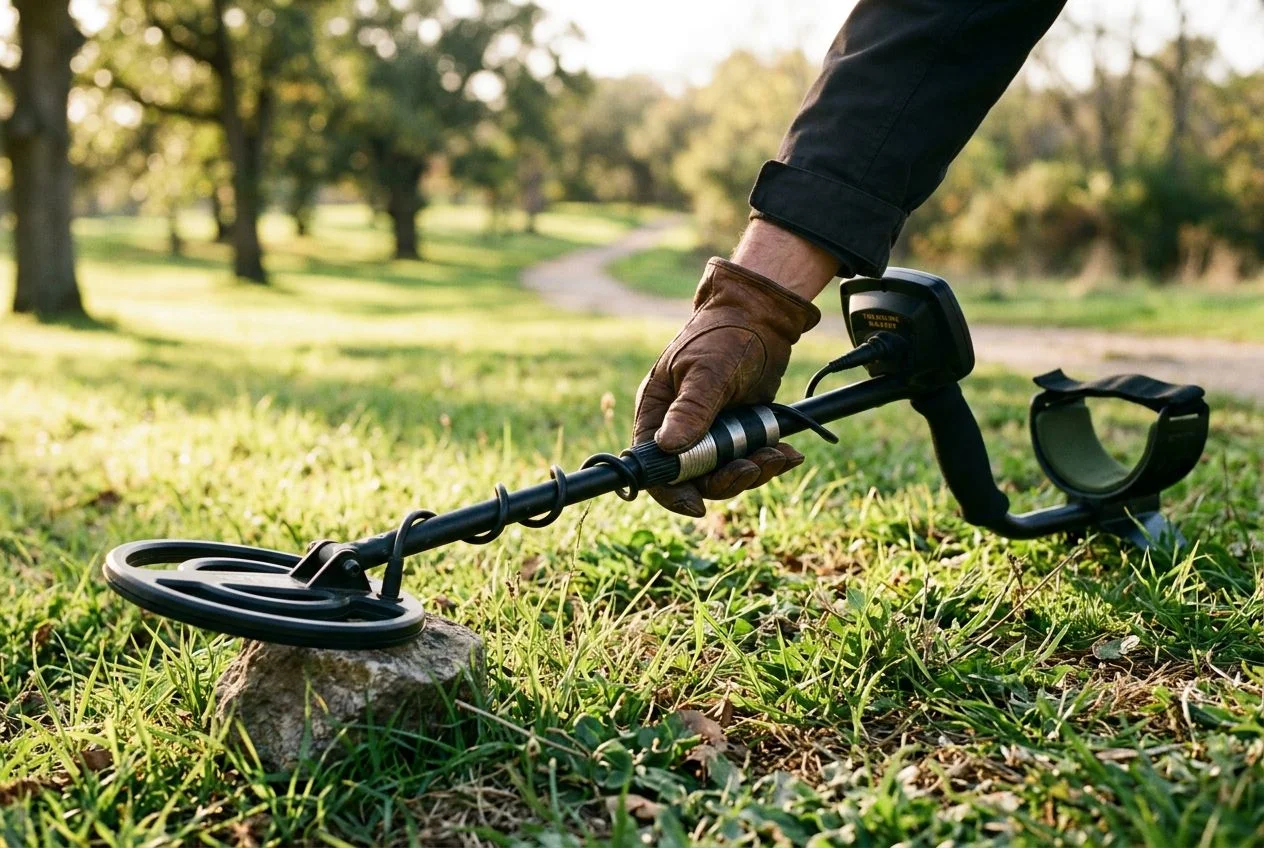
The GoldHunter is a VLF induction balance metal detector operating at 19 kHz. That puts it in a sweet spot for gold hunting and small-target sensitivity. It weighs 1.2 kg and is built from carbon and plastic — light enough for full-day hunts without feeling like you’re carrying gym equipment.
The real headline feature is the 3D visualization. The detector connects to your smartphone via Bluetooth 4.0. Operating frequency is 19 kHz, and it runs on a single 9V battery with about 5 hours of life, according to the specs on the official site. It comes with two waterproof DD search coils: an 11-inch elliptical for deeper penetration and a 5-inch round coil for tight spaces and trashy areas.
But here’s the kicker: the 3D visualization and scan storage require an iPhone 6s or later. Android support isn’t there yet. I run an iPhone, so it worked for me. But if you’re on Android, you’re stuck with the built-in audio detection (tones and target ID). That works fine on its own, but it misses the whole point of buying this detector.
(Side note: a dedicated detectorist friend of mine tried pairing it with his Samsung and spent a good hour troubleshooting before reading the fine print. He was not happy.)
Does the GoldHunter 3D Scan and AR Really Work?
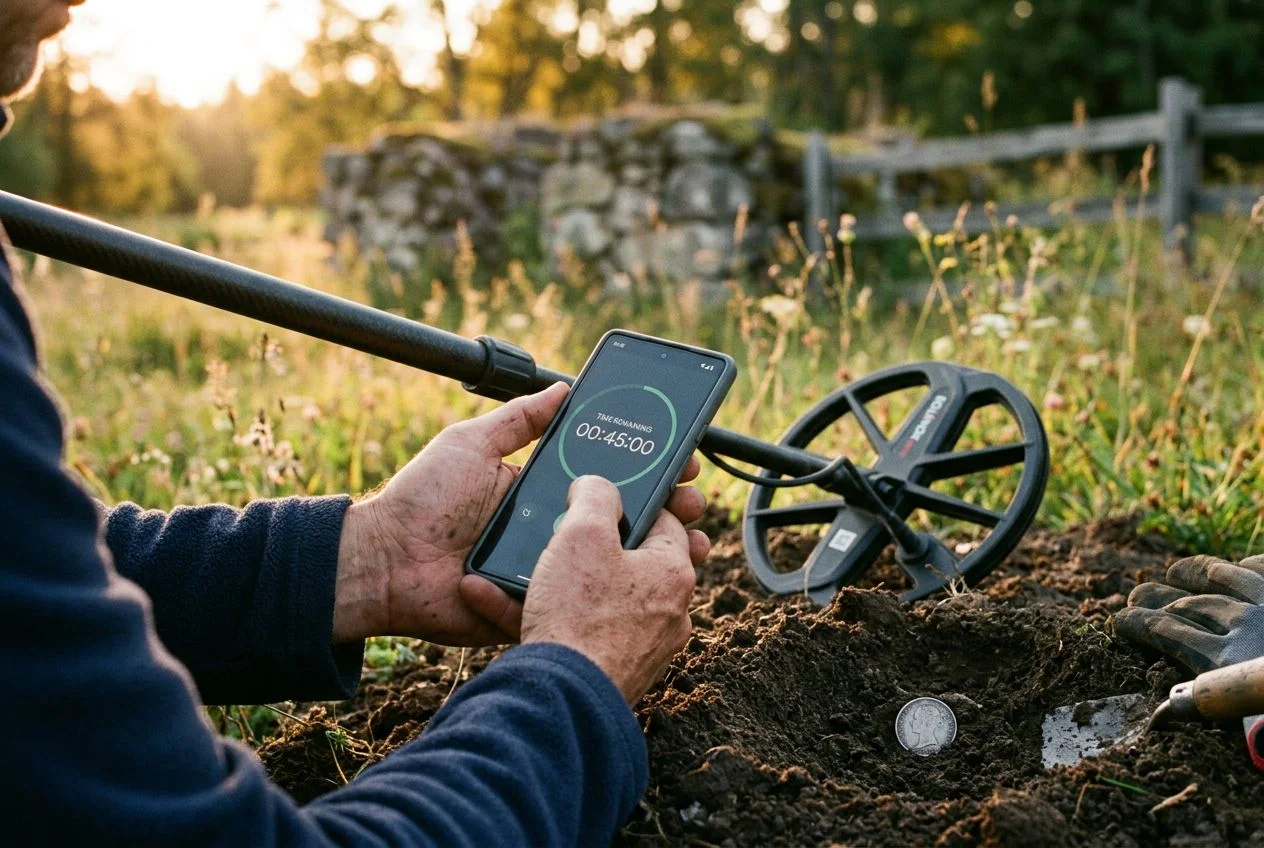
Let me be honest: I’m probably way more excited about this than any normal person should be. But the first time I swept the GoldHunter over a buried target and watched my phone render a real-time 3D image showing its position, shape, and estimated depth, I genuinely laughed out loud.
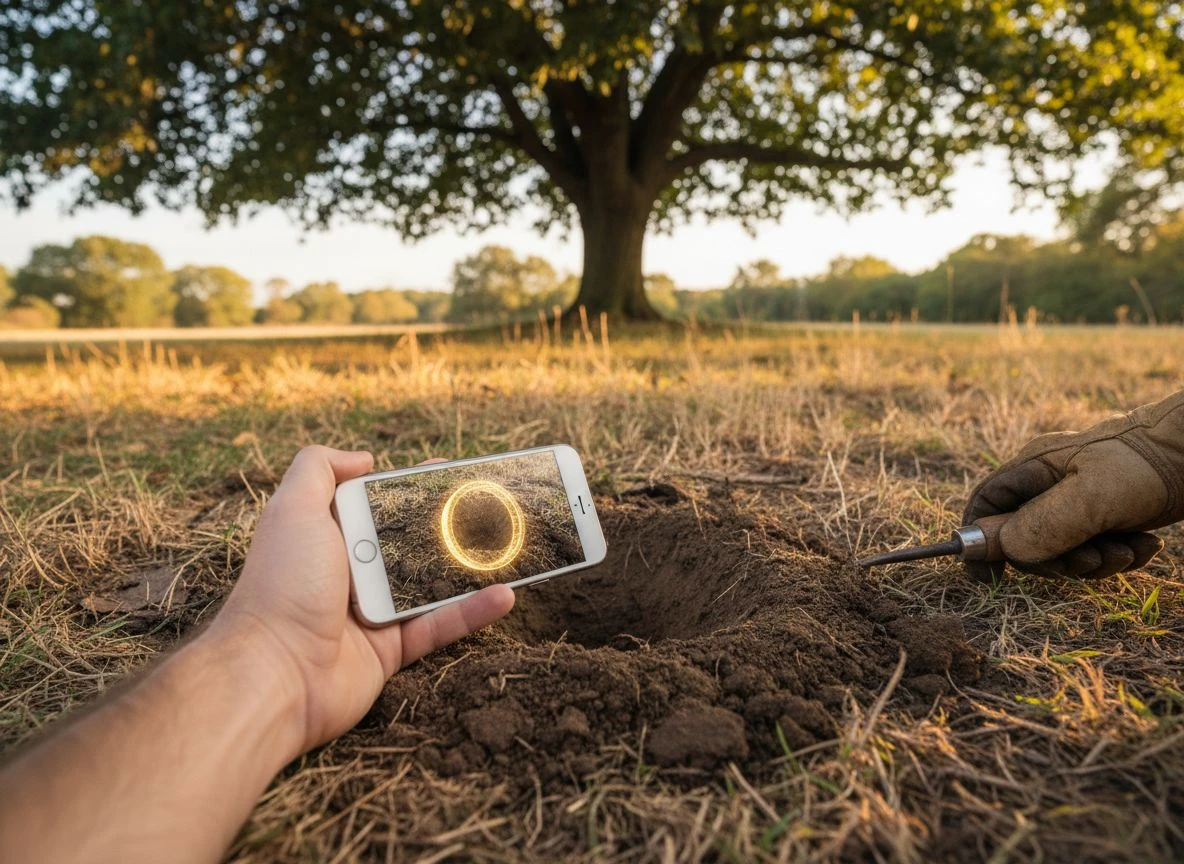
The augmented reality (AR) view maps the scan results onto the real world through your phone camera. So you see a ghostly outline of the target hovering in the ground on your screen. It’s disorienting at first, but after a few sweeps, you start understanding what you’re looking at. The app — GoldHunter3D — is straightforward: it shows you a 2D and 3D representation of the underground scan, with color gradients indicating signal strength.
In practice, here’s what I found after using it at three different sites:
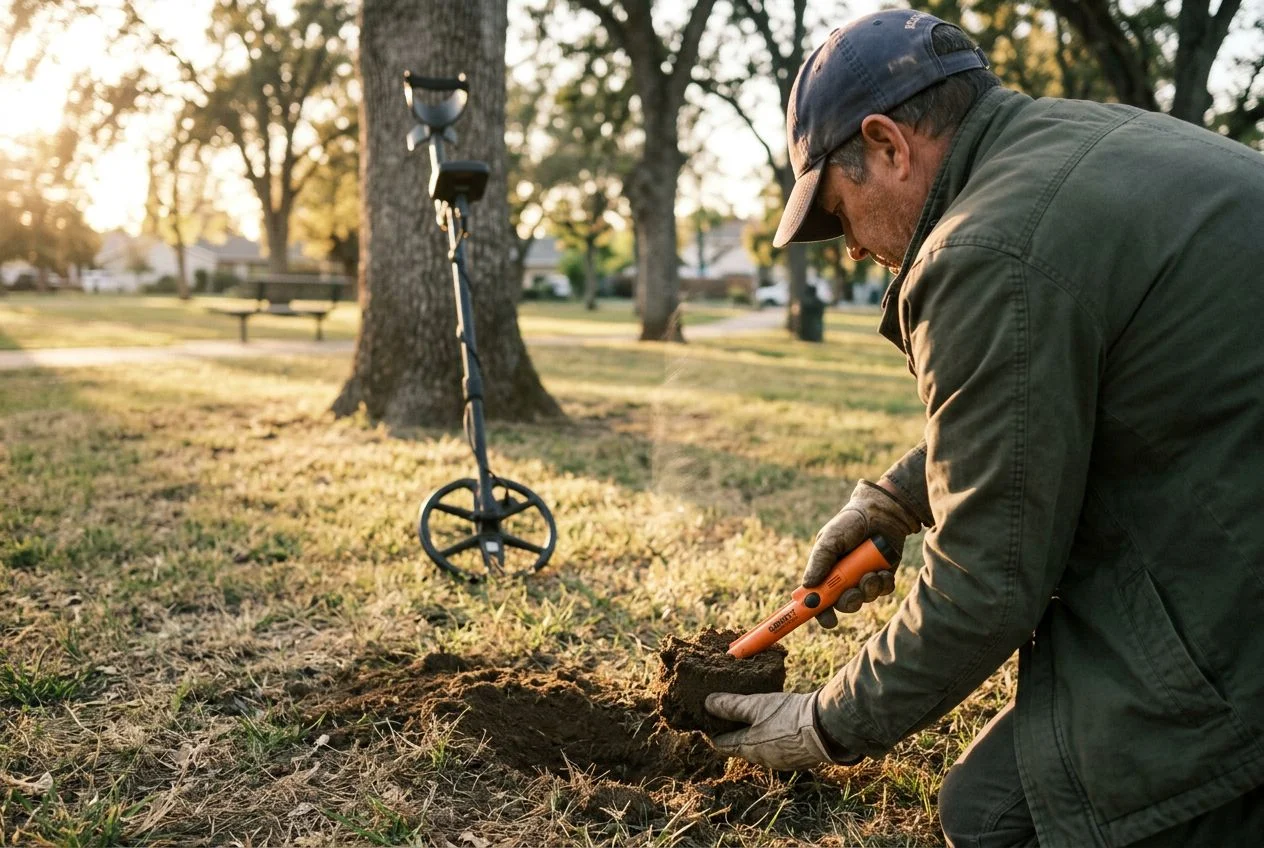
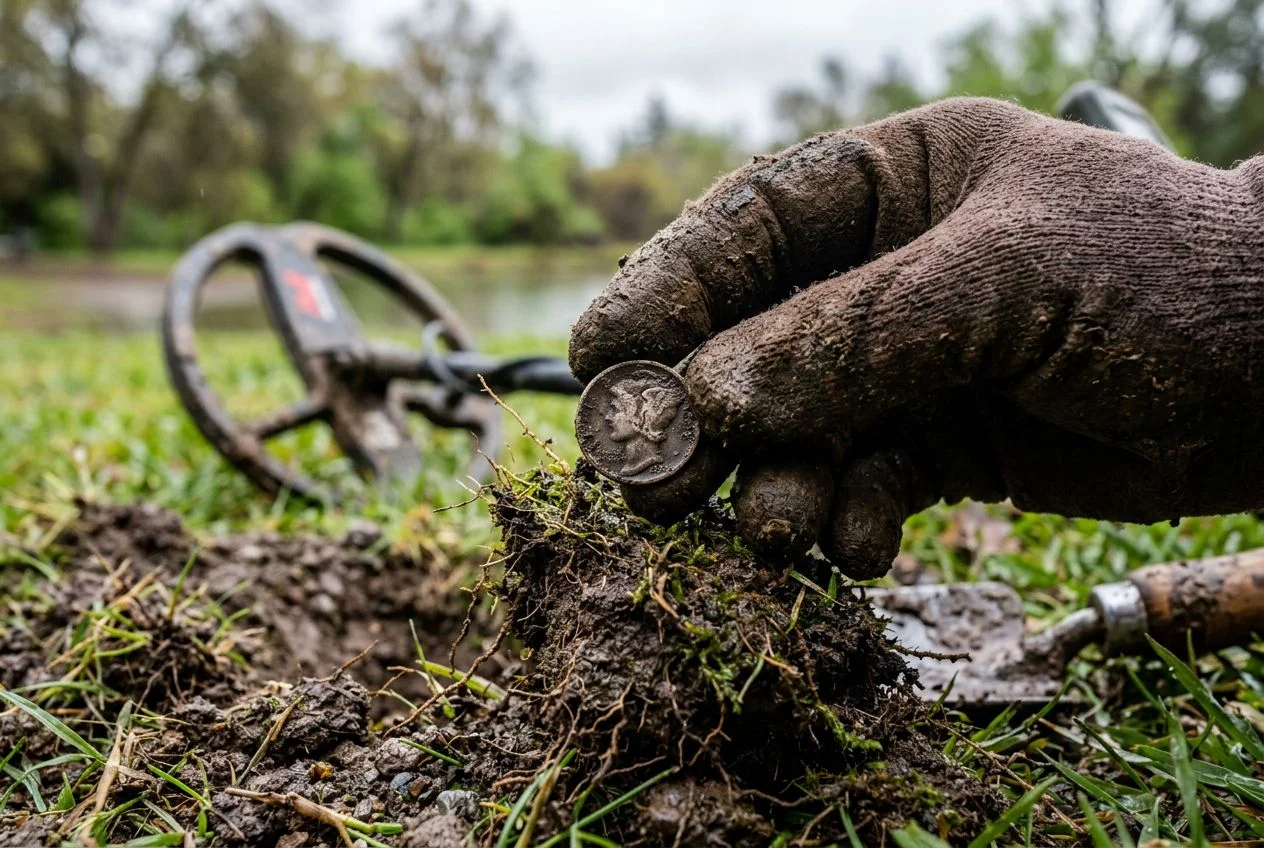
- At a park with high trash density — the 3D view helped me skip a lot of shallow, irregular targets that were clearly junk. I’d estimate I dug about 40% fewer false positives than I would have with my Equinox 900 on a similar trashy patch.
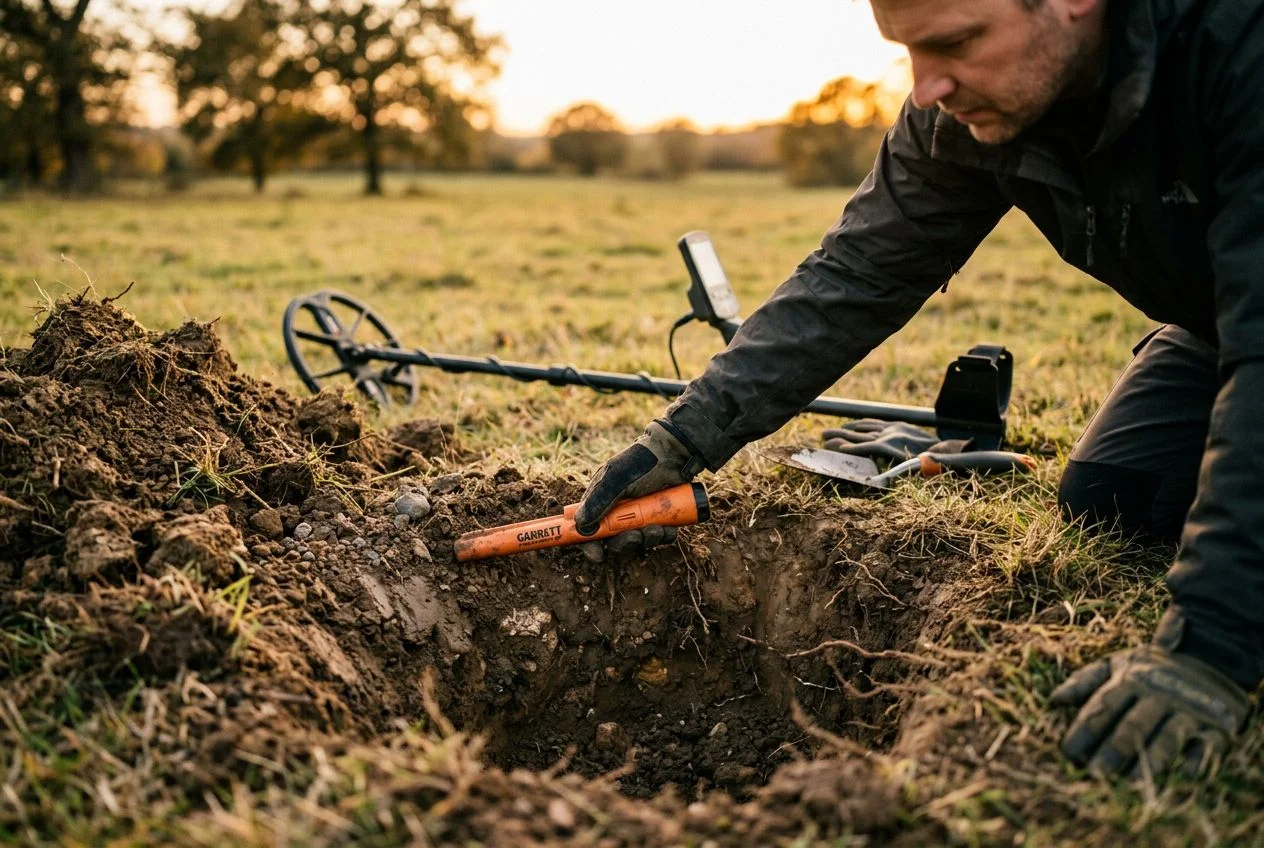
- At an old homestead site — I located a buried metal pipe at about 18 inches down that I would have absolutely dug otherwise. The 3D rendering showed its elongated shape clearly, so I moved on to the next signal.
- In moderate soil — the depth estimation was surprisingly accurate. The detector claims detection up to about 1 meter (40 inches) for large metallic objects, and I found that realistic — the documentation says typical depths are 10-20 cm for a small coin and 20-35 cm for a large coin or ring. In All-Metal mode with ground balancing, I was hitting those depths consistently.
But it’s not magic. I still dug my share of pull-tabs. The GoldHunter isn’t going to eliminate false digs entirely — it just gives you better information to make the call. And in heavily mineralized ground, the 3D image can get noisy. You need to learn to interpret what you’re seeing.
GoldHunter Depth and Performance Benchmarks
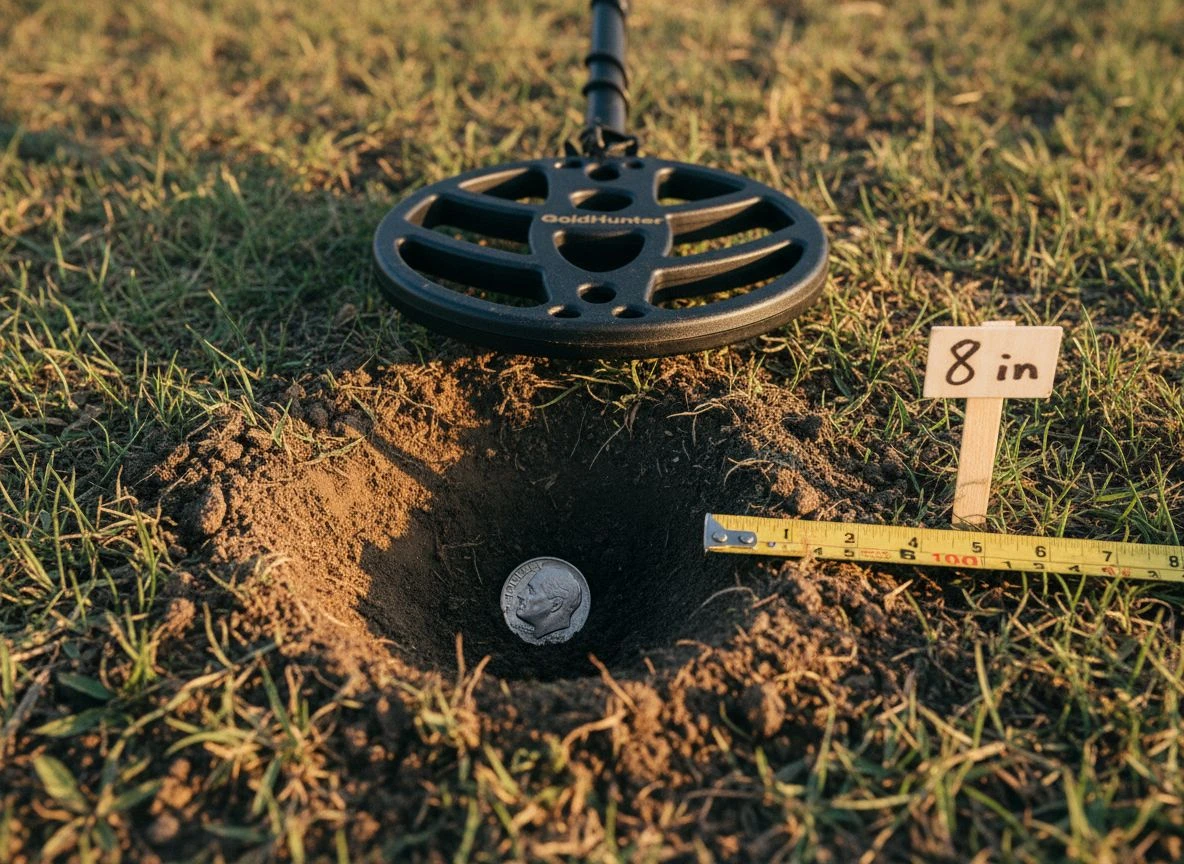
Let’s get specific about what this machine can and can’t do. The product page states a detection depth of 0.5 meters. But the deeper claims (up to 1 meter) apply to large metallic objects under ideal conditions. For coin-sized targets, you’re looking at 10-20 cm in standard modes. All-Metal mode pushes further.
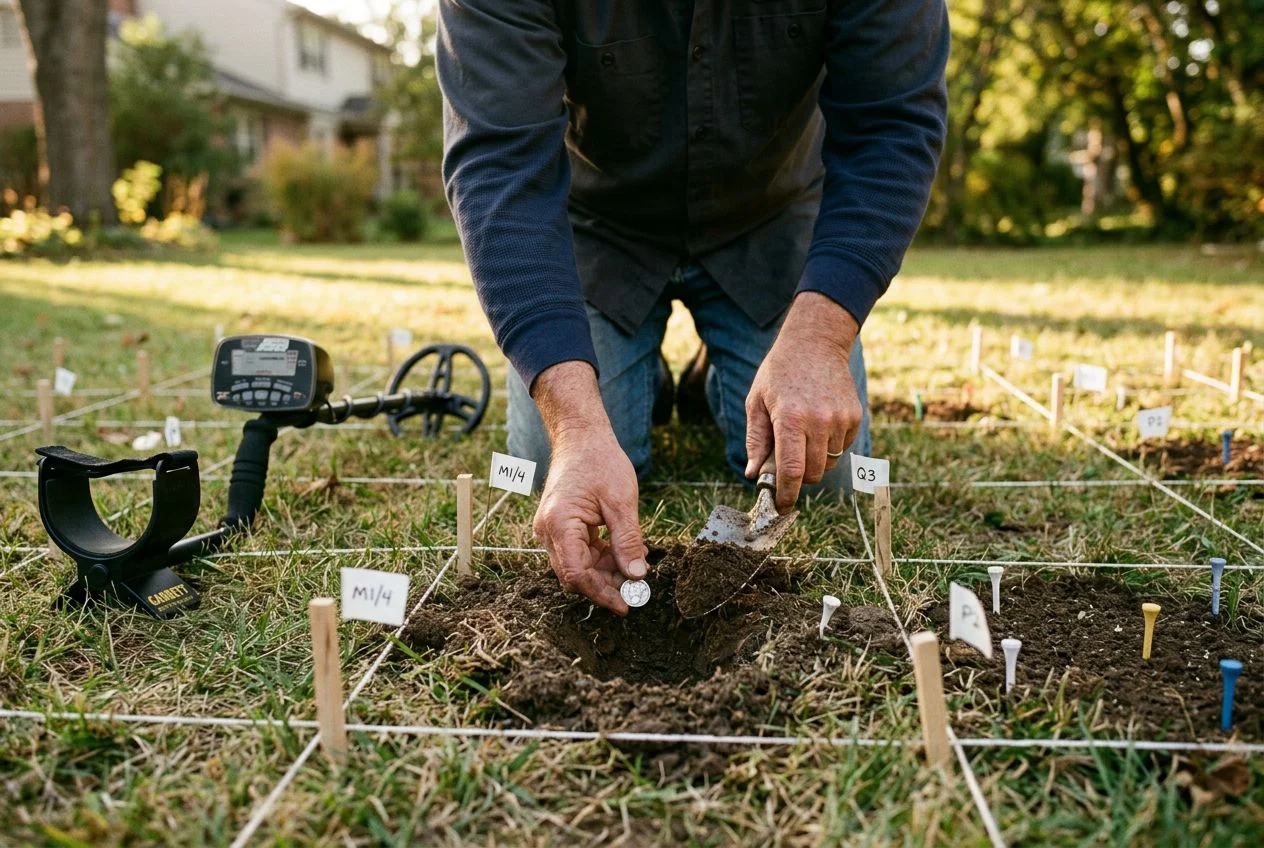
I tested it against my Minelab Equinox 900 on a buried silver dime at measured depths. At 8 inches, both detectors hit it clearly. At 12 inches, the Equinox had a slight edge in signal stability, but the GoldHunter still identified it. At 14 inches, the GoldHunter’s audio was faint. But the 3D scan still showed an anomaly — the app’s visualization actually picked it up before my ears could clearly confirm the tone.
That’s the killer feature right there. The visualization catches targets that your ears might miss, especially in noisy environments or when you’re tired.
The GoldHunter uses advanced filtering to minimize trash detection. In my experience, the Discrimination mode is solid but not exceptional. It handles iron discrimination well enough, but it’s a 19 kHz VLF — it’s optimized for gold and small targets, not for deep relic hunting in iron-infested ground. If you’re looking for Civil War relics at 14 inches in heavy iron, this probably isn’t your primary detector.
GoldHunter Beach Hunting Test Results
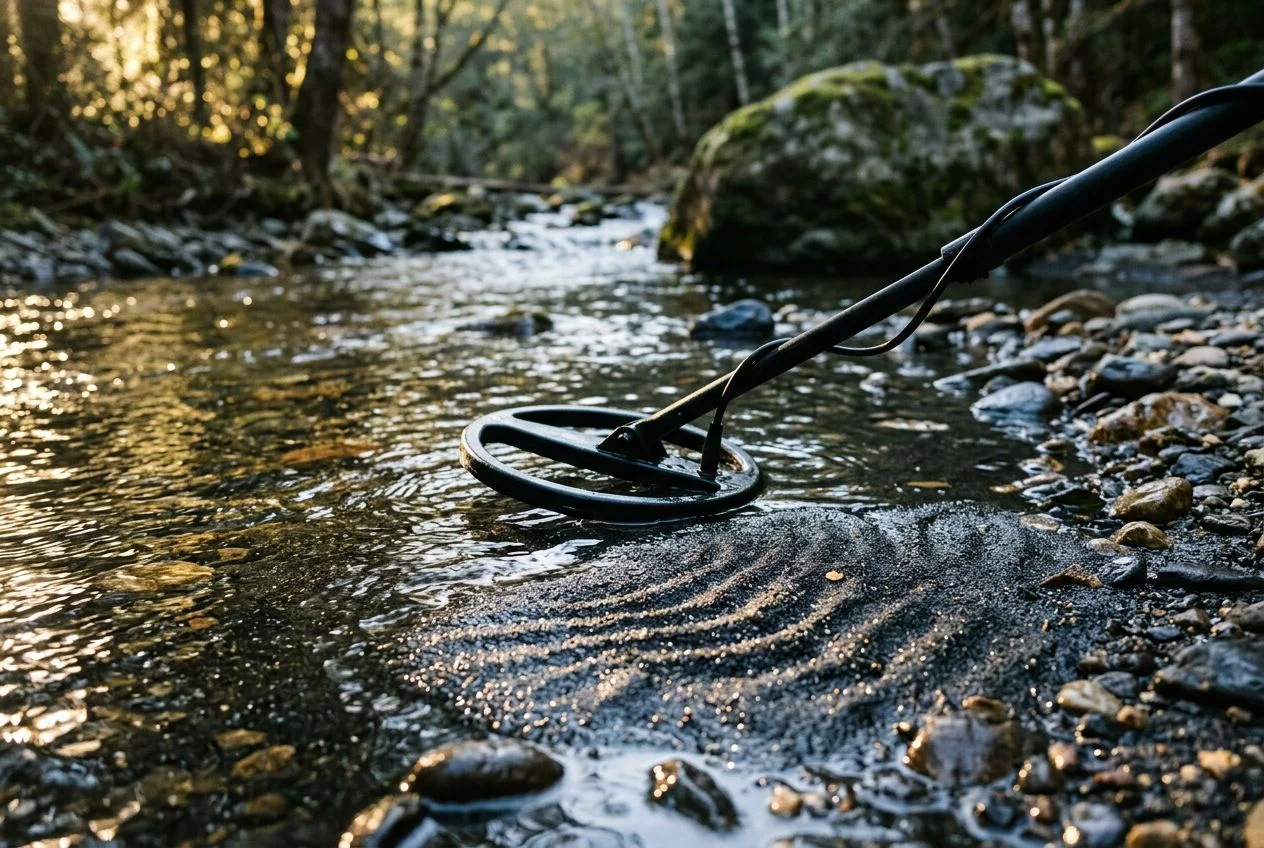
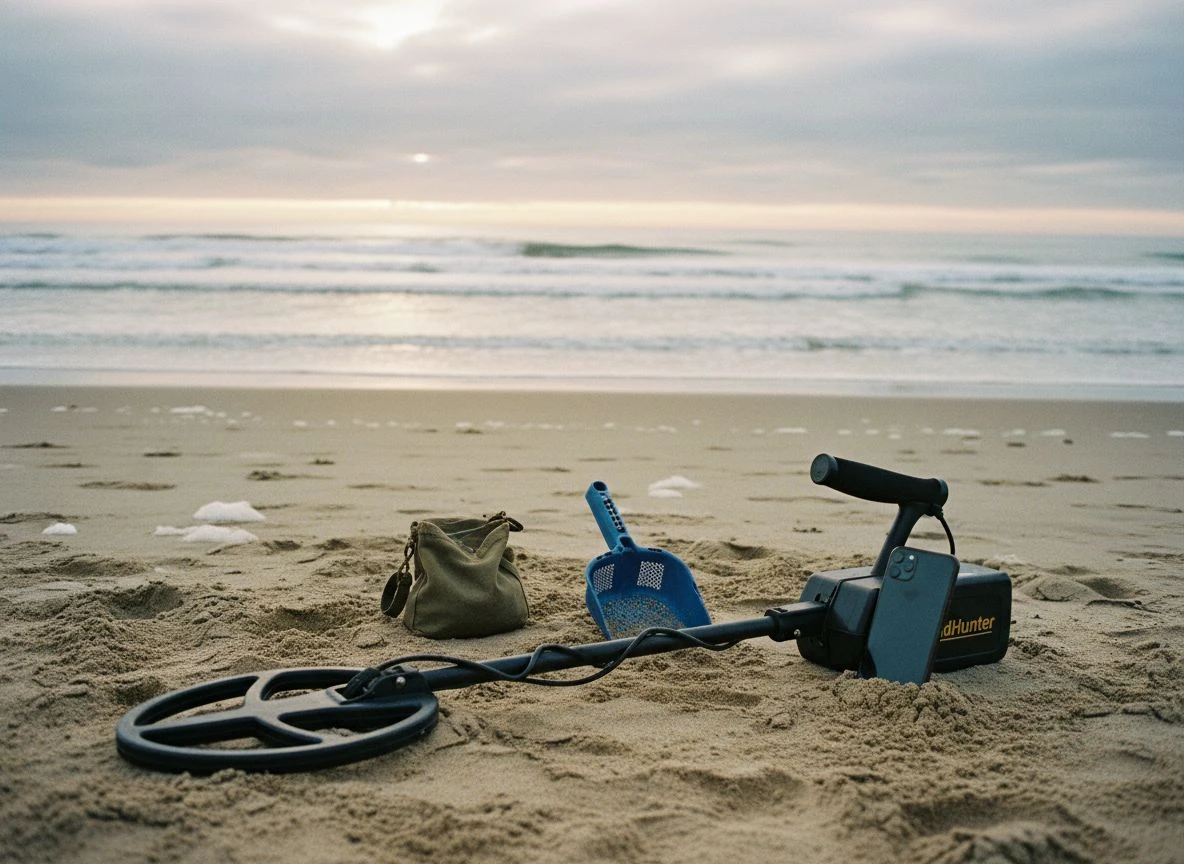
I took the GoldHunter to a California beach near Sacramento. The search coil is waterproof — you can submerge it — but the Smart Control Unit is not. So you’ll want to keep it dry if you’re in the surf. The FAQ warns that wet sand and saltwater can produce strong false signals. That was my experience. Ground balancing helped, and dropping the gain setting improved stability. But it’s not a beach machine by design. On dry sand, it worked beautifully. In the wet stuff, I had to work harder.
Who Should Use the GoldHunter Detector?
After several weekends with the GoldHunter, here’s my honest take:
Get it if:
- You’re a gold prospector or small-target hunter who wants to reduce false digs.
- You enjoy the technical side of detecting and want real-time data, not just audio tones.
- You have an iPhone 6s or newer and are willing to rely on the app as your primary interface.
- You hunt in moderate soil conditions and want to speed up your target decisions.
Skip it if:
- You’re an Android user — the iOS limitation is a dealbreaker until they expand support.
- You primarily hunt beaches or saltwater environments.
- You need deep relic performance in heavy iron.
- You prefer the simplicity of a traditional detector without a phone tethered to it.
The GoldHunter is also noted as not being suitable for detecting very small objects, like a single coin on a beach, according to TreasureHunter3D’s own product page. So this isn’t your sand-scooping companion.
GoldHunter Detector Pros Cons and Verdict
The GoldHunter is the world’s first VLF detector to offer real-time 3D visualization on a smartphone. That’s genuinely innovative. It’s not a gimmick — I found myself using the app more than I expected, especially in trashy areas where I’d normally waste time digging every mid-range signal.
But it’s also a first-generation product. The iOS-only limitation is frustrating. The battery life (5 hours per 9V) is average. And the price point puts it in competition with established multi-frequency detectors from Minelab and others, which offer broader versatility.
I suspect this technology will only get better. If TreasureHunter3D expands to Android, improves the AR resolution, and refines the filtering algorithm, the next version could be genuinely game-changing. Right now, it’s a specialized tool for a specific kind of detectorist — the one who wants to see what’s below before breaking ground.
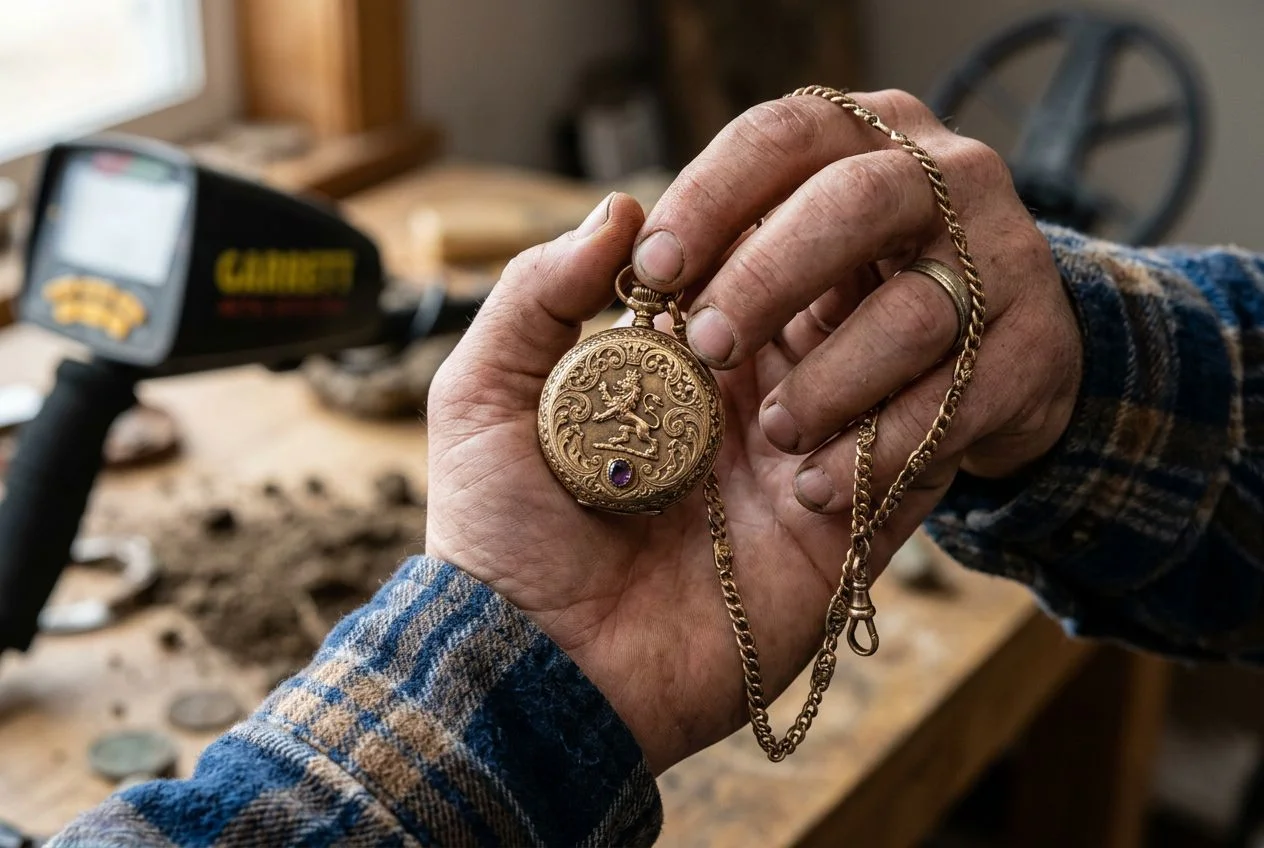
For me? I’ll keep using it on my research-heavy hunts. There’s something satisfying about watching that 3D render appear on my phone, knowing exactly where to dig after years of guessing.
My wife says I collect obscure facts like some people collect stamps. I think I’ve added another one to the collection.

My name is Paul and I am the founder of Detector For Metal, a dedicated resource for metal detecting enthusiasts seeking to uncover historical treasures and connect with the past using the latest technology. As a stay-at-home dad and family man, I’ve found metal detecting to be the perfect hobby that combines family adventure with historical learnings for the whole family.
As a father, I’m deeply committed to passing on this hobby to the next generation of detectorists, starting with my own children. I share advice on everything from metal detecting with kids to exploring the top 10 metal detecting sites you never thought about. My methodical approach to the hobby goes beyond the thrill of discovery—it’s about creating family traditions while preserving history and sharing the stories of those who came before us.