Table of contents
- Is Wireless Headphone Lag Costing You Finds?
- What 100 Milliseconds of Latency Does to Your Hunt
- Why Manufacturers Avoid Standard Bluetooth
- When Bluetooth Latency Is Low Enough for Detecting
- Wired vs. Wireless Metal Detecting Headphones
- Real-World Metal Detecting Wireless Headphones Latency Numbers
- Building a Low-Latency Detecting Setup
- Common Questions About Detector Audio Delay
- Don’t Let Wireless Lag Steal Your Finds
Standard Bluetooth has no place on a metal detector. Its 100-200 millisecond delay turns pinpointing into guesswork. That’s why manufacturers built proprietary radio systems instead. Garrett’s Z-Lynk runs at 17ms. XP’s radio link is roughly 10x faster than low-latency Bluetooth. Or they require aptX Low Latency codecs around 34-40ms.
Here’s what those numbers actually mean when you’re swinging. XP’s engineers calculated that at a normal 2 meters-per-second sweep speed, even a 40ms delay creates an 8cm offset. Add another 8cm on the return swing. That’s a 16cm blur around every target. Now bump that to standard Bluetooth’s 150ms. You’re digging a crater when a clean plug should have done it.
Garrett’s Z-Lynk system operates at 17 milliseconds on a 2.4 GHz band with frequency-hopping to avoid interference. That’s near-zero in practical terms. The tone arrives when your coil is still over the target. XP’s proprietary radio protocol is even faster. That’s why the DEUS II doesn’t bother with Bluetooth at all.
If your detector relies on Bluetooth, the codec matters more than the headphone brand. Standard SBC or AAC codecs run 150ms or worse. Qualcomm’s aptX Low Latency brings that down to roughly 34ms. Tristan Haskins verified this as virtually unnoticeable across multiple Minelab models. He used a budget aptX LL transmitter and headphone combo. Both ends — transmitter and headphones — must support aptX LL. Otherwise, you fall back to the laggy default.
Is Wireless Headphone Lag Costing You Finds?

Yes — if you’re running standard Bluetooth, your detector is telling you where a target was, not where it is. That 100-200ms delay translates to real inches on the ground. It’s quietly sabotaging every pinpoint you attempt.
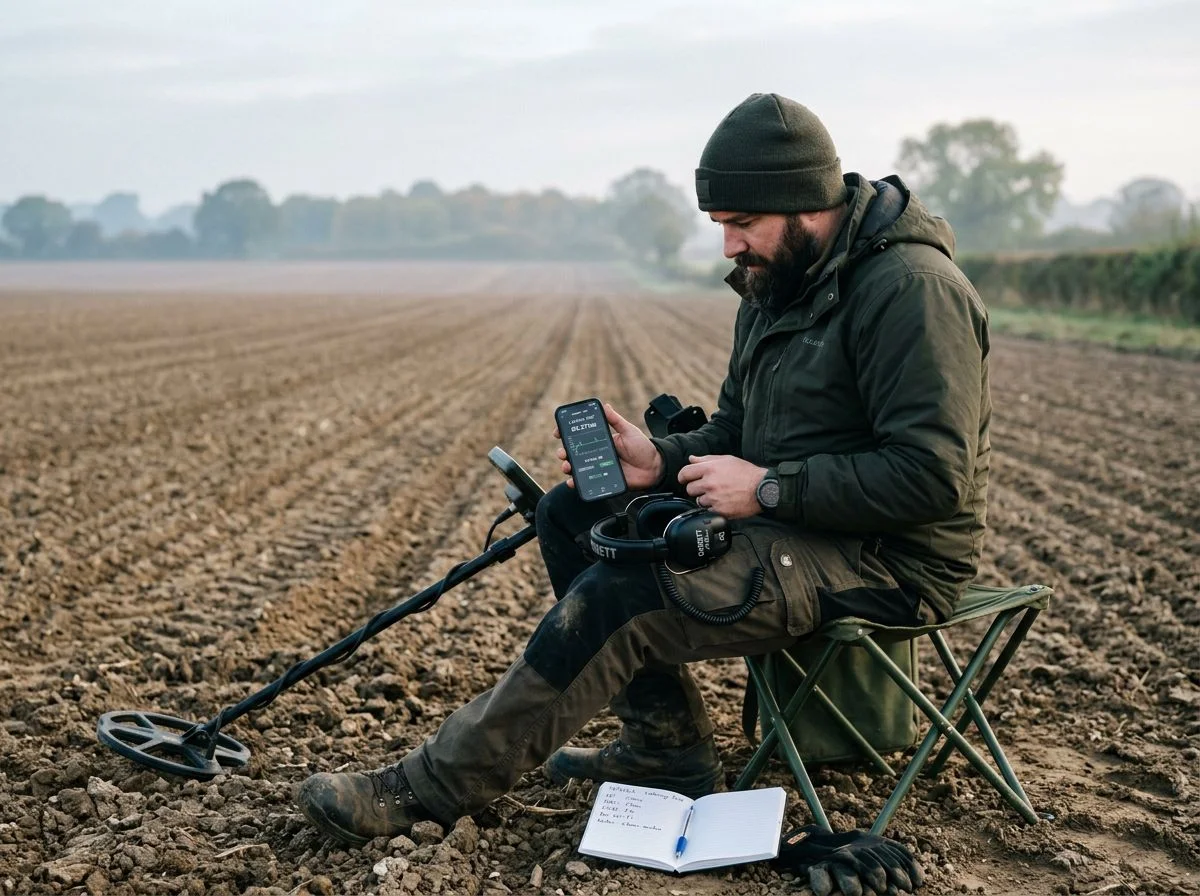
So here’s the scenario. You’re at an old farmstead, swinging a steady arc across a field that’s given up two Indian Head pennies already. Your detector sings out with a crisp, high tone — the kind that says silver, dig me. You stop, center the coil, and dig a clean plug. Nothing. You widen the hole. Still nothing. You run your pinpointer around, frustrated. Eventually you find the coin four inches outside your original plug. It’s exactly where your coil used to be when the tone actually fired.
That’s not bad technique. That’s latency lying to you.
XP’s engineers ran the numbers, and they’re sobering. At a normal 2 meters-per-second sweep speed, even a relatively quick 40ms delay creates an 8cm offset in one direction. Add another 8cm when you swing back. That’s a 16cm blur around every single target. Now consider that standard Bluetooth runs 100-200ms. You’re looking at a target zone the size of a dinner plate. You’re not pinpointing. You’re prospecting.
The fix isn’t going back to tangled cords. aptX Low Latency codecs bring Bluetooth down to 34-40ms. Garrett’s Z-Lynk proprietary radio operates at just 17ms — fast enough that the tone arrives while your coil is still over the target. The difference between 17ms and 150ms is the difference between a surgical plug and a crater.
So before you blame your machine, your headphones, or your ears — check what’s actually happening between your coil and your brain. The delay might be the only problem.
What 100 Milliseconds of Latency Does to Your Hunt

A 100-millisecond delay isn’t a minor inconvenience. It’s a physical distance. At a normal swing speed, that lag moves your target zone by roughly 20 centimeters. Precise pinpointing turns into an archaeological excavation of your own making.
Let me tell you about the first time I tried a cheap Bluetooth transmitter on my Equinox. I’d read the forums and figured, “How bad could it be?” I clipped a $12 dongle to my control box. First target — solid mid-tone, textbook coin signal. I swung, heard the beep, stopped, and dug. Nothing. Swung again. Beep. Dug wider. Nothing. It took me five minutes to realize the beep was arriving when my coil was already six inches past the target. I was chasing a ghost.
Here’s the math that explains why. Standard Bluetooth audio runs 100-150 milliseconds behind real time. Wired headphones? 5-10 milliseconds — essentially instant. Now picture your swing. A comfortable detecting pace is roughly 2 meters per second. In 100 milliseconds, your coil travels 20 centimeters. The tone you hear corresponds to where the coil was, not where it is.
XP’s engineers ran this exact calculation for lower-latency Bluetooth. Even at 40 milliseconds, you get an 8cm offset in one direction and another 8cm when you swing back. That’s a 16cm “blur” of possible target locations. It’s the difference between a clean plug and a crater. Now you know why that $12 dongle ended up in my junk drawer by lunchtime.
Why Manufacturers Avoid Standard Bluetooth
Manufacturers didn’t build proprietary wireless systems because they hate Bluetooth. They built them because standard Bluetooth is too slow for metal detecting. Even “fast” Bluetooth codecs still leave enough lag to throw off your pinpointing.
Think of it as a three-tier hierarchy. At the bottom sits standard Bluetooth, chugging along at 100-150ms. That’s the stuff in your earbuds, your car stereo, and every cheap transmitter you’ll find on Amazon. Fine for music. Useless for detecting. One tier up, you’ve got aptX Low Latency — the best Bluetooth can offer at roughly 34-40ms. Better, but still not instant. At the top, you’ve got the proprietary radio links from Garrett, XP, and Minelab. These systems bypass Bluetooth entirely. They run on dedicated 2.4GHz protocols engineered specifically for this one job.
Garrett’s Z-Lynk is the most transparent about its numbers: 17 milliseconds, period. That’s roughly six times faster than standard Bluetooth and half the delay of aptX LL. XP goes further. Their proprietary radio protocol is approximately 10 times faster than low-latency Bluetooth. That puts it somewhere in the 3-4ms range — effectively wired speed without the wire. Minelab’s WM 09 module is more coy about its specs. But the company engineers it explicitly for low-latency performance. It preserves target ID tones and threshold shifts that generic Bluetooth would smear.
The tradeoff? Proprietary means locked-in. Z-Lynk headphones only talk to Z-Lynk transmitters. XP’s WSA headphones only pair with XP detectors. You’re buying into an ecosystem, not just a pair of headphones. But when the alternative is digging dinner-plate-sized holes around every target, that’s a tradeoff most serious detectorists are happy to make.
When Bluetooth Latency Is Low Enough for Detecting
aptX Low Latency is the one Bluetooth codec that gets close enough to real-time for detecting. It runs roughly 34-40ms. That translates to a manageable 8cm target blur instead of a 20cm ghost zone. The catch: both your transmitter and headphones must support aptX LL. And that’s rarer than it used to be. Many manufacturers have quietly dropped aptX LL for Bluetooth LE to avoid licensing fees. You can’t just grab any “low latency” earbuds and expect them to work.
Here’s your checklist before buying:
- Verify aptX LL on both ends — detector transmitter and headphones. “aptX” alone isn’t enough. It must say “Low Latency” specifically.
- Read the fine print on newer headphones — if they advertise Bluetooth 5.3 or LE Audio, they may have dropped aptX LL entirely.
- Budget combo that works: the 1Mii Bluetooth 5.3 transmitter paired with Sound Blaster JAM V2 headphones keeps delay under 50ms. Real-world testers confirmed it on Minelab Equinox and X-Terra models.
- Skip generic $12 dongles — standard Bluetooth transmitters without aptX LL will put you right back in the ghost-chasing scenario from earlier.
If both devices check out, you’ll hear the tone as your coil crosses the target — not six inches later.
Wired vs. Wireless Metal Detecting Headphones
Wired headphones remain the undisputed latency champion at 5-10ms. That’s effectively instant. They never run out of battery, drop signal, or care about rain. For pure performance, the old school still wins.
The numbers don’t lie. A wired connection delivers audio in 5 to 10 milliseconds. That’s faster than even the best proprietary wireless systems. XP’s radio link runs around 3-4ms, but that’s still a wireless signal that can theoretically drop. A copper wire doesn’t care about interference from power lines, other detectors, or the dozen Bluetooth devices everyone at the park is carrying.
But the real argument for wired isn’t just latency — it’s weather. Last February I was hunting an old homestead site when the sky opened up. Not a sprinkle — a proper Northern California downpour. My detecting buddy Tom had his wireless headphones. He spent half the hunt with one hand holding a plastic bag over his head. Me? I’d grabbed my wired set that morning because the forecast looked iffy. They got soaked. They kept working. That’s the thing about a simple cable and a driver. There’s nothing to short out, no battery compartment to flood, no receiver module to protect.
That said, wired headphones on a detector aren’t automatically waterproof. The Garrett MS-3 carries an IP52 rating. That means light rain only — not a downpour, and definitely not submersion. If you’re hunting in genuinely wet conditions, you need headphones rated for it, wired or not.
Weight matters too. The XP WSA-ST wireless headphones weigh just 72 grams — featherlight. Most wired detecting headphones are heavier. They pack larger drivers and more robust housings. After a six-hour hunt, you notice those extra grams on your neck.
So when does wired actually win? When you need zero latency, zero battery anxiety, and zero weather worries. When you’re hunting a trashy site where pinpoint accuracy matters more than comfort. And when you’re like me — someone who forgets to charge things and then stands in the rain wondering why his headphones died.
Real-World Metal Detecting Wireless Headphones Latency Numbers
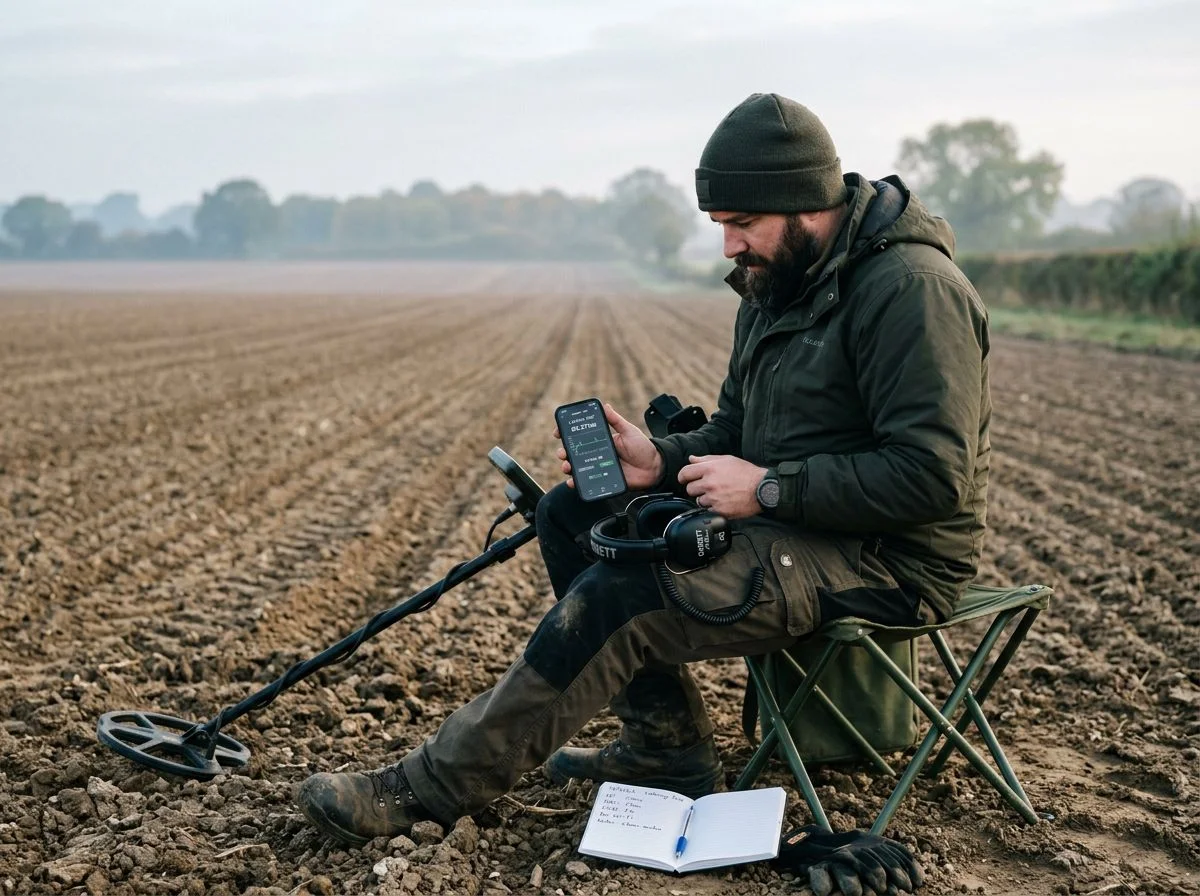
Here’s the short version: wired is 5-10ms, XP’s proprietary radio is 3-4ms, Garrett’s Z-Lynk sits at 17ms, aptX LL lands around 34-40ms, LE Audio’s LC3 hovers near 30ms, and standard Bluetooth is a sluggish 100-200ms. That’s the full spectrum, from instant to ghost-chasing.
Keep this list handy when you’re shopping:
- Wired (any decent 3.5mm or 1/4″ set): 5-10ms — The gold standard. Pocketnow confirms this is as close to zero as you’ll get without a direct neural link.
- XP proprietary radio (DEUS II, WSA-ST): ~3-4ms — The fastest wireless option on the market. XP’s own documentation claims their protocol is roughly 10 times faster than low-latency Bluetooth. That puts it in the single-digit range.
- Garrett Z-Lynk (MS-3 system): 17ms — Garrett advertises this as six times faster than standard Bluetooth. In practice, it feels instant.
- LE Audio LC3 codec: ~30ms — The newer Bluetooth standard. Edifier notes this brings Bluetooth down to roughly 30ms. That’s comparable to a dedicated 2.4GHz dongle.
- aptX Low Latency: 34-40ms — The old reliable for Bluetooth. AKA Metal Detectors reports their aptX LL module delivers 30-40ms. That’s workable if you swing deliberately.
- Standard Bluetooth (AirPods, generic earbuds, cheap dongles): 100-200ms — This is what forum members consistently flag as the ghost-chasing zone. Avoid it for detecting.
Building a Low-Latency Detecting Setup
You’ve got three realistic routes to lag-free audio. You can buy into a manufacturer’s proprietary system. You can hunt down true aptX Low Latency gear. Or you can accept a tiny delay with LE Audio. Each has a sweet spot depending on your detector and budget.
Path 1: Go proprietary. This is the “it just works” option — and when it’s worth paying more. Garrett’s MS-3 Z-Lynk system runs at 17ms with a 30-hour battery. It’s effectively instant in the field. XP’s WSA-ST headphones weigh just 72 grams and are fully rainproof. They pair with XP’s ~3-4ms radio link. If you own an Equinox 700/900, X-Terra Pro/Elite, or Manticore, the Minelab WM 09 module delivers the same low-latency experience without locking you into proprietary headphones. Yes, you pay a premium. But you’re buying zero setup friction and guaranteed compatibility.
Path 2: Go aptX Low Latency. The budget-friendly middle ground. You need both a transmitter and headphones that support the codec. Otherwise, you’ll fall back to standard Bluetooth’s 100-200ms mess. Expect 34-40ms — workable if you swing deliberately.
Path 3: Go LE Audio. The newest Bluetooth standard lands around 30ms. But support is still spotty in detecting gear. Check your detector’s spec sheet carefully before committing.
Common Questions About Detector Audio Delay
Here’s the short version: most wireless headphone confusion comes down to one question — does your gear actually talk the same low-latency language? If not, you’re stuck with lag no matter how expensive your headphones were.
“Can I just use my AirPods with a Bluetooth transmitter?”
Technically, yes. Practically? Don’t bother. AirPods run at roughly 150ms of latency, according to Pocketnow. That’s the “ghost chasing” zone. Your beep arrives after your coil has already moved past the target. I tried this once with a cheap dongle on my Equinox. I dug three empty holes before I figured out what was happening.
“Why can’t I find aptX Low Latency headphones anymore?”
Because manufacturers quietly dropped the codec. Licensing fees, mostly. Forum members have flagged this repeatedly. Brands shifted to Bluetooth LE instead. That left detectorists scrambling for used pairs of headphones that still support aptX LL.
“Do I need a special transmitter and special headphones?”
Yes. aptX LL requires both ends to support the codec. Otherwise, the connection falls back to standard Bluetooth. That’s the trap most people hit. AKA Metal Detectors confirms their aptX LL module delivers 30-40ms — but only when paired with aptX LL headphones.
“Is 40ms actually good enough?”
For most hunting, yes. XP’s documentation explains that even 40ms creates a 16cm target blur at normal swing speed. But if you swing deliberately and dig a slightly wider plug, 34-40ms is workable. I’ve used aptX LL setups on farm fields without losing my mind. In heavy trash where targets are close together? That’s where proprietary radio earns its premium.
Don’t Let Wireless Lag Steal Your Finds
If your wireless audio runs slower than 50 milliseconds, you’re digging where the beep was — not where the target is. Anything under that threshold is workable. Anything over it is costing you finds.
That 50ms number isn’t arbitrary. Tristan Haskins verified it across five different detectors. It matches what I’ve experienced in the field. Below 50ms, your brain can’t distinguish the delay from real time. Above it, you start chasing ghosts — exactly like I did with that cheap Bluetooth dongle on my Equinox.
Here’s my honest reflection after years of digging: I wasted more time fighting lag than I ever saved by going cheap. A $12 transmitter cost me hours of empty holes and one very frustrating afternoon before I figured out what was happening. The proprietary systems cost more upfront, but they just work. The aptX LL route works too, if you’re willing to hunt down the right gear.
So here’s what I want you to do: check your current setup’s actual codec. Not the marketing copy — the real spec sheet. If it doesn’t say aptX Low Latency, LE Audio, or a proprietary radio link, you’re probably running standard Bluetooth at 100-200ms. That’s not a minor annoyance. That’s your detector lying to you about where your targets are.
Fix the lag. Your back will thank you, and so will your finds pouch.

My name is Paul and I am the founder of Detector For Metal, a dedicated resource for metal detecting enthusiasts seeking to uncover historical treasures and connect with the past using the latest technology. As a stay-at-home dad and family man, I’ve found metal detecting to be the perfect hobby that combines family adventure with historical learnings for the whole family.
As a father, I’m deeply committed to passing on this hobby to the next generation of detectorists, starting with my own children. I share advice on everything from metal detecting with kids to exploring the top 10 metal detecting sites you never thought about. My methodical approach to the hobby goes beyond the thrill of discovery—it’s about creating family traditions while preserving history and sharing the stories of those who came before us.