Table of contents
- How to Detune a Pinpointer in Heavy Clay
- What Mineralization Does to a Pinpointer
- How to Detune a Pinpointer Step by Step
- When to Detune and When to Leave It Alone
- The Duct Tape Field Fix for Constant Falsing
- PI Pinpointers for Extreme Clay Conditions
- Why Does My Pinpointer False in Wet Clay?
- Quiet the Chatter and Find the Target
Here’s the fix in one breath: turn your pinpointer on with the tip pressed against the clay. Let it calibrate to that mineralized ground. It’ll go quiet until actual metal is right under the tip. It’s the same ground-balance principle your main detector uses, shrunk down to fit in your hand.
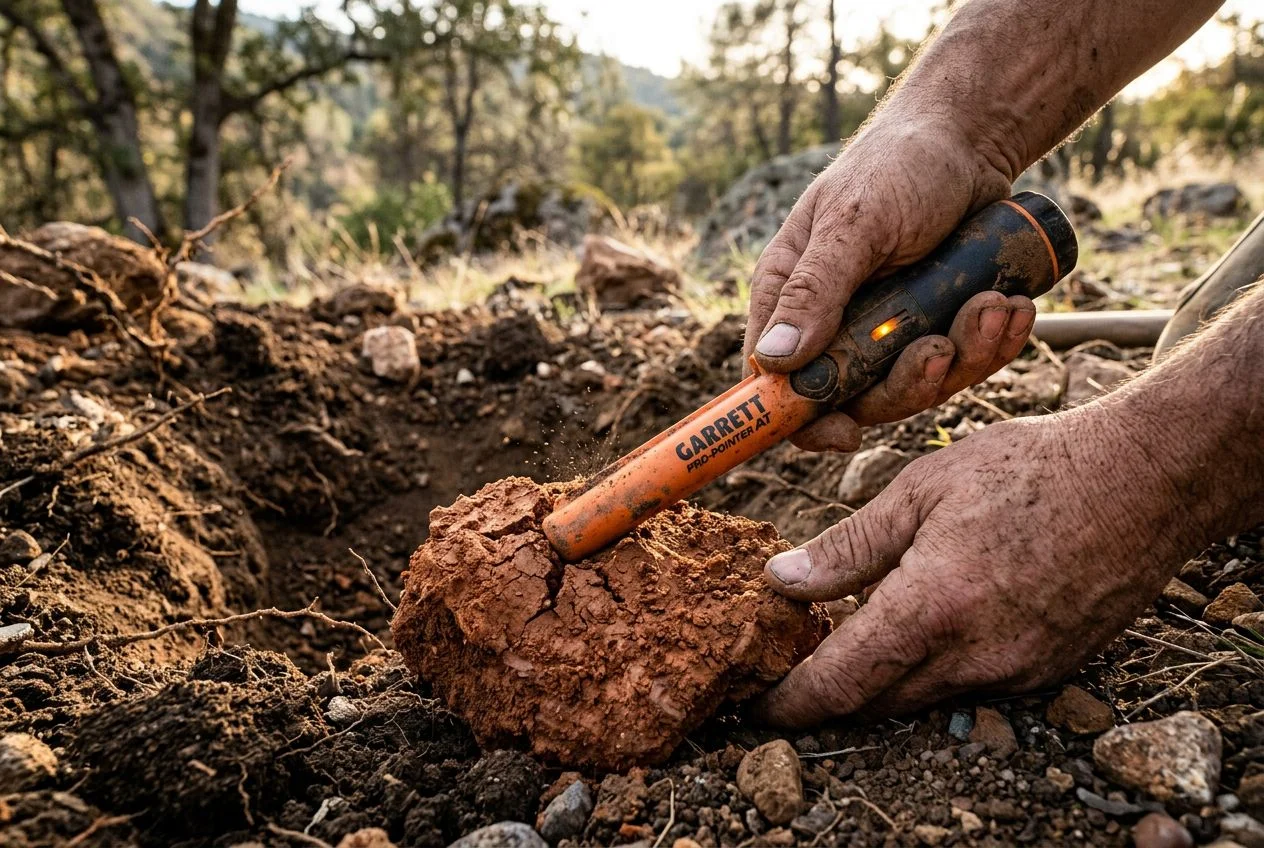
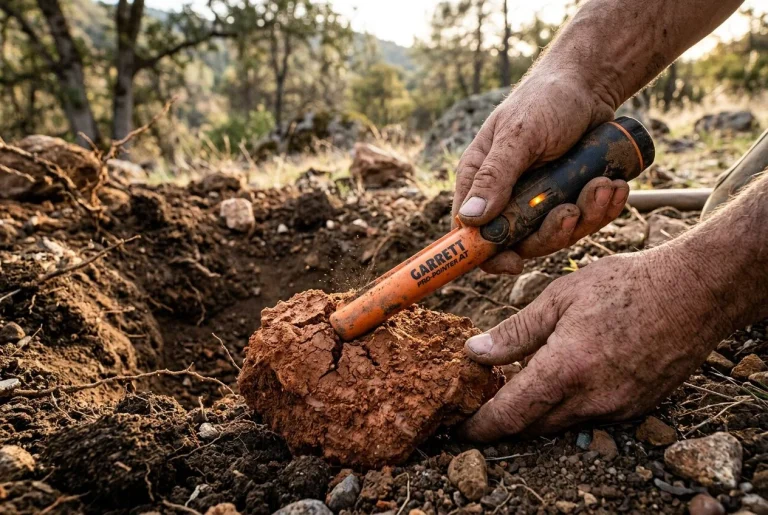
Beau Ouimette — better known as Aquachigger — demonstrated this exact hack years ago, and it’s saved my sanity more times than I can count in the Sierra foothills. The process is stupidly simple. When your pinpointer starts chattering at dirt, hold the tip directly against the mineralized soil and power it on. Don’t wave it around. Don’t hold it near the target. Just press it into the clay and let it boot up. The circuitry reads that iron-loaded ground as its new baseline. That shrinks the detection field down to a tight little bubble around the tip. Now it only screams when metal is actually touching it.
The closer you are to the source of the interference — whether that’s hot clay or a big chunk of iron — the more sensitivity you lose. That’s the tradeoff. The original detuning method works the same way: hold the tip near the problem, power cycle, and the field shrinks. Detune too aggressively and you’ll only get a response at a half-inch instead of three inches. But in screaming-hot clay, a half-inch of reliable response beats three inches of constant falsing every single time.
One quirk: you’ll need to repeat this on every new hole. Or at least every time the ground conditions shift. Annoying? Sure. But it beats digging ghost targets for twenty minutes because your pinpointer can’t tell the difference between a wheat penny and the dirt it’s buried in.
How to Detune a Pinpointer in Heavy Clay
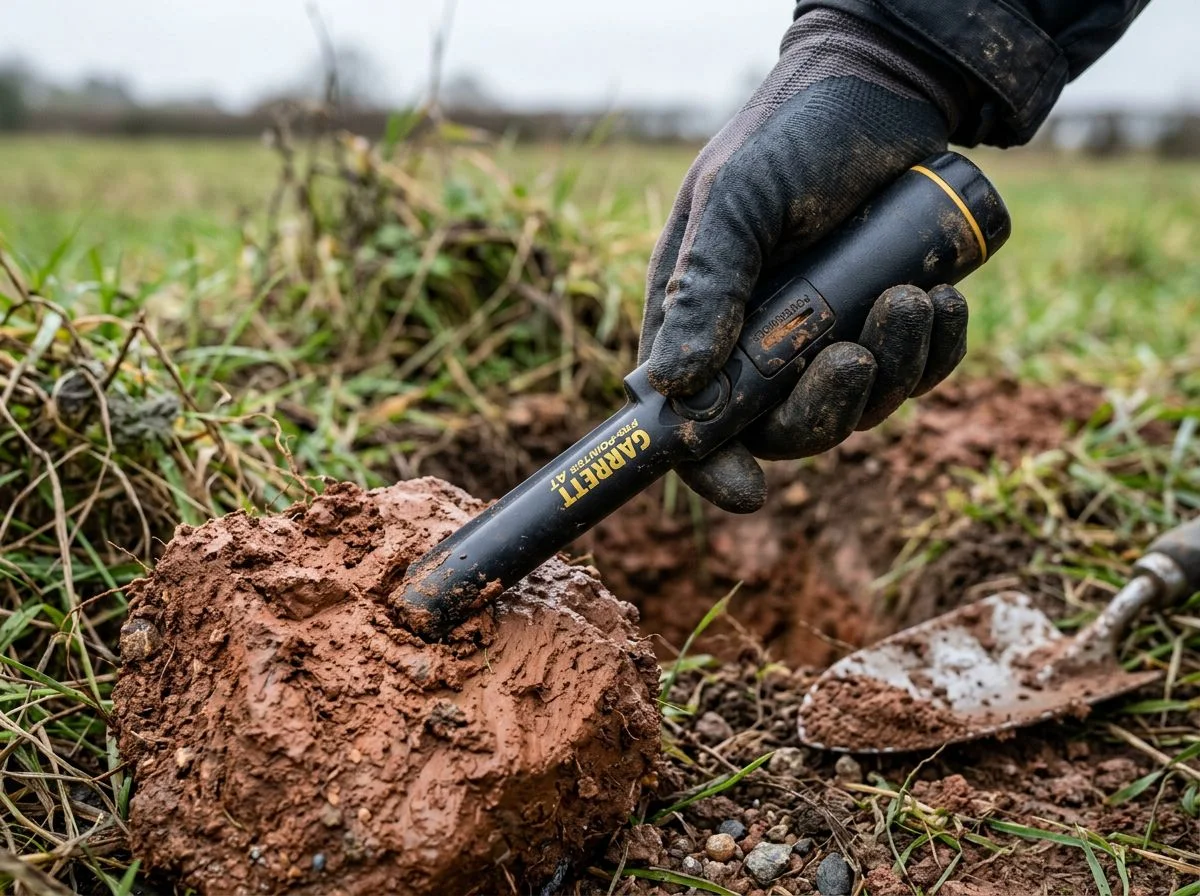
Here’s the short answer: your pinpointer isn’t broken — it’s drowning in iron. Clay loaded with iron oxides overwhelms the tiny VLF circuit inside your pinpointer. The fix is to detune it against that mineralized ground. Then it only responds to actual metal under the tip.
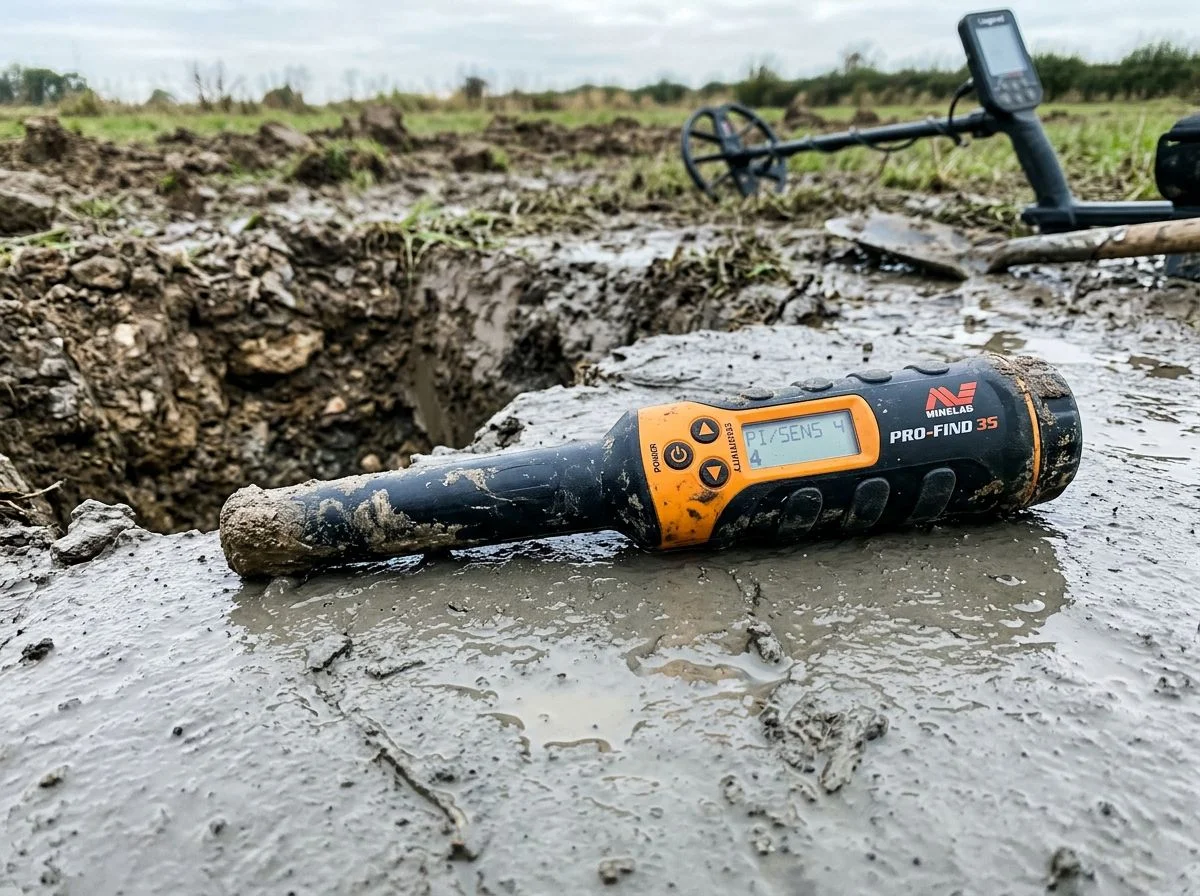
My first hunt in Sierra foothill clay nearly ended with a Pro-Pointer at the bottom of the American River. I’d dug a solid dime signal with my AT Pro, popped the plug, and reached for my pinpointer to zero in on the target. The second I shoved that orange wand into the hole, it started shrieking like I’d found a buried fire alarm. I waved it around the hole — screaming. I pulled it out into open air — still screaming. I tapped it against my boot, cycled the power, tried again. Screaming.
My detecting buddy Mike was fifty yards away. He later told me he thought I’d hit a cache of silver. I’d hit a cache of iron-rich clay. And I was about two seconds from introducing my pinpointer to the nearest trout.
Here’s what was actually happening. That foothill clay runs up to 15% iron oxide by weight. Your pinpointer’s circuitry reads all that iron as one giant, shapeless target. On Garrett’s ground mineralization scale, mild soil sits at 0-10. That clay? Easily 60 or higher, which is firmly in “severe” territory. Your pinpointer doesn’t have a fancy ground-balance button like your main detector. So it just screams at everything.
The detuning trick fixes this by shrinking your pinpointer’s detection field by 50-70%. That’s enough to ignore the clay but still catch the coin. And once you understand why it works, you’ll never look at a screaming pinpointer the same way again.
What Mineralization Does to a Pinpointer
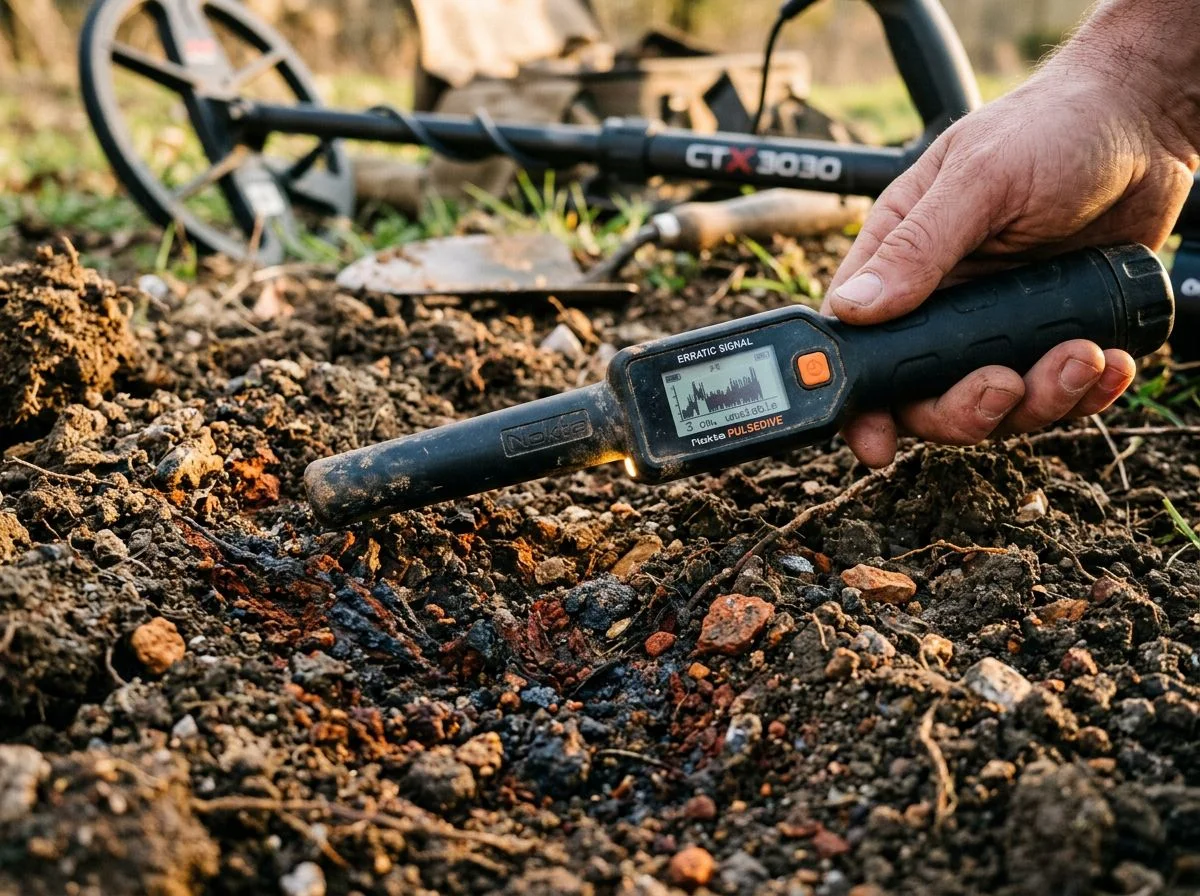
Here’s the short version: iron oxides in clay create a massive electromagnetic “noise floor.” Your pinpointer’s circuitry mistakes that noise for metal. It drowns out the real signal. Think of it like trying to hear a whisper in a windstorm. The microphone (your pinpointer) is working fine. But the noise is so loud it can’t tell what’s signal and what’s static.
That windstorm analogy isn’t just poetic. Your pinpointer operates at a specific frequency range — most run between 12 and 15 kHz. Iron oxides love that frequency band. When you shove the tip into clay loaded with magnetite or hematite, those minerals absorb and re-radiate the electromagnetic field. The result looks almost identical to a metal target.
Here’s the technical bit worth understanding. VLF pinpointers work by measuring something called phase shift. That’s the delay between the transmitted signal and what bounces back. Metal targets create a predictable phase shift, typically between 0 and 180 degrees. The circuitry recognizes that as “dig me.” The problem? Iron oxides create a phase shift in that exact same range. Your pinpointer can’t tell the difference between a wheat penny and a blob of magnetite. So it just screams at everything.
Garrett’s own documentation puts this on a 0-99 scale. Mild soil sits at 0-10. The Sierra foothill clay I hunt in? Easily 60 or higher — firmly in “severe” territory. At that level, the ground itself becomes one giant, shapeless target. It completely overwhelms the circuitry.
The detuning trick works because it forces your pinpointer to treat that mineralized clay as the new “zero.” Instead of trying to hear a whisper over the wind, you’re essentially telling the microphone to mute the wind entirely. The tradeoff is a smaller detection field. But in ground this hot, a tight, reliable response at half an inch beats three inches of pure chaos every single time.
How to Detune a Pinpointer Step by Step
The detuning trick is dead simple. Turn your pinpointer on while its tip is pressed against the mineralized clay. It’ll recalibrate to ignore that ground. The detection field shrinks by 50-70%, so it only screams when there’s actual metal under the tip.
Here’s the exact sequence I use in Sierra foothill clay. I’ve refined it over dozens of hunts where the alternative was walking back to the truck empty-handed.
1. Dig your plug and clear the loose dirt first. Get the hole as clean as you can before the pinpointer ever goes in. The less disturbed clay you’re working against, the more stable your detune will hold.
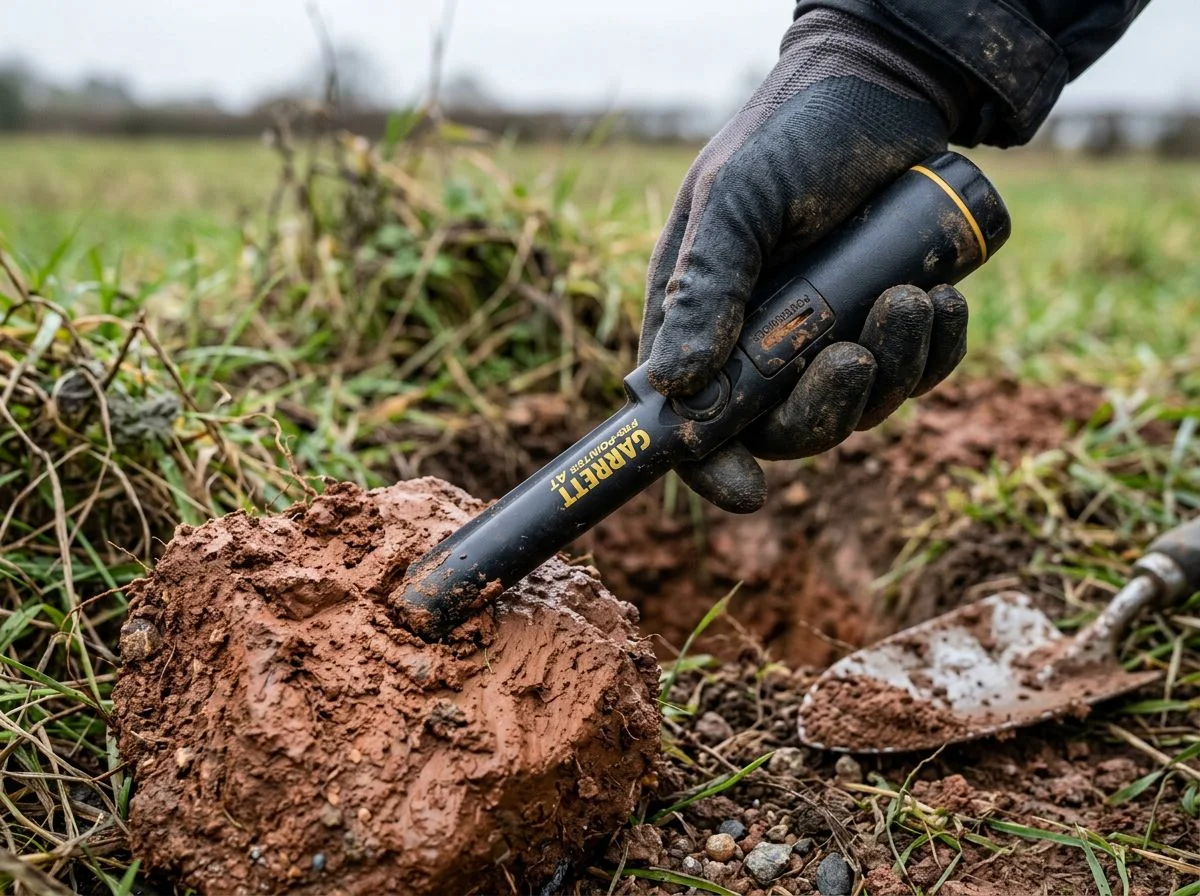
2. Press the tip firmly against the side of the hole. Not hovering near it — actually touching the clay. The original 2009 method from the metaldetectingforum.com post called for holding the tip near a metal object before power cycling. But for mineralized ground, you want direct contact. That’s the refinement Aquachigger demonstrated back in 2015 — hold the tip against the soil itself, not a target.
3. Hold it still for a full two seconds. This is the part people rush. If you’re moving the tip while it powers up, the circuitry can’t establish a clean baseline against the clay. Two seconds. Count it out if you have to.
4. Power off, then power on — without moving the tip. Keep it pressed against the same spot. The pinpointer will chirp once on startup, then go quiet. That silence is the sound of it accepting the clay as its new “zero” floor.
5. Pull the tip back an inch and listen. If it starts chattering again, you didn’t hold it still long enough. Or the clay at that exact spot was hotter than the rest. Repeat steps 2-4 once more, pressing slightly harder.
6. Sweep into the hole slowly. The detection field is now roughly half to two-thirds its normal range. So you’ll need to get the tip within an inch or two of the target before it responds. When it does, it should be a solid, rising tone — not the machine-gun chatter you were getting before.
The tradeoff is real: you lose depth, but you gain sanity. In clay that reads 60+ on Garrett’s mineralization scale, a detuned pinpointer that only catches targets within two inches is still infinitely more useful than one that screams at everything within six.
One more thing worth knowing. The detune resets every time you power cycle in clean air. So you’ll repeat this at each new hole. It becomes muscle memory after a while. But if you’re hunting clay all day, that’s the price of admission.
When to Detune and When to Leave It Alone
Detune when your pinpointer chatters on every hole in mineralized clay, not just the deep ones. If the falsing is constant — ground-driven, not target-driven — detuning is your fix. If it only happens occasionally on deep targets, leave the sensitivity alone.
Here’s the diagnostic question that’ll save you hours: Is your pinpointer chattering on every hole, or just the deep ones? If it’s every hole, that’s ground mineralization talking. Detune. If it’s only the deep ones, that’s your pinpointer actually doing its job — stretching to reach a faint target. Detuning in that scenario just costs you depth for no reason.
The depth loss is real, by the way. When you detune against hot clay, you’re not shaving off a little sensitivity. You’re cutting your detection field by up to 70%. On a coin-sized target, that means going from roughly 3-4 inches of range down to an inch or less. In mild soil, that tradeoff makes zero sense. In screaming-hot Sierra clay, it’s the difference between finding the target and walking away.
One more variable worth watching: how your pinpointer falses. Audio-only falsing — random chirps and sputters — is usually ground noise. Detuning handles it well. But if you’re getting vibration falsing with no audio, or falsing when you press the tip against the side of the hole, that’s often pressure sensitivity or a physical issue with the coil. Detuning won’t fix that. You’ll just frustrate yourself recalibrating over and over.
And wet clay? That’s when things get really obnoxious. Moisture increases conductivity. That means wet, iron-rich soil conducts the ground signal even more aggressively than dry clay. The same patch of ground that’s manageable in August can become unhuntable after a rain. If you’re detuning on wet clay, expect to recalibrate more often. The ground’s “zero” shifts as the moisture content changes throughout the day.
The Duct Tape Field Fix for Constant Falsing
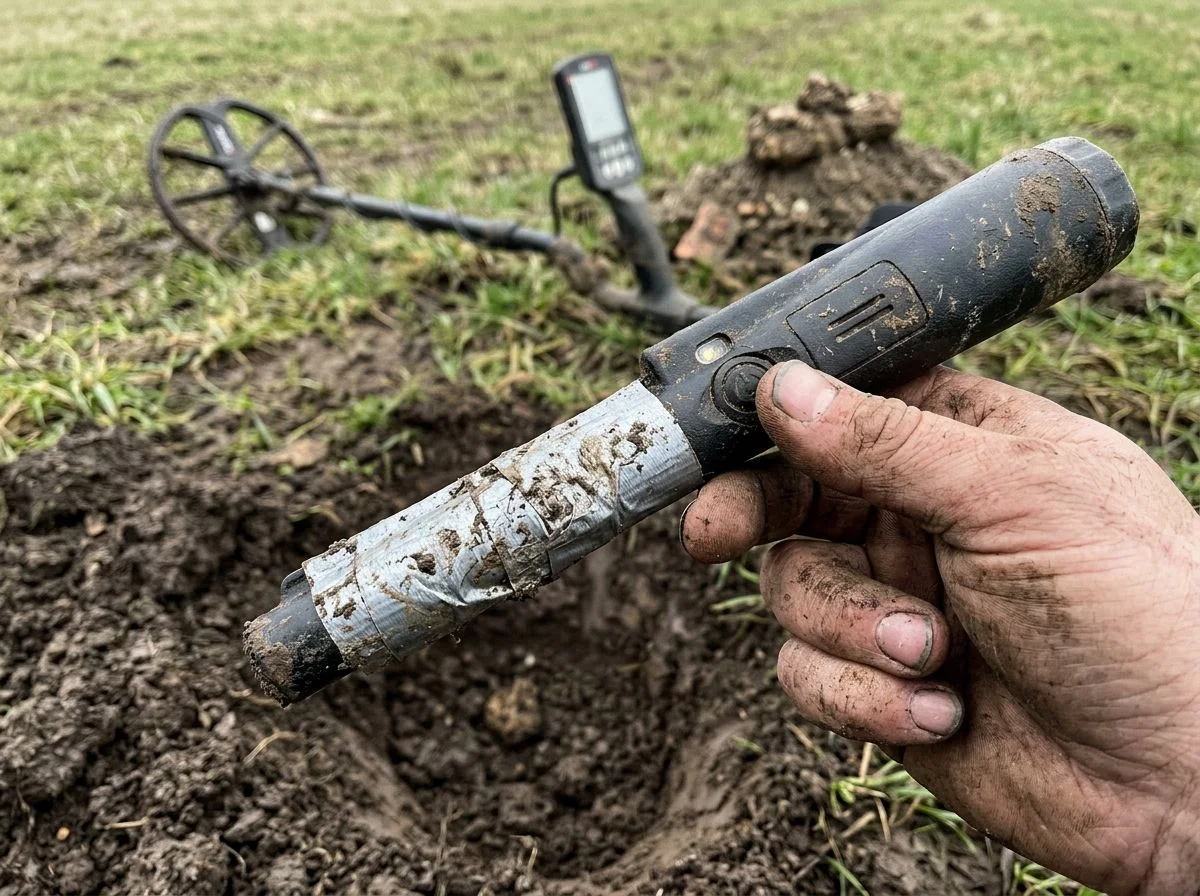
If manual detuning works but you’re tired of doing it on every single hole, there’s a permanent fix. Wrap a strip of metallic foil tape around the barrel of your pinpointer — 3 inches long, 1/4 inch wide, placed directly over the “G” in the Garrett logo. It’ll detune itself slightly every time you power on. My buddy Mike discovered this fix after a genuinely awful day in iron-rich clay. His Pro-Pointer had been chattering for six straight hours. By the time we got back to the truck, he was ready to throw the thing into the river. Instead, he cut a strip of metallic furnace duct tape and wrapped it around the barrel. The difference was immediate. The next hole? Dead quiet until the tip actually touched metal.
The mechanism is simple. That foil strip sits close enough to the coil to add a constant, tiny metallic signal to the pinpointer’s baseline. When you power on, the circuitry calibrates against that slightly elevated floor. It’s the same principle as the manual detune method, just automated. You lose a bit of raw depth. But in screaming-hot clay, you weren’t getting that depth anyway. The tradeoff is stability. And stability means you stop digging ghost holes.
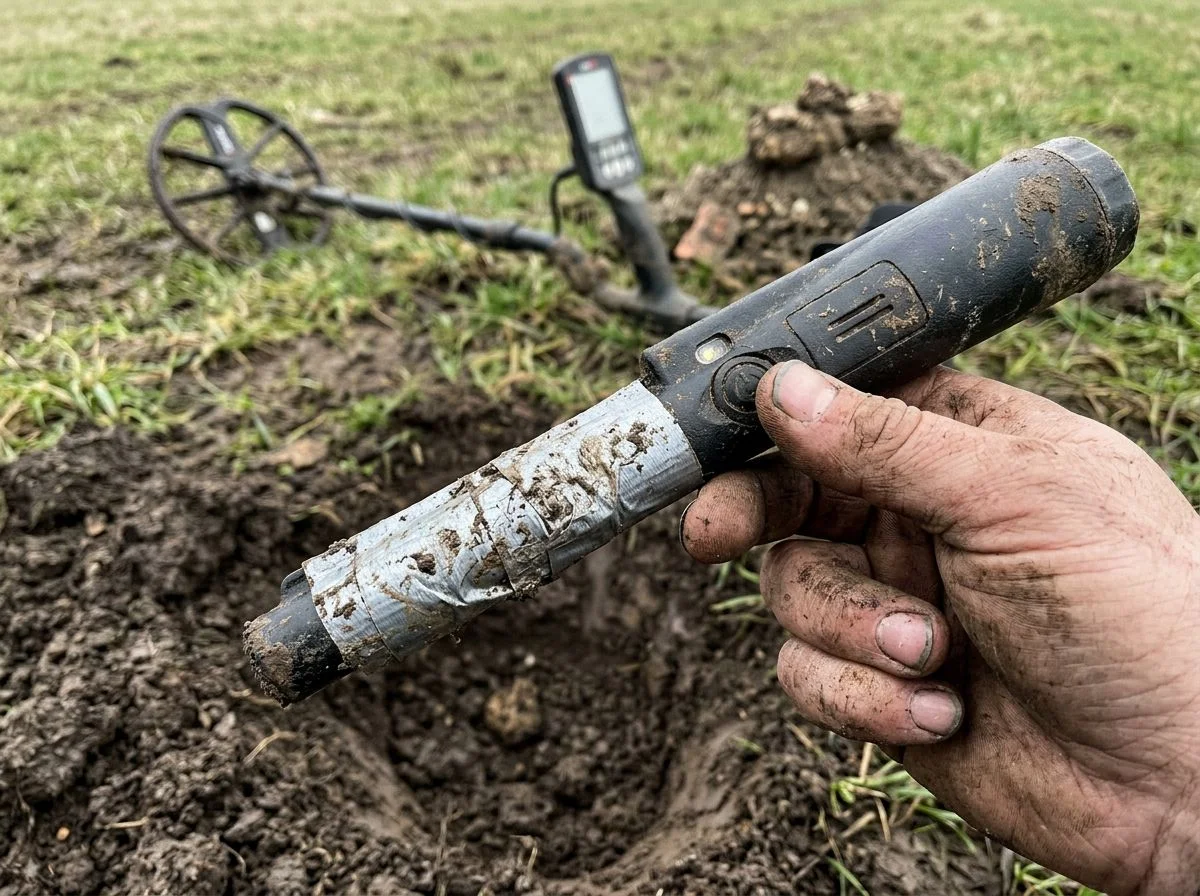
A few caveats from field use. First, the tape needs to be metallic. Regular electrical tape does nothing. Furnace duct tape with actual foil backing is what works. Second, placement matters. Over the “G” puts it close enough to the coil to influence the baseline without completely strangling the signal. Too far forward and you’ll kill the sensitivity entirely. And third, if you hunt different soil types regularly, this fix is a commitment. That permanent detune follows you to mild ground, where it’s just costing you range for no reason. Mike keeps a second, unmodified Pro-Pointer for beach trips. I keep telling him that’s excessive. He keeps finding coins I walk over.
PI Pinpointers for Extreme Clay Conditions
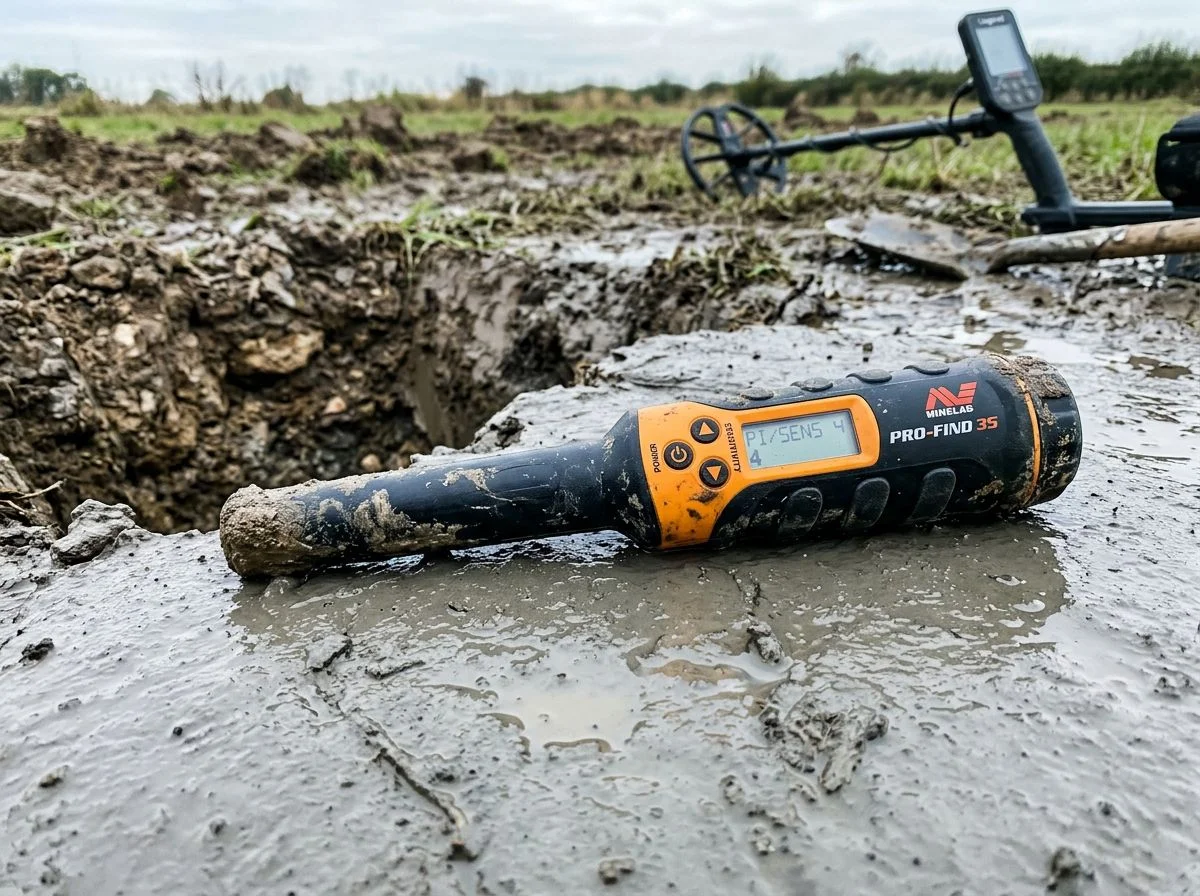
If your VLF pinpointer won’t shut up no matter how much you detune, a pulse induction (PI) pinpointer is the fix. It ignores iron oxides almost entirely. And it delivers full depth in soil that makes a Garrett Carrot sound like a smoke alarm. I resisted buying one for years. Now my Fisher F-Pulse lives in my detecting bag permanently.
The difference comes down to how the two technologies read the ground. A VLF pinpointer transmits a continuous electromagnetic field and measures how metal distorts it. The problem is that iron oxides in clay distort that field too. Enough that the circuitry can’t tell the difference between dirt and a dime. That’s why you get the constant chatter. A PI pinpointer works differently. It fires a short, powerful magnetic pulse into the ground, then measures how long it takes for that pulse to decay. Metal holds the pulse longer than mineralized soil does. Iron oxides don’t hold it at all. So the pinpointer simply doesn’t see them.
Here’s what that looks like in the field:
| VLF Pinpointer (e.g., Garrett Pro-Pointer AT) | PI Pinpointer (e.g., Fisher F-Pulse) | |
|---|---|---|
| Behavior in hot clay | Constant falsing, requires detuning | Runs quiet, no detuning needed |
| Depth on coin-sized target | 2–4 inches in mild soil, drops to under 1 inch when detuned against clay | 3–4 inches, unaffected by mineralization |
| Stability | Chatter on every hole unless recalibrated | Stable even in wet, iron-heavy clay |
| Best use case | Mild to moderate soil, parks, fields | Extreme clay, hot rocks, saltwater beaches |
The F-Pulse has become the community’s go-to for exactly this reason. I’ve watched my buddy Tom run his through Sierra clay that had my Pro-Pointer screaming at air. The thing just hummed along until it actually touched metal. The depth hit you take from detuning a VLF pinpointer — up to 70% of your detection field gone — simply doesn’t exist with PI. You get full range and zero ground noise.
The tradeoff is cost. The F-Pulse runs about $50–70 more than a Garrett Carrot. And it’s overkill if you hunt mostly parks and mild fields. But if you’re in clay country — the kind of iron-rich, mineralized soil that makes every hole a fight — it’s not an upgrade. It’s a different tool entirely.
Why Does My Pinpointer False in Wet Clay?
If your pinpointer is screaming at nothing, you’re not crazy. And you probably don’t have a lemon. In nearly every case, what you’re dealing with is either mineralized ground confusing the circuitry, a rushed startup sequence, or — in a surprising number of cases — a counterfeit unit.
“Does yours ever go off falsing in thin air?” That question showed up in a Reddit thread about the Garrett Pro-Pointer II. The answer is yes. But it’s rare, and it usually points to a specific cause. If your pinpointer falses in the air right after startup, you likely powered it on while it was near metal or mineralized soil. The fix is simple: turn it off, hold it away from everything, and turn it back on. That resets the calibration. If it still falses in open air after a clean startup, that’s when you start troubleshooting for real.
“Is it possible I may have gotten a lemon with a bad ground balance?” Possible? Sure. Likely? No. Before you box it up and send it back, run a quick test. Power the pinpointer on in a clean area — your kitchen table works fine. Wave it slowly over a coin. If it beeps only when the coin is within a few inches of the tip and goes quiet when you pull the coin away, the unit itself is fine. The problem is your soil, not your gear. If it chatters with no metal anywhere near it after a clean startup, then you might have a genuine defect.
One more thing worth knowing: counterfeit Garrett pinpointers are a real problem. They look nearly identical to the real thing. But they false constantly in mineralized soil because the internal shielding is junk. If you bought yours from a third-party seller at a too-good-to-be-true price, that’s worth investigating before you blame your technique.
Quiet the Chatter and Find the Target
The detuning trick works because it forces your pinpointer to recalibrate against the exact soil that’s driving it crazy. Hold the tip against the clay, power cycle, and the chatter drops to silence. The detection field shrinks to a tight, reliable bubble around the tip. It’s not a fix for every situation. But it’s the fastest, cheapest solution for most mineralized ground.
That first Sierra foothill hunt where I nearly threw my Pro-Pointer in the river? I went back to the same clay site six months later. This time, I had the detuning trick dialed in. Same detector, same pinpointer, same iron-heavy ground. The difference was absurd. I recovered three times as many targets in the same amount of time. And one of them was the seated Liberty dime I’d walked right over the first time. It was buried at seven inches in clay that had been screaming false signals at me all afternoon. I’d dug that exact spot before and given up when the pinpointer wouldn’t settle down.
The dime wasn’t deep because my detector missed it. It was deep because I couldn’t hear it over the noise.
That’s the real lesson here. Mineralized clay doesn’t hide targets. It hides them behind a wall of electronic static. Detuning doesn’t make your pinpointer weaker. It makes it quieter so you can actually hear what matters. Whether you’re using the power-cycle trick, a foil strip, or a PI pinpointer, the goal is the same: silence the ground so the metal can speak.

My name is Paul and I am the founder of Detector For Metal, a dedicated resource for metal detecting enthusiasts seeking to uncover historical treasures and connect with the past using the latest technology. As a stay-at-home dad and family man, I’ve found metal detecting to be the perfect hobby that combines family adventure with historical learnings for the whole family.
As a father, I’m deeply committed to passing on this hobby to the next generation of detectorists, starting with my own children. I share advice on everything from metal detecting with kids to exploring the top 10 metal detecting sites you never thought about. My methodical approach to the hobby goes beyond the thrill of discovery—it’s about creating family traditions while preserving history and sharing the stories of those who came before us.