Table of contents
Iron wrap-around happens because your detector’s conductivity scale isn’t a straight line — it’s a circle. A deep, large iron target can produce a signal so strong it pushes past the bottom of the ferrous range. The processor then wraps that reading around to the top of the non-ferrous range, where silver lives. The detector isn’t lying to you. It’s making its best guess with a broken compass.
The technical explanation comes from Randy Horton’s “My Circular Discrimination Theory,” discussed on the Friendly Metal Detecting Forum. Horton uses the Minelab X-Terra 705 as his example. That machine has 28 target notches. Under certain soil conditions, deep iron bounces between the lowest ferrous notch (-8) and the highest non-ferrous notch (+48, typically a silver dollar). With no notch segments in between, the detector registers the iron as high-conductive silver.
The root cause is phase shift. Every metal target produces a phase response based on its conductivity and size. Small silver coins produce tight, predictable phase angles. Large iron produces massive, erratic phase shifts that can exceed the detector’s processing limits. When that happens, the signal wraps — and you get a silver tone over a plowshare.
MWF Metal Detectors puts a number on the frustration. Unmanaged detection fields force operators to dig between 8 and 15 junk items for every single valuable target. That wastes over 70% of active field time. Large iron items like plowshares, cannonballs, and heavy pipes project magnetic returns so massive they overwhelm the processor.
The key takeaway: your detector isn’t broken. It’s doing exactly what it was programmed to do. Understanding that is the first step to outsmarting it.
What Is Metal Detector Iron Wrap Around
Iron wrap-around is what happens when a deep, large iron target overwhelms your detector’s processing limits. The conductivity reading jumps from the bottom of the ferrous range to the top of the non-ferrous range — where silver lives. Your detector isn’t broken. It’s just making a terrible guess with a circular scale.
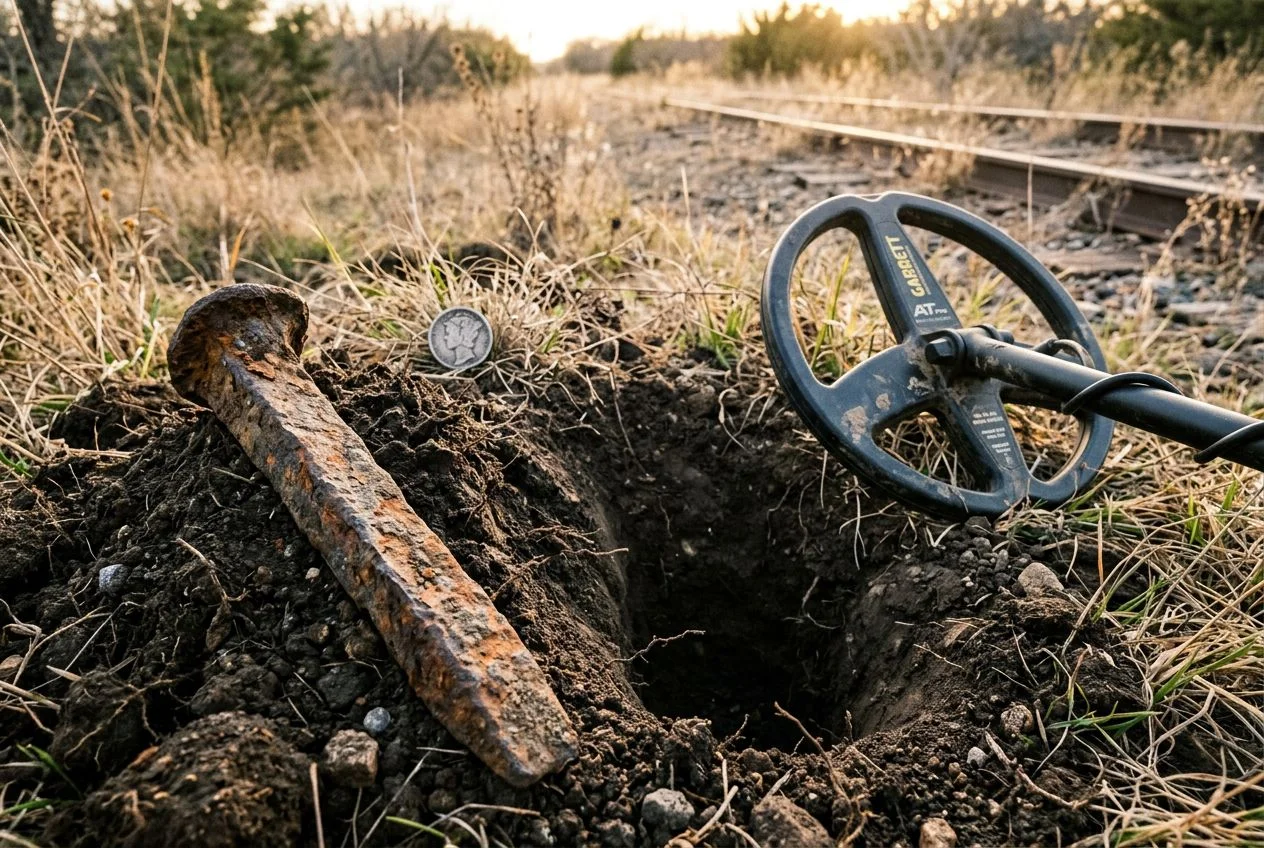
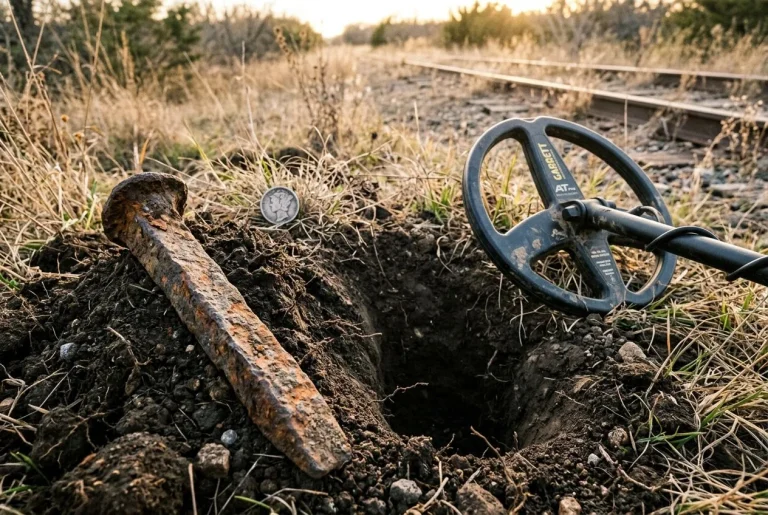
I learned this the hard way at an old train stop near Auburn. My detector screamed a beautiful, pure high tone — the kind that makes your heart skip. I’m already picturing a Morgan dollar. I dug down eight inches, then ten, then twelve. What I pulled out was a rusted railroad spike the size of my forearm. The tone never wavered, not once. That’s the cruelest part of wrap-around: it sounds convincing.
The mechanism comes down to phase shift. Every metal target produces a phase response based on its conductivity and size. Small silver coins generate tight, predictable phase angles that your detector can classify confidently. Large iron, though, produces massive, erratic phase shifts. They can exceed the detector’s 180-degree processing limit. When that happens, the signal wraps around the scale and lands where silver sits.
Randy Horton’s “My Circular Discrimination Theory” — discussed on the Friendly Metal Detecting Forum — explains this using the Minelab X-Terra 705‘s 28-notch scale. Under certain soil conditions, deep iron bounces between the lowest ferrous notch (-8) and the highest non-ferrous notch (+48, typically a silver dollar). With no notch segments in between, the detector makes its best guess. It registers iron as high-conductive silver.
MWF Metal Detectors puts the frustration in numbers. Unmanaged detection fields force operators to dig between 8 and 15 junk items for every single valuable target. That wastes over 70% of active field time. Large iron like plowshares, cannonballs, and heavy pipes project magnetic returns so massive they simply overwhelm the processor.
The takeaway here isn’t that your detector is defective. It’s doing exactly what it was programmed to do. Once you understand the circle, you can start outsmarting it.
Why Iron Wrap Around Fools Your Detector
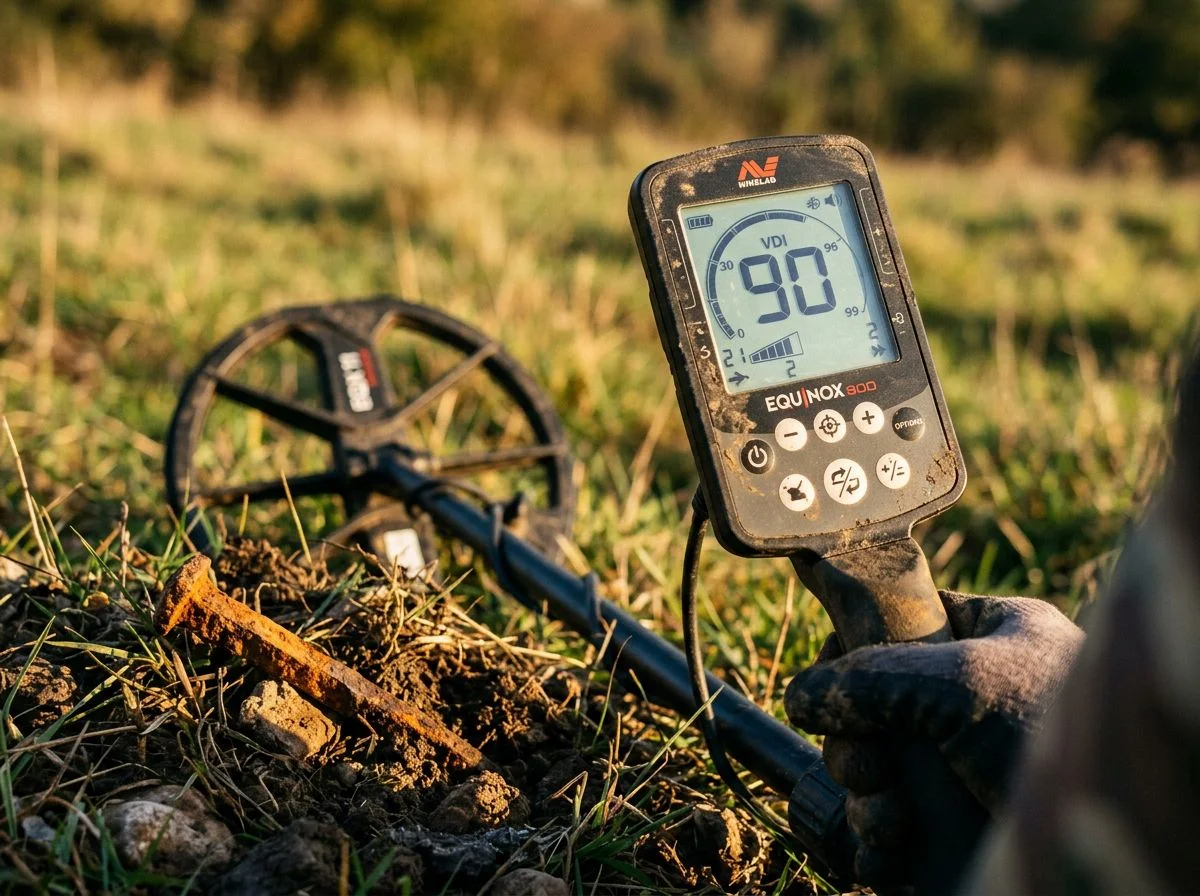
Here’s the short version: a small iron nail buried in moist soil doesn’t stay small. Over decades, it oxidizes into a conductive shell of mineralized rust ions. Your detector reads that shell as a much larger target — often in the silver range. The nail hasn’t changed. Its electromagnetic footprint has.
What if I told you a 10mm nail can look like a 150mm silver coin to your detector?
That’s not an exaggeration. MWF Metal Detectors puts specific numbers on this. A 10mm iron nail in moist soil oxidizes over decades into a 150mm conductive shell of mineralized rust ions. That’s a 15x expansion in apparent surface area. The detector isn’t reading the nail anymore. It’s reading the ghost the nail left behind.
The chemistry is straightforward. Iron doesn’t just rust; it leaches. Moisture carries iron ions outward from the original metal into the surrounding soil. This creates a diffuse halo of conductive material. That halo is what your coil sees. It’s broad, it’s irregular, and it produces a phase response that mimics a large non-ferrous target. Silver dollar territory, in other words.
The moisture part matters. Dry soil slows the leaching process dramatically. That’s why the same nail that reads as junk in an Arizona desert can scream silver in a damp New England field. And it’s also why disrupting the soil surface with a shovel can break the halo effect. Once you break that conductive shell, the false signal often collapses entirely.
So when you dig a perfect silver tone and find a nail? Blame the chemistry, not your detector.
The Iron Halo Effect and False High Tones
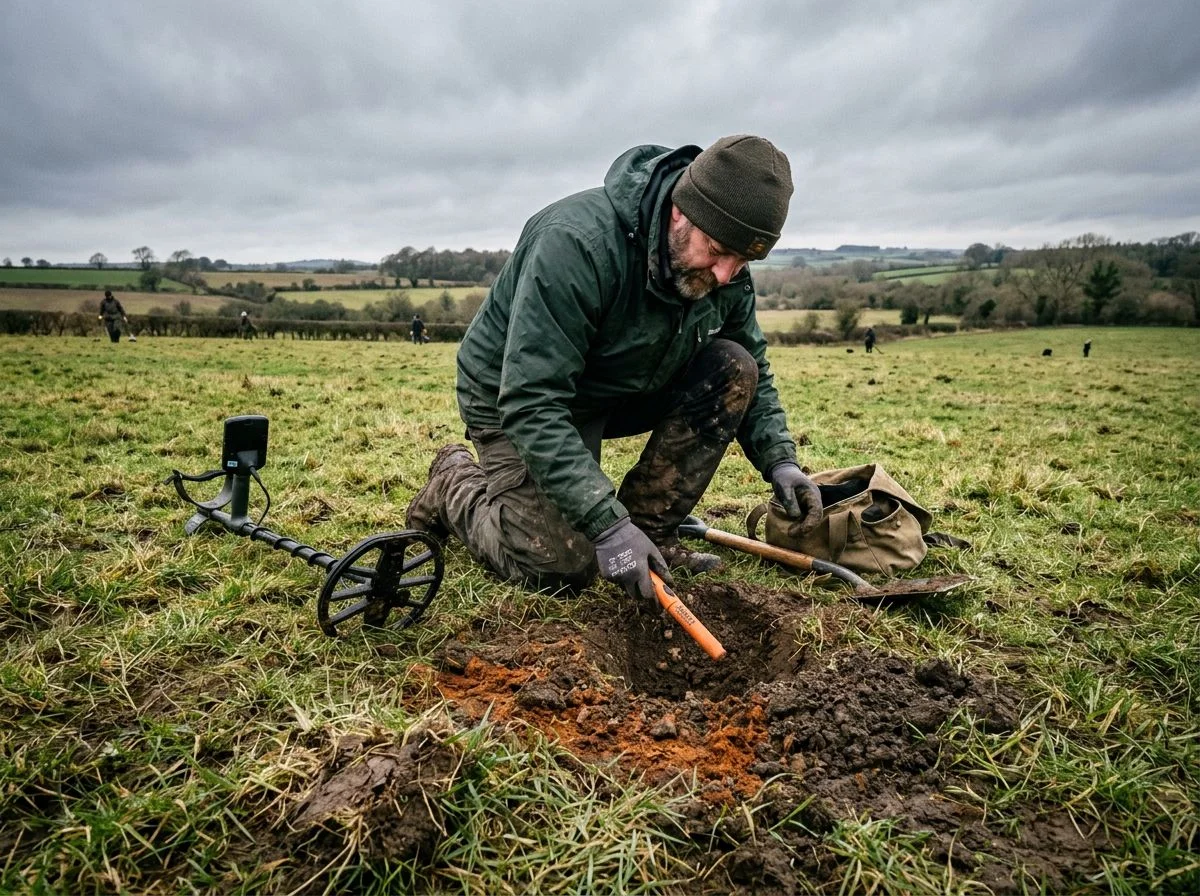
Your ears will catch what your screen misses. Wrap-around iron produces a subtle “dirty” quality in the tone. It’s a harmonic instability that a trained ear recognizes instantly, even when the VDI is locked on a perfect silver number.
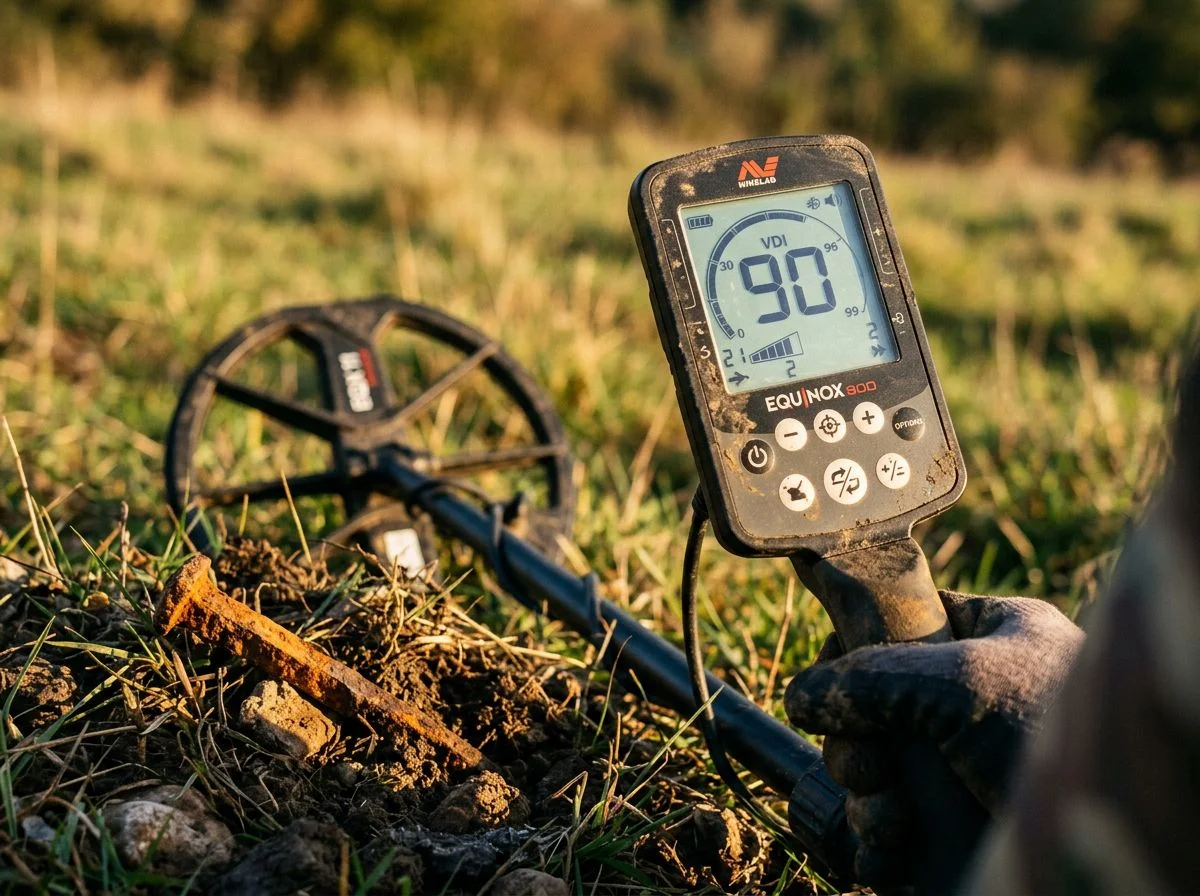
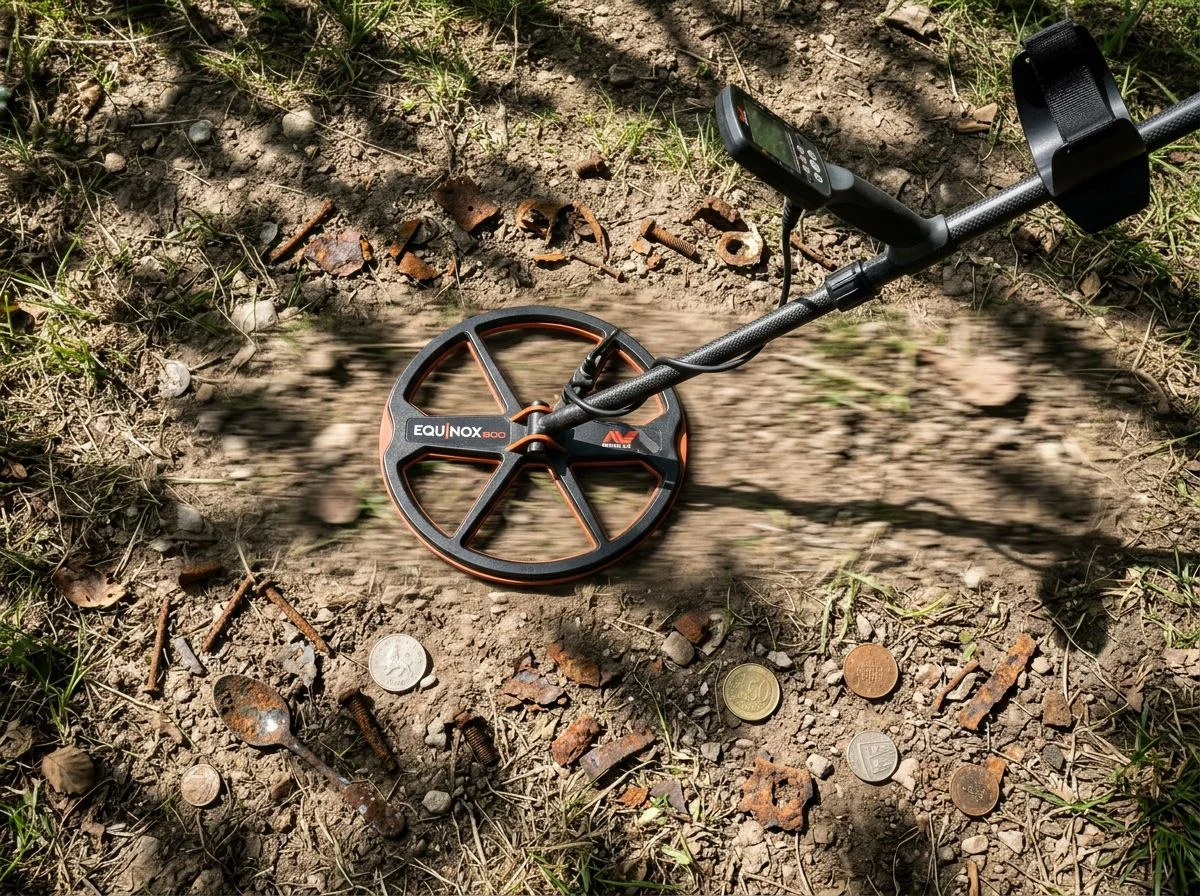
My buddy Tom demonstrated this to me last spring at an old homestead site outside Placerville. I was hunched over my Equinox 900, staring at a rock-steady 38 on the display. Textbook silver quarter territory. The tone sounded clean to me. Beautiful, even. I was already mentally calculating what a 1920s Standing Liberty quarter might grade at.
Tom was fifteen feet away, swinging his Garrett AT Pro. Without even looking at me, he called out, “That’s a plow tip, Paul. Don’t get excited.”
I ignored him. Dug the hole. Found a plow tip.
Tom shrugged when I asked how he knew. “Didn’t sound right,” he said. “Too… hollow at the edges.”
That’s the frustrating part for beginners — the difference is subtle. But Randy Horton’s circular discrimination theory points to something concrete. Wrap-around signals tend to produce both high-tone and low-tone harmonic signals simultaneously. A real silver coin produces a tight, single-frequency response in the 600-900+ Hz range. Deep iron, even when it wraps to a high VDI, leaks a low harmonic in the 100-300 Hz iron range underneath the high tone. It’s like hearing two notes at once — one bright, one muddy.
Merrill Kazanjian, who’s detected all five boroughs of New York City and owns sixteen detectors, puts it bluntly: it takes a trained ear to distinguish silver from “doppelgänger” iron. Not a fancy machine. Not a better display. An ear that’s heard ten thousand junk signals and learned the difference.
The practical drill is simple. When you get a high tone that sounds too good — too broad, too sustained, with a faint wobble at the tail end of each swing — slow down. Circle the target. Listen for that low harmonic underneath. On my Equinox, I’ll often switch to a single frequency or lower the recovery speed just to hear the raw audio signature. The high tone stays. But that low iron grumble underneath? That’s your tell.
Your ears can beat the illusion. It just takes a few hundred plow tips to train them.
Reading Audio to Beat Iron Wrap Around
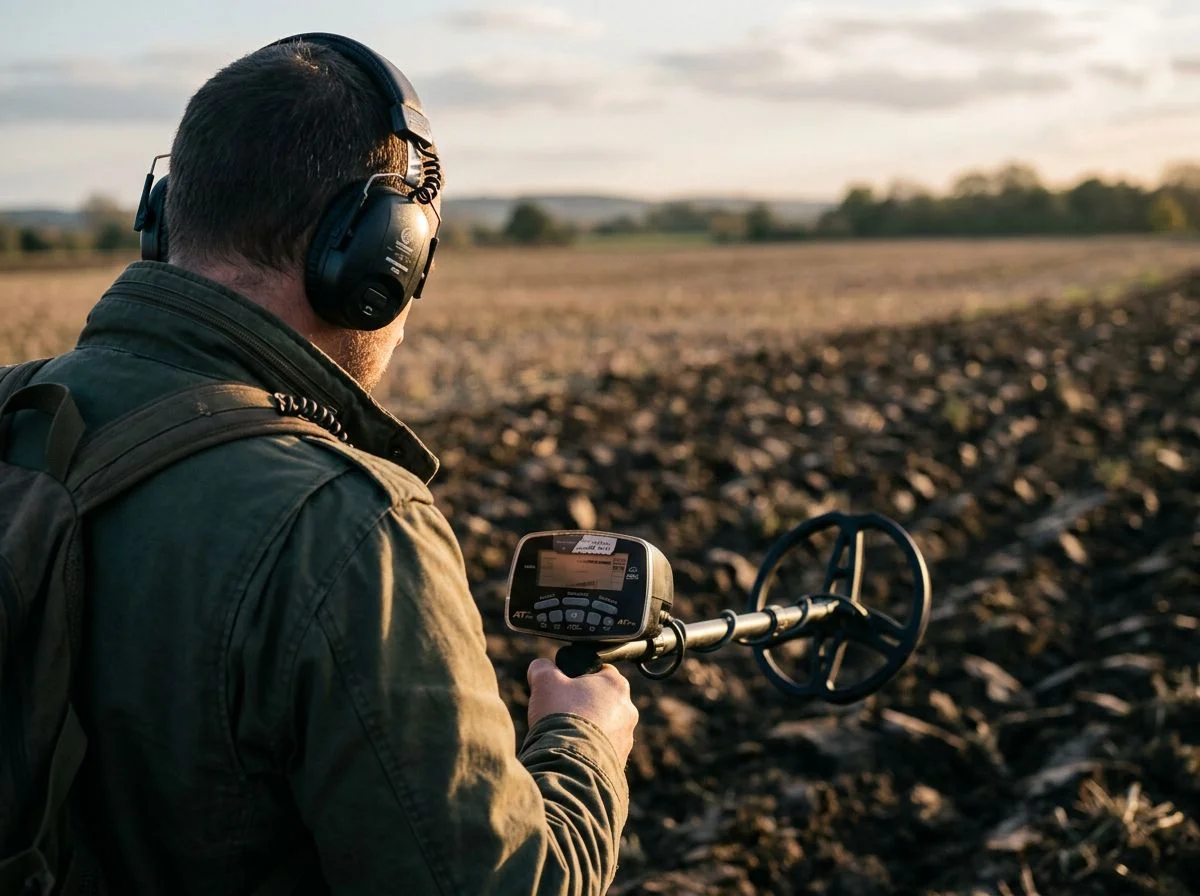
The short answer: moderate Iron Bias, a carefully-set Iron Boundary, and a VDI notch no lower than 98. Crank any of them too aggressive and you’ll silence the illusion — along with half the silver hiding underneath it.
Here’s the trap. You get burned by a few wrap-around nails and the instinct is to turn every iron filter to maximum. Makes sense, right? Kill the problem at the source. But Merrill Kazanjian, who’s owned sixteen detectors and hunted all five boroughs of New York, warns that running Iron Bias too high “severely limits” maximum depth. That’s not a minor tradeoff. That’s the detector refusing to report a silver dime at 8 inches because it might maybe be iron. You don’t want that.
The Equinox 600 is a good example. It gives you exactly two Iron Bias settings — that’s it, no fine-tuning. Minelab’s own guidance is to start with a moderate setting and adjust from there. Too low and you’re digging every nail in the park. Too high and deep silver starts vanishing. The sweet spot is usually the lower of the two options, especially on older sites where depth matters more than silence.
Garrett took a slightly different approach with the Vortex and its Iron Boundary feature. The nice thing here is that it works in both single-frequency and multi-frequency modes. You’re not locked into one operating style to get the filtering. The boundary acts like a fence. Anything below it gets classified as iron. Anything above gets reported. Set it too high and you’ve built the fence right through the middle of the silver range.
And that’s the real danger with any aggressive iron filtering. Rye Patch Ron, writing about the XP Deus 4.0 settings, warns against notching out VDI 98-99 to kill wrap-around falses. The problem? A VDI of 97 is where some US half dollars and all silver dollars register. Notch out 97 and you’ve just guaranteed you’ll never find a silver dollar. Notch out 98-99 and you’ve eliminated the wrap-around zone while keeping everything that actually matters. That two-digit difference is the entire ballgame.
So here’s the practical setup I run: Iron Bias low-to-moderate, Iron Boundary just below the silver range, and no high-end notching below 98. You’ll still dig some iron. That’s the deal. But you won’t be the guy who walked over a seated half dollar because his detector was too polite to mention it.
Settings That Reduce Metal Detector Iron Wrap Around
The short answer: rotate your coil around the target, check if the pinpoint shifts, and when you hit a wrap signal, circle the wagons and work outward. These three moves expose iron faster than any display ever will.
Liam from History Revisited UK proved this on camera with his Nokta Simplex Ultra. At the 2:32 mark, he demonstrates the coil rotation check. Instead of swinging normally, he circles the target while keeping the coil edge angled toward it. A genuine silver coin holds its tone through the full rotation. Iron? The signal gets choppy, breaking up as the coil angle changes. It’s like the detector can’t decide what it’s seeing, because it can’t.
Then at 6:23, he shows the pinpoint shift check. Engage pinpoint mode over the target. Note where the strongest response sits. Then approach from a different angle. If that center point moves — shifts six inches left, or jumps toward the coil edge — you’re dealing with a large iron object, not a coin. Real coins stay put. Iron wanders. Later that same hunt, Liam pulled a 1779 half penny from the field. That tells you the technique wasn’t costing him good targets.
The front-back technique from our tones guide works the same way. Swing forward over the target, then step sideways and swing back across it. Iron wrap signals tend to sound different depending on approach direction. Silver doesn’t care how you come at it.
And here’s where tnsharpshooter’s advice flips the script. He argues on the Friendly Metal Detecting Forum that you shouldn’t just walk away from a wrap signal — you should “circle the wagons.” Cross-cross the spot. Pinpoint. Extend your coil outward in widening arcs. That big iron is often sitting in a nesting area where coins, jewelry, and relics settled around it. The iron masked them. The wrap signal is your invitation to work the edges.
I’ve started doing this at old homestead sites. The first wrap signal of the day used to annoy me. Now it makes me slow down.
Coil Moves That Expose Iron Wrap Around
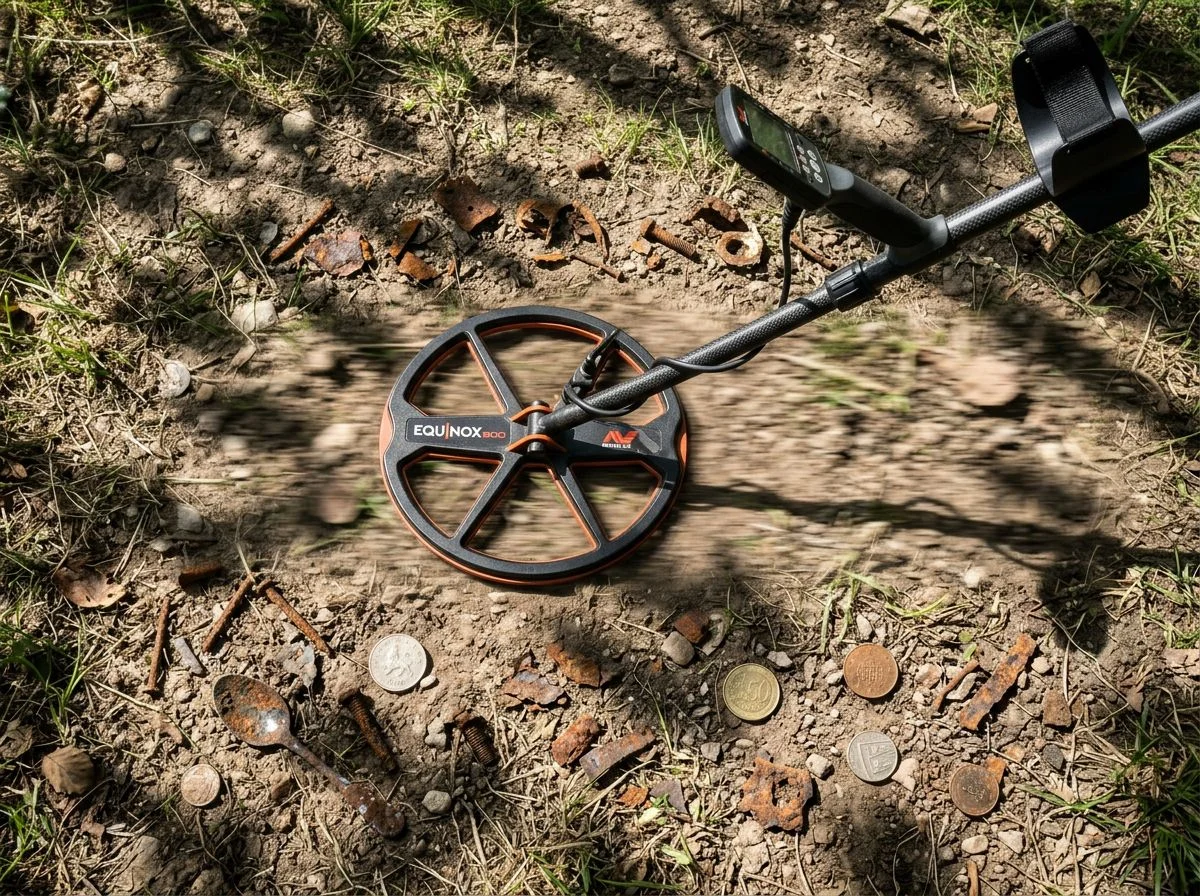
Here’s the counterintuitive part: that screaming high tone over deep iron isn’t just noise to filter out. It’s a location marker. Big iron sits where people gathered. And where people gathered, they dropped things. That iron signal you’re about to walk away from might be the best clue you get all day.
tnsharpshooter on the Friendly Metal Detecting Forum calls these spots “nesting areas.” His argument is simple. Large iron objects — plow blades, wagon hardware, old stove parts — don’t end up in random fields by accident. They concentrate where human activity was heaviest. And in those same pockets of soil, nonferrous targets like jewelry, coins, and relics settle in alongside the iron. The iron is the marker. The good stuff is the payload.
The technique he recommends is “circling the wagons.” When you get a wrap signal, don’t just dig a plug and move on. Cross-cross the spot from multiple angles. Pinpoint the iron. Then extend your coil outward in widening arcs, working the perimeter systematically. That iron object created a zone. The edges of that zone are often where masked nonferrous targets reveal themselves. If your pinpoint drops off and then picks up again a few inches away, that’s not the same target. That’s something else hiding in the shadow.
I’ve seen this play out. At an old farm site near Placerville, a wrap-around signal over a rusted plowshare produced a 1917 Mercury dime about eighteen inches from the iron’s edge. Nothing special about the dime itself. But I only dug it because I worked the perimeter instead of walking away.
The iron isn’t just tolerable. It’s the map.
When Iron Wrap Around Helps You Hunt
The short version: every major detector handles iron wrap-around differently. The settings you choose depend on whether you want to hear the iron or silence it. My Equinox 900 setup for old farm fields is Park 1, sensitivity at 22, Iron Bias on 2, recovery speed at 4, and 50 tones. That combination lets me hear the iron’s choppy edges without losing the silver hiding nearby.
Merrill Kazanjian from Metal Detecting NYC points out that the Equinox 600 only has two Iron Bias settings. Cranking them too high to silence iron will “severely limit” your maximum depth. That’s the tradeoff nobody mentions in the manual. You want iron control, but not at the cost of losing a seated dime at eight inches. I keep my Iron Bias low and let my ears do the discrimination work.
The Garrett Vortex takes a different approach with its Iron Boundary feature. Garrett’s own tutorial shows how it works in both single and multi-frequency modes. You can adjust where the detector draws the line between ferrous and non-ferrous. The advantage is precision. Instead of a blanket iron filter, you’re setting a boundary. Borderline targets near that line still report, so you can make the call yourself.
On the XP Deus, some folks notch out 98-99 to kill the worst wrap-around signals. Rye Patch Ron warns against going lower. A VDI of 97 is where US half dollars and silver dollars live. Notch out 97 and you’ve just deleted the best coin you’ll ever find. That’s a hell of a price to pay for quieter hunting.
Liam’s Simplex Ultra settings from his farm field hunt are worth copying. He adjusts the tone break at the 1:06 mark and bumps recovery speed at 11:32 for trashy ground. The faster recovery speed helps separate iron from adjacent nonferrous targets. That’s exactly what you want when wrap signals are everywhere.

My name is Paul and I am the founder of Detector For Metal, a dedicated resource for metal detecting enthusiasts seeking to uncover historical treasures and connect with the past using the latest technology. As a stay-at-home dad and family man, I’ve found metal detecting to be the perfect hobby that combines family adventure with historical learnings for the whole family.
As a father, I’m deeply committed to passing on this hobby to the next generation of detectorists, starting with my own children. I share advice on everything from metal detecting with kids to exploring the top 10 metal detecting sites you never thought about. My methodical approach to the hobby goes beyond the thrill of discovery—it’s about creating family traditions while preserving history and sharing the stories of those who came before us.