Table of contents
- The Pinpointer Problem Nobody Talks About
- How Each Pinpointer Handles Mineralized Ground
- Minelab Pro-Find 40 vs Garrett AT Depth Results
- Does the Pro-Find 40 Have Ferrous Tone ID?
- Sensitivity and Interference Control
- Waterproofing and Tough Conditions
- Battery Life and Long-Term Reliability
- Minelab Pro-Find 40 vs Garrett AT Cost Breakdown
- Quick Answers to Common Pinpointer Questions
The Pro-Find 40 rules tough ground, but only if you use it correctly. Its ground-balance-on-power-up approach is more automatic than the Garrett’s manual retune. Still, both units need technique to tame hot dirt. The real difference is how much fighting you’ll do.
The Minelab’s trick is simple: touch the tip to the soil when you power it on. That sets a baseline threshold tuned to the ground you’re standing on. Kristo Walsham in a Facebook discussion put it plainly — you must touch the ground when turning it on to ground balance it, and avoid running full sensitivity to prevent interference. Do that, and the Pro-Find 40 settles into mineralized soil without constant falsing. Skip it, and you’ll think the unit is broken.
The Garrett Pro-Pointer AT takes a more manual route. Its Fast Retune feature shrinks the detection field when hot rocks or wet salt sand start chattering. But you have to recognize the falsing, press the button, and hope you’ve retuned correctly. Aquachigger’s ground balance hack — powering on with the tip touching soil — works on the Garrett too, but it’s not documented in the manual the way the Pro-Find’s approach is.
In practice, both can be made to work. The Minelab just gets there with less button-pressing and fewer false alarms.
The Pinpointer Problem Nobody Talks About
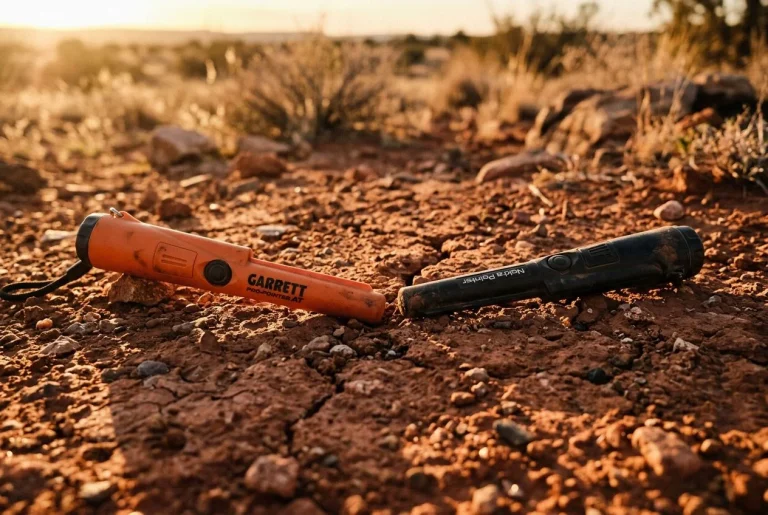
The pinpointer problem nobody talks about is this: two pinpointers that cost nearly the same can behave like completely different tools in tough ground. The Minelab Pro-Find 40 ($269) and the Garrett Pro-Pointer AT (~$127) both claim to handle mineralized soil. But one actually does it automatically while the other makes you fight for every target.
Here’s the scenario. You’re hunting an old farm field in Virginia, or maybe a desert wash in Arizona — somewhere the soil is so hot your main detector chatters like it’s having a seizure. You finally get a solid signal, dig a plug, and reach for your pinpointer. That’s when it happens. The pinpointer screams at the empty hole. You wave it in the air and it still screams. You turn it off, turn it back on, and it screams again. Now you’re on your knees in the dirt, fighting your own equipment while the target sits somewhere in that plug, laughing at you.
This is the moment most comparison articles skip. They’ll show you spec sheets and feature lists, but they won’t tell you why your pinpointer turned useless the second you stepped onto mineralized ground. The truth is, pinpointers don’t all handle hot dirt the same way. The Pro-Find 40 uses a ground-balance-on-power-up approach — touch the tip to the soil, turn it on, and it tunes itself to the ground you’re standing on. Kristo Walsham confirmed this in a Facebook discussion, noting you must touch the ground when powering on to ground balance the unit. The Garrett Pro-Pointer AT, by contrast, relies on a Fast Retune button that shrinks the detection field — but only if you recognize the falsing and remember to press it.
Both units can be made to work in tough ground. But one gets there with less swearing. That’s what the rest of this guide is about.
How Each Pinpointer Handles Mineralized Ground
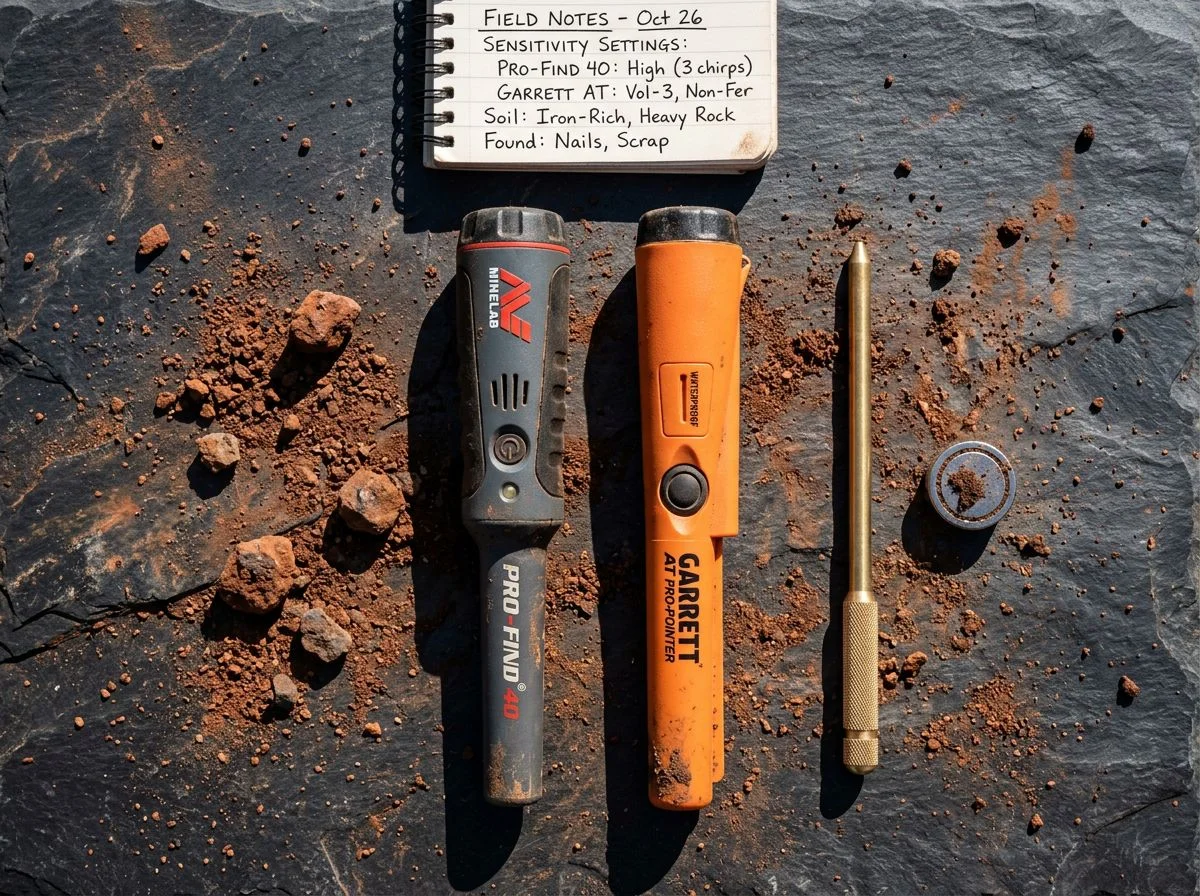
The short version: the Pro-Find 40 ground balances automatically when you power it on with the tip touching soil. The Garrett Pro-Pointer AT makes you retune manually — and only after you’ve realized it’s falsing. One is a habit. The other is a rescue operation.
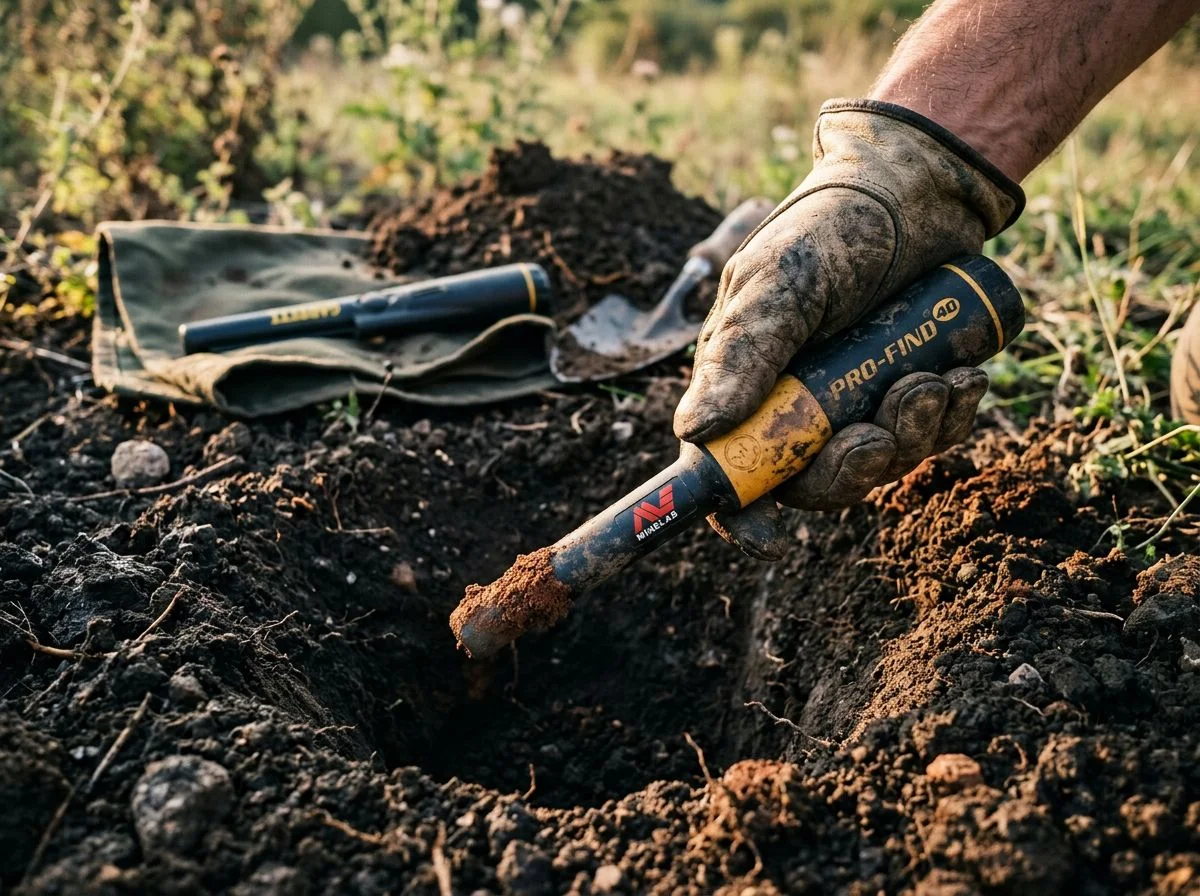
I learned this the hard way in an old iron-infested farm field outside Placerville. My detector was chattering constantly, but I’d finally locked onto a solid signal and dug a plug. The moment I stuck my Garrett into the hole, it screamed at everything — the walls, the loose dirt, the air above it. I retuned. Screamed again. Retuned. Same result. I spent five minutes fighting the thing before I even found the target, which turned out to be a square nail two inches from where I’d been searching. The pinpointer wasn’t broken. It just had no idea what ground it was standing on.
The Minelab Pro-Find 40 solves this differently. Kristo Walsham confirmed in a Facebook discussion that you must touch the ground when turning it on to ground balance the unit. That’s the whole trick — the tip goes against the soil, you power it up, and it sets its baseline threshold based on the mineralization it’s actually touching. No button sequence to remember. No guessing whether you’ve retuned enough. Just make it a habit every time you kneel down.
The Garrett Pro-Pointer AT, by contrast, relies on its Fast Retune feature to shrink the detection field when hot rocks or wet salt sand start causing interference. It works — but you have to recognize the falsing first, then press and hold the button, then hope you’ve tuned to the right level. Aquachigger’s ground balance hack — powering on with the tip touching soil — works on the Garrett too, but it’s not documented in the manual the way the Pro-Find’s approach is.
Both units can be tamed. The Minelab just makes it automatic, while the Garrett leaves the thinking to you.
Minelab Pro-Find 40 vs Garrett AT Depth Results
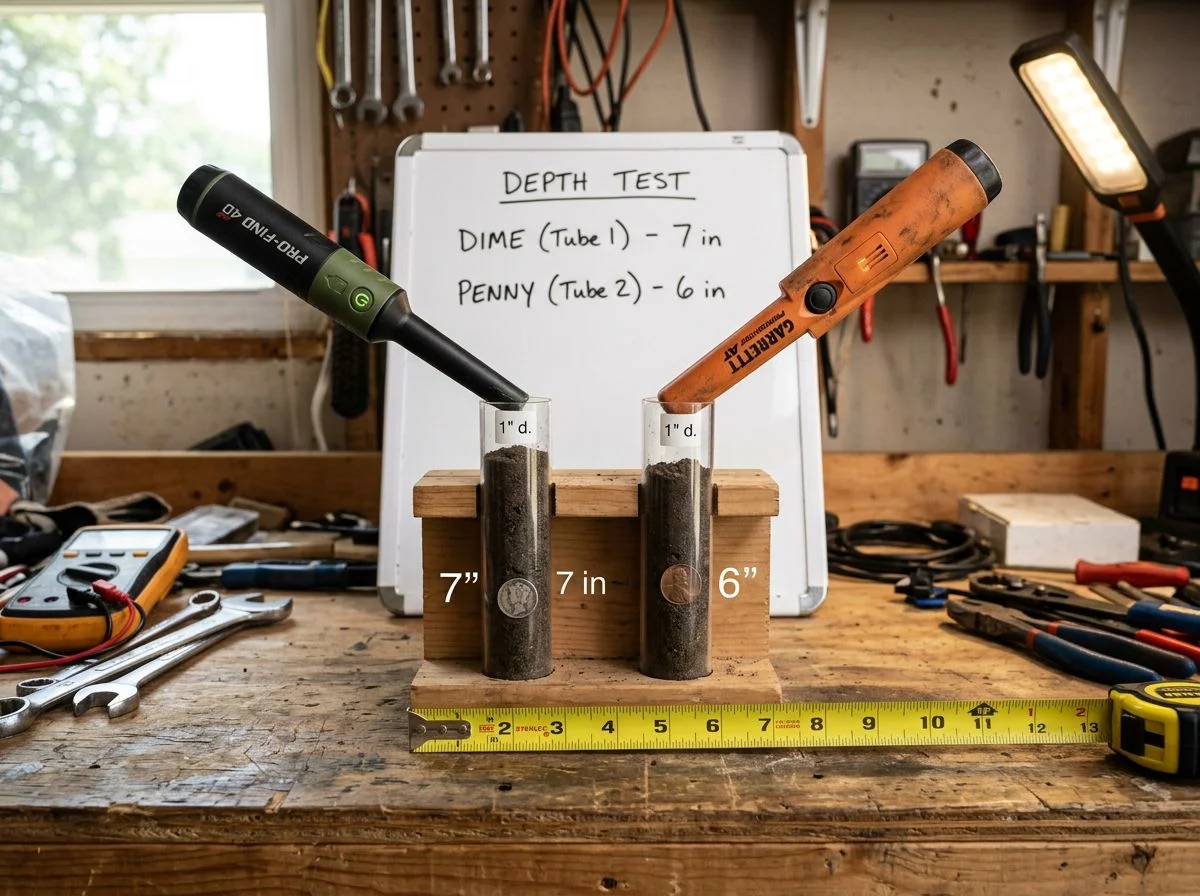
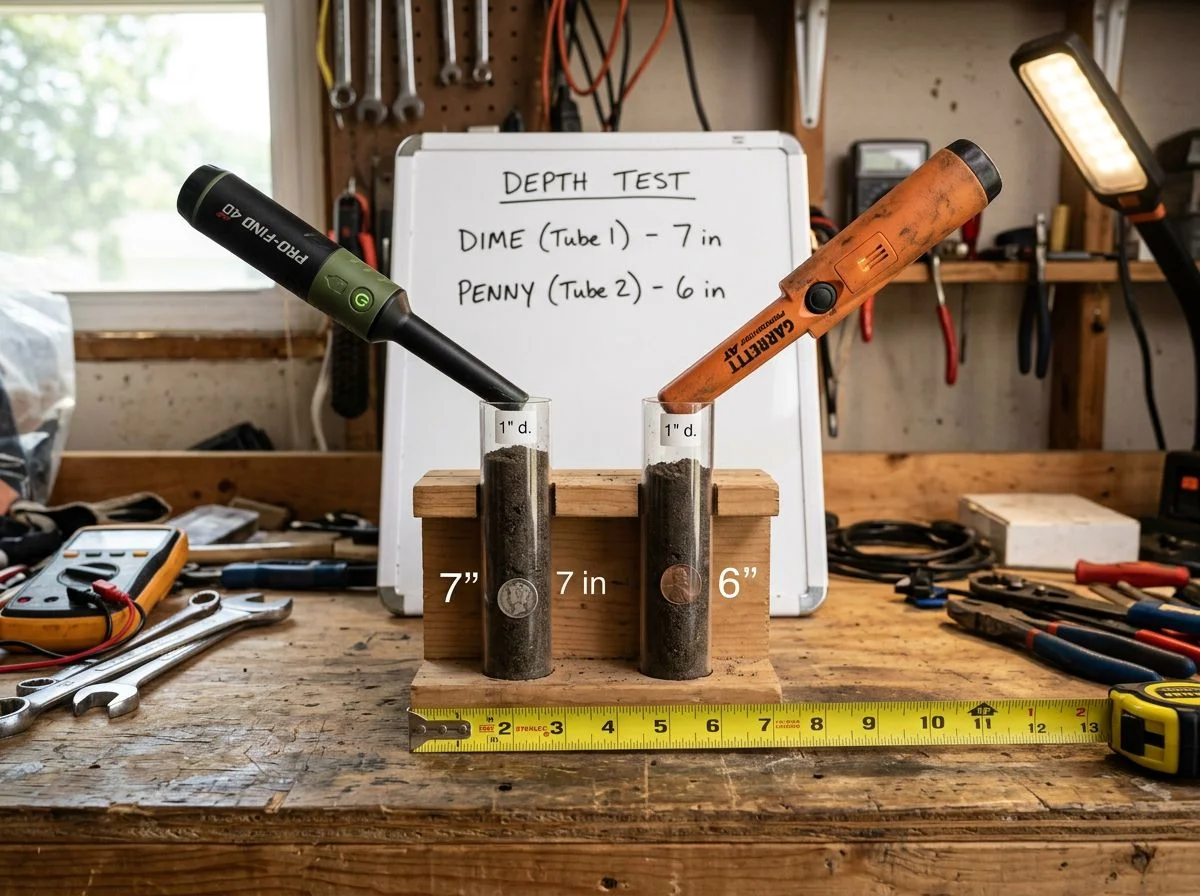
The short answer: the Pro-Find 40 edges out the Garrett on coin-sized targets, but on small gold, they’re dead even. We’re talking a 1cm difference on a $2 coin — and identical results on a 0.43g nugget.
Gold Rat Prospecting Supplies ran in-store air tests with fresh batteries and both units at maximum sensitivity. On an Australian $2 coin, the Pro-Find 40 hit 7cm. The Garrett Pro-Pointer AT managed 6cm. That’s a 16% advantage for the Minelab — real, but not exactly the kind of gap you’ll feel when you’re kneeling in a plug.
The more telling number came from the small gold test. On a flat 0.43-gram nugget, both pinpointers detected it at roughly 2cm. That’s the reality of tiny gold: it’s a whisper, not a shout. No pinpointer on the market is going to give you much more than that, no matter what the marketing claims. If you’re a prospector hoping a pinpointer will replace your detector on sub-gram gold, it won’t.
What these numbers don’t capture is how each unit behaves in actual ground. Air tests are clean — no mineralization, no interference, no wet soil. Forum reports from first-day users suggest the Pro-Find 40’s in-ground depth tracks closely with the Garrett’s. That means the 1cm air-test advantage may shrink or disappear entirely once you’re dealing with real soil conditions. The practical takeaway: on depth alone, neither unit is going to dramatically outperform the other. The difference shows up in how they handle tough ground — which is exactly what the next section covers.
Does the Pro-Find 40 Have Ferrous Tone ID?
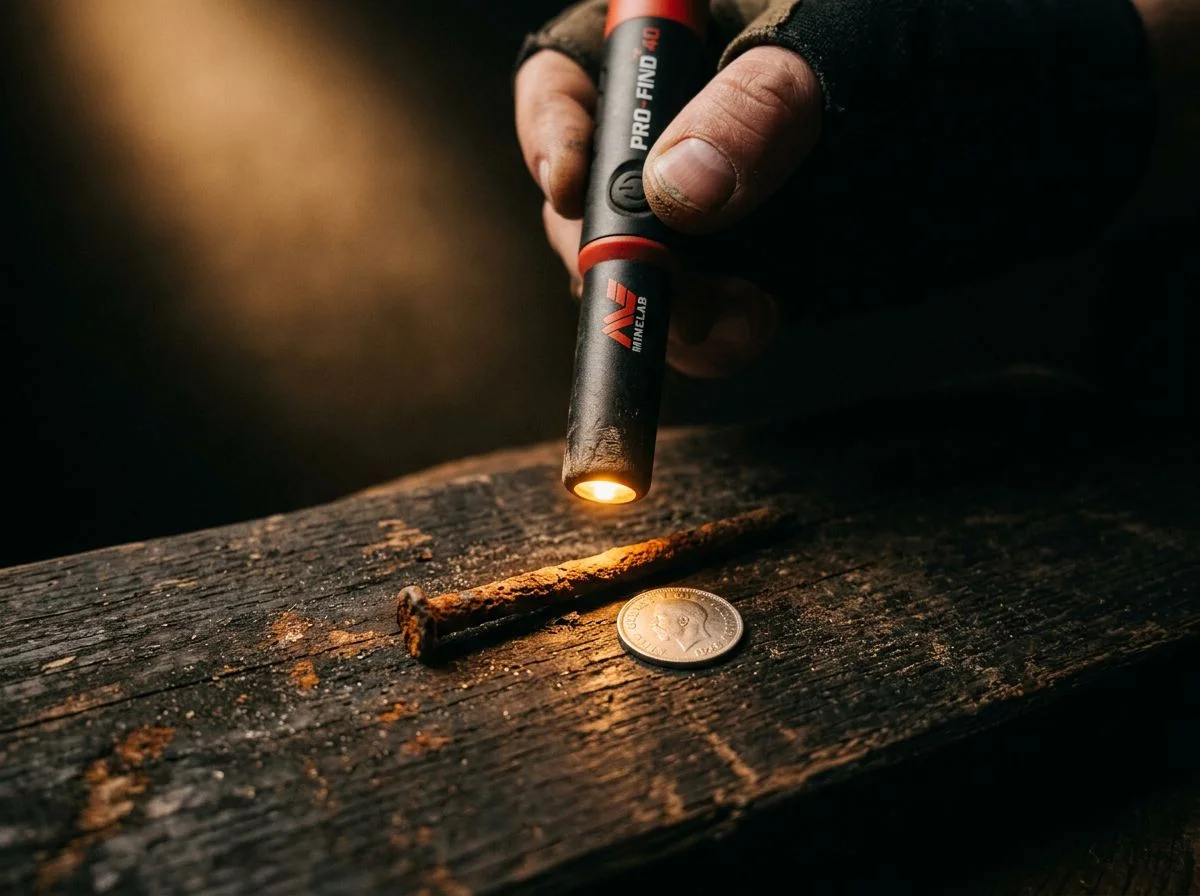
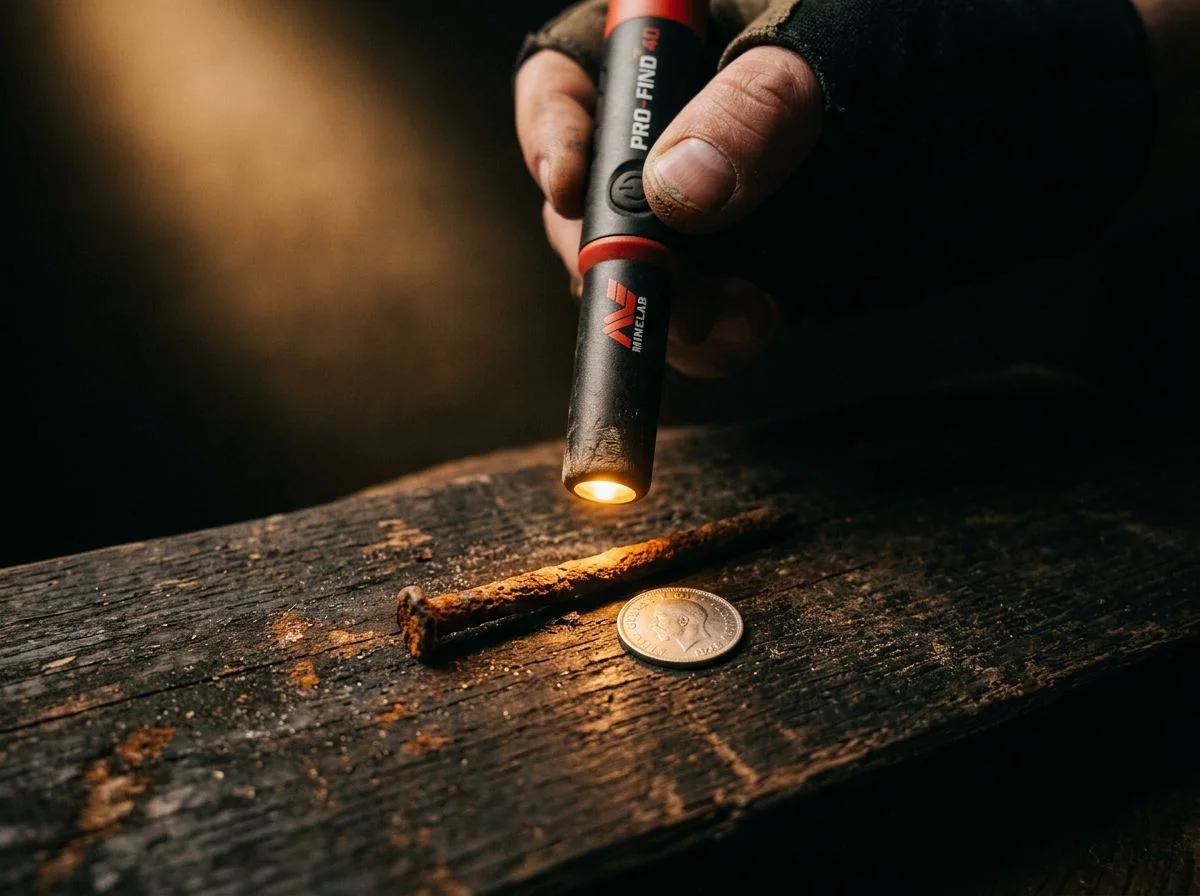
The short answer: the Pro-Find 40 is the first Minelab pinpointer with ferrous tone ID. It gives you a low grunt for iron and a high ping for non-ferrous targets. The Garrett Pro-Pointer AT has no ferrous discrimination at all. One tells you what you’ve found before you dig it out. The other just beeps.
Here’s why that matters in the field. When you’re working a hole and your pinpointer locks onto a target, the ferrous tone ID on the Pro-Find 40 gives you a split-second read on whether you’re about to pull out a square nail or a silver dime. Serious Detecting’s review highlights this as a key feature: different audio tones for ferrous versus non-ferrous targets. In an iron-infested site, that’s the difference between digging every nail fragment and knowing when to move on.
The Garrett Pro-Pointer AT? It has no ferrous discrimination whatsoever. You get one tone, and that tone means “there’s metal somewhere near the tip.” Doesn’t matter if it’s a pull tab, a rusty nail, or a gold ring — same beep. You’re left digging everything, which in trashy ground means a lot of wasted time.
But here’s the question I get asked most: does ferrous tone ID actually work reliably in the field? My answer: yes, with a caveat. Forum feedback from first-day users like professor-tones on FindMall confirms the Pro-Find 40 doesn’t produce false low tones — meaning when it grunts, it’s genuinely hitting iron. That’s not a guarantee it’ll identify every nail at every depth, but it’s a real signal, not a gimmick. The Garrett simply can’t do this, and for tough-ground hunting, that’s a gap you’ll feel on every target.
Sensitivity and Interference Control
The short answer: the Pro-Find 40 gives you five sensitivity levels to dial in, while the Garrett offers three. More levels matter when you’re fighting interference, not just when you’re chasing depth. But here’s the counterintuitive part: running the Pro-Find at full sensitivity is often the worst thing you can do in tough ground.
Kristo Walsham, a detectorist who’s spent serious time with the Pro-Find, puts it bluntly in a Facebook discussion comparing the two units: don’t run the Pro-Find at full sensitivity to prevent interference. That advice sounds backwards — why buy a pinpointer with five levels if you’re not going to max it out? But I learned this lesson the hard way last spring at an old railroad siding outside Sacramento. I’d cranked my Pro-Find 40 to level 5, thinking more power meant more depth. Instead, every sweep near the rusted rail spikes sent it chattering like an angry squirrel. It wasn’t finding targets; it was finding everything.
The fix took about three seconds. I dropped the sensitivity to level 3, and the unit settled right down. It still hit a 1943 wheat penny at five inches in that same hole. The Garrett’s three levels (documented in Serious Detecting’s review) give you less granularity — you’re jumping from too quiet to too noisy with less room in between. The Pro-Find’s five levels let you find the sweet spot where the pinpointer ignores the ground but still hears the target. That’s the real advantage, and it’s one you’ll appreciate every time you hunt mineralized soil or areas loaded with iron trash.
Waterproofing and Tough Conditions
The short answer: both units are rated waterproof to 10 feet. For creek hunting, surf detecting, or dropping your pinpointer in a muddy hole, you’re covered either way. But the Pro-Find 40 adds one feature the Garrett doesn’t have — a lost-alarm that sounds after being idle. That matters more than you’d think when you’re three hours into a hunt.
Let’s start with the waterproofing, because it’s the headline spec everyone checks first. Serious Detecting’s review of the Pro-Find 40 confirms the 3-meter (10-foot) rating, and the Garrett Pro-Pointer AT review documents the same depth for the Carrot. In practical terms, that means both will survive a full submersion in a creek bed or a wave washing over your hand at the beach. I’ve had my Garrett in waist-deep river water without issue, and forum reports on the Pro-Find 40 suggest similar reliability.
Where the Pro-Find 40 pulls ahead is the lost-alarm feature. If you set it down to dig a target and forget where you left it — which happens to me at least once per outing, usually right after I’ve found something good — the unit sounds an alarm after sitting idle. The Garrett just sits there silently, blending into the leaf litter. My detecting buddy Mike once spent 20 minutes retracing his steps through a cornfield looking for his Carrot. That’s 20 minutes he wasn’t detecting, and it’s exactly the kind of stupid time-suck the Pro-Find 40 eliminates.
Battery Life and Long-Term Reliability
The short answer: the Pro-Find 40 gives you roughly 30 hours on a single 9V battery, while the Garrett Pro-Pointer AT lands somewhere around 20-30 hours. On paper, they’re close enough that battery life shouldn’t be your deciding factor. But long-term reliability is where these two units start to tell very different stories.
Let’s talk about the battery numbers first, because that’s the easy part. Serious Detecting’s review of the Pro-Find 40 documents approximately 30 hours on a single 9V PP3 battery. The Garrett Pro-Pointer AT review puts the Carrot in the 20-30 hour range. In practical terms, that’s a couple of full weekends of detecting before you’re swapping batteries. Both take standard 9Vs you can grab at any gas station, so neither one leaves you stranded if you forget to pack a spare.
The reliability picture is murkier. Multiple Reddit users report Pro-Find units failing and being returned. One thread titled “Minelab Pro Find pointers suck” documents a detectorist who gave up on returning Pro-Find units entirely and switched to a different brand. In the Facebook discussion comparing the two, Myers John shared the same experience: two Pro-Find units, both returned, then he moved on to the Nokta Accupoint and MI4.
That said, plenty of Pro-Find owners report no issues at all. The Garrett has its own quirks — some users complain it’s a “battery vampire” that drains 9Vs even when turned off. I’ve personally had my Carrot for years without a failure, but I also know detectorists who’ve sent theirs back twice. The honest take: both units have quality-control variance, but the Pro-Find 40’s failure reports seem more concentrated in forum threads, and that
Minelab Pro-Find 40 vs Garrett AT Cost Breakdown
The short answer: the Garrett Pro-Pointer AT wins on upfront cost at around $127. The Minelab Pro-Find 40 at $269 includes a 2-year warranty and a lanyard. So the real question isn’t what you pay at checkout — it’s what you’re paying for over the next two seasons of hard use.
Let’s start with the sticker prices, because that’s the number everyone fixates on. Gold Rat Prospecting Supplies confirms the Pro-Find 40 retails at $269 with a 2-year warranty, while the Garrett Pro-Pointer AT sits around $127 at most dealers. That’s a $142 gap — enough to buy a decent digging tool and a spare 9V battery with change left over. But here’s the statistic that should make you pause: multiple Reddit threads document Pro-Find units failing and being returned. One detectorist reported he gave up on returns entirely and switched brands. How much is your time worth when you’re boxing up a pinpointer for warranty service mid-season?
The Pro-Find 40 does soften the blow with included accessories. Serious Detecting’s product listing shows it ships with a black lanyard — a small thing, but I’ve lost count of how many times I’ve nearly left my Garrett in a hole. The Garrett’s lower price is its own form of insurance: if you lose it or break it, replacing it stings less.
The honest take: if reliability reports worry you, the Garrett’s cheaper entry point means less risk. If the warranty and included lanyard matter more, the Pro-Find 40 justifies its premium — assuming it doesn’t spend its second year in a shipping box.
Quick Answers to Common Pinpointer Questions
I get these questions constantly — at club meetings, in my inbox, from the guy at the park who saw me digging and walked over to ask about my pinpointer. Here are the answers I actually give, not the marketing-speak versions.
“Do I really need to touch the ground when I turn on the Pro-Find 40?”
Yes — and this is the step most users miss. Kristo Walsham spelled it out in a Facebook discussion comparing the two units: the Pro-Find 40 ground balances when you power it on with the tip touching the soil. Skip that step and you’re fighting falsing all day. The Garrett handles this differently — hold the Fast Retune button to shrink the detection field, or turn it on tip-down in the dirt like Aquachigger demonstrated years ago.
“Which one goes deeper?”
Honestly? They’re close enough that it shouldn’t matter. Gold Rat’s in-store air testing showed the Pro-Find 40 hitting an Australian $2 coin at 7cm versus 6cm for the Garrett — a 1cm difference. On in-ground targets, forum user professor-tones found them nearly identical.
“Is the Pro-Find 40 worth $269 when the Garrett is $127?”
Only if the two-tone ferrous ID and included lanyard matter to you. Otherwise, that $142 gap buys a lot of digging tools.
“Which one breaks more?”
Both have failure reports, but the Pro-Find complaints on Reddit are more concentrated. Plenty of owners have no issues. I’ve had my Carrot for years without a failure — your mileage will vary.

My name is Paul and I am the founder of Detector For Metal, a dedicated resource for metal detecting enthusiasts seeking to uncover historical treasures and connect with the past using the latest technology. As a stay-at-home dad and family man, I’ve found metal detecting to be the perfect hobby that combines family adventure with historical learnings for the whole family.
As a father, I’m deeply committed to passing on this hobby to the next generation of detectorists, starting with my own children. I share advice on everything from metal detecting with kids to exploring the top 10 metal detecting sites you never thought about. My methodical approach to the hobby goes beyond the thrill of discovery—it’s about creating family traditions while preserving history and sharing the stories of those who came before us.