Table of contents
- The $300 Mistake You’ll Only Make Once
- Why Metal Detecting Pinpointer Holsters Get Lost and What It Costs
- Retractable Lanyards as a Metal Detecting Pinpointer Holster
- Built-In Lost Alarms Save Your Metal Detecting Pinpointer Holster
- High-Visibility Gear Makes Metal Detecting Pinpointer Holsters Hard to Miss
- Tether Systems Keep Your Metal Detecting Pinpointer Holster Secure
- The Free Fix That Always Works for Your Metal Detecting Pinpointer Holster
- Which Metal Detecting Pinpointer Holster Method Fits You Best?
- Frequently Asked Questions
- Stop Losing Gear and Start Finding More
The short answer? Tether it, make it loud, make it visible, give it a home, and put your name on it. Any one of these habits will save you. All five make losing a metal detecting pinpointer holster nearly impossible.
Let’s start with the tether. It’s the only method that prevents the loss in the first place. A retractable lanyard like Dan’s Lanyards gives you about 36 inches of reach. That’s plenty for scanning a hole. Then it snaps back tight against your belt or finds pouch. My buddy BigTony swears by clipping his straight to his pouch. And yeah, the cord can get annoying in thick brush. But annoying beats gone.
Built-in alarms are your second line of defense. The Garrett Pro-Pointer AT starts chirping after five minutes without a button press. That chirp keeps escalating for an hour. The Minelab Pro-Find 40 does the same thing. It also has a bright yellow grip you can spot from across a field.
Which brings me to visibility. If your metal detecting pinpointer holster is black or gray, it disappears against dirt. Orange, red, yellow — those colors stick out. And if you do lose it anyway? Write your name and phone number right on the housing. One detectorist on the forums lost a $130 pinpointer off his truck’s tonneau cover. He realized too late that a simple label might have brought it home.
Last habit: give it a permanent home. Holster on your belt, pocket on your finds pouch — same spot, every single time. When the pinpointer isn’t in your hand, it’s in that spot. No exceptions. That’s the rule that keeps me from doing the “pat down panic” at the end of every hunt.
The $300 Mistake You’ll Only Make Once
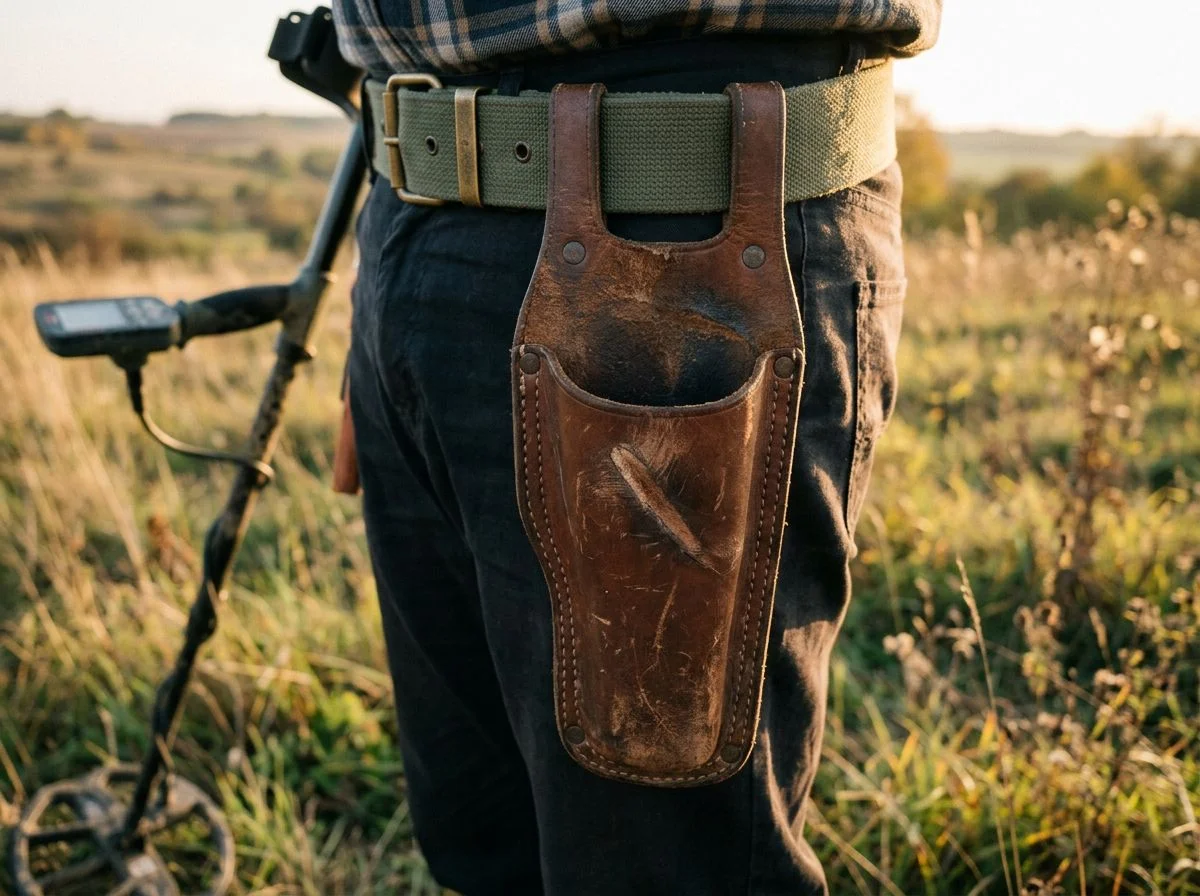
Losing a metal detecting pinpointer holster isn’t a skill issue. It’s a design flaw in human attention. Set it down for one second, and that $100–$300 tool is gone before you even realize you put it somewhere.
I still think about the forum post from MuddyMo on Find’s Treasure Forums. He finished a hunt and set his pinpointer on his truck’s tonneau cover while he packed up. Then he drove off. He realized it about two miles down the road. By the time he got back, the pinpointer he’d paid $130 for was long gone. It either bounced off somewhere along the shoulder or got picked up by someone who had no way of knowing whose it was.
That’s the part that stings. A Garrett Pro-Pointer AT or Minelab Pro-Find 40 doesn’t look like trash. It looks like expensive gear. Someone found it. They just had zero way to return it.
What gets me is how universal this is. Ask any detectorist who’s been at this for more than a season. They’ll tell you about the one time they lost something. Not the time they almost lost something — the time it actually happened. One Reddit user spent an hour backtracking through a field looking for a Garrett “carrot.” They’d set it down in what felt like a completely logical spot at the time. Another guy on the forums admitted he’d only lost his pinpointer once. Then he promptly lost his entire digging shovel the next season.
The pattern is always the same. You don’t lose gear while you’re using it. You lose it during the transition. The moment you switch from digging to packing up. Or from one target to the next. Or from your pinpointer back to your detector. That’s when the tool leaves your hand and enters the void.
The good news? It’s almost always a one-time mistake. The detectorists I know who’ve lost gear never lose it twice. Not because they got lucky. Because the sick feeling of realizing what happened burns a new habit into their brain permanently. The trick is building those habits before you pay the tuition.
Why Metal Detecting Pinpointer Holsters Get Lost and What It Costs
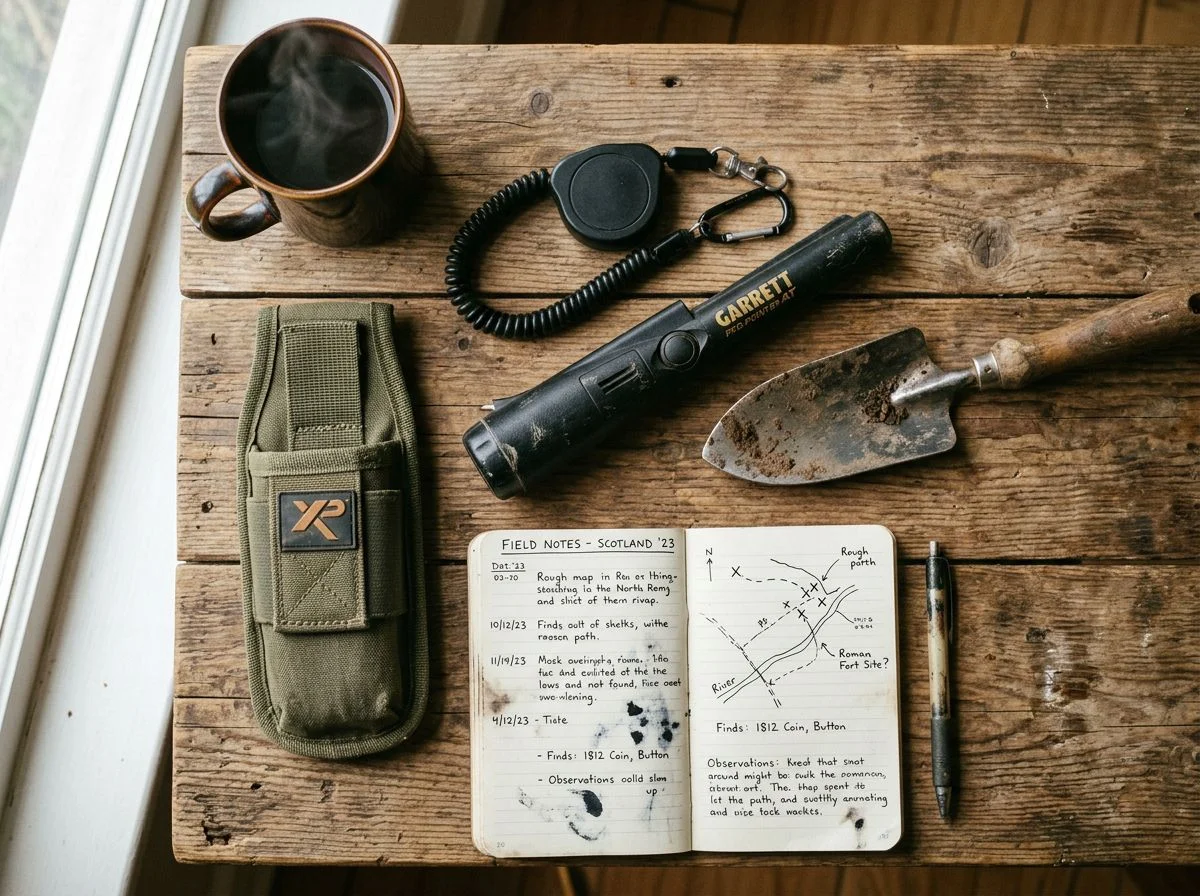
A metal detecting pinpointer holster is easy to lose because it’s small, dark, and constantly being set down. Every time you switch from digging to scanning, you create another opportunity to leave it behind. And at $100 to $300 a pop, that’s an expensive habit to break the hard way.
Here’s the thing nobody tells you when you buy your first pinpointer. The device is designed to be held, not kept. It’s light enough to forget you’re carrying it. Most models are black or gray — colors that disappear against dirt, grass, and sand. Your detector is strapped to your arm, impossible to forget. Your pinpointer? It gets set down constantly.
When was the last time you set your pinpointer down and had to backtrack to find it? If you’ve been detecting for more than a season, you’ve done it. Maybe it was next to a hole you’d just finished. Maybe it was on a rock while you checked your phone. The spot always feels logical at the time. Until you’re forty yards away and your belt feels suspiciously light.
The financial sting is real. A quality pinpointer runs anywhere from $100 to $300. Premium waterproof models like the Garrett Pro-Pointer AT sit at the top of that range. That’s real money for a tool that can vanish in under five seconds. But the real cost isn’t just the replacement price. It’s the hour you spend retracing your steps through a field. The hunt you have to abandon. The nagging frustration that ruins the rest of your day. One Reddit user spent an hour backtracking through a field looking for a Garrett “carrot.” An hour. That’s prime detecting time, gone.
The psychology is simple. You don’t lose gear while you’re using it. You lose it during the transition. That’s the moment you switch from one task to the next. Your brain files the pinpointer under “handled” when it’s actually sitting in the grass. That’s why every method in this article is about building habits that work even when your attention doesn’t.
Retractable Lanyards as a Metal Detecting Pinpointer Holster
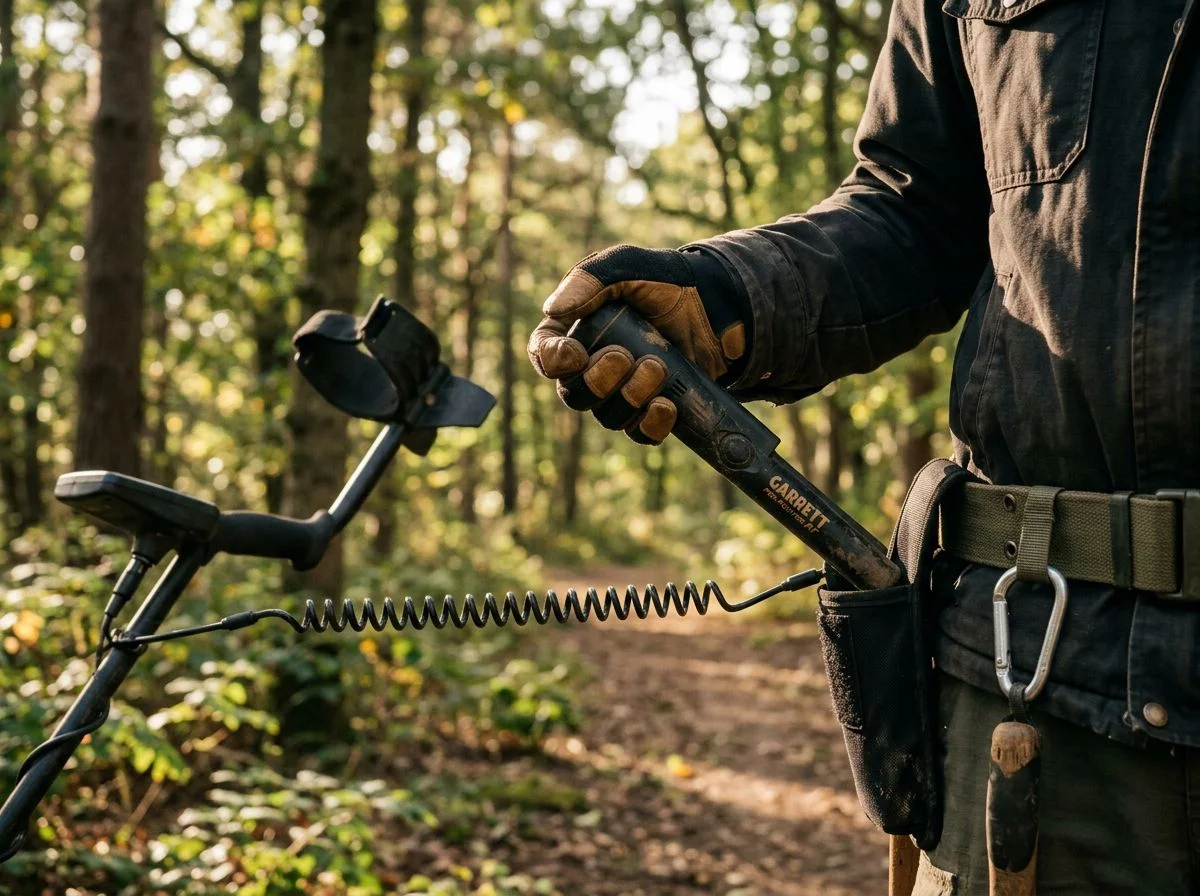
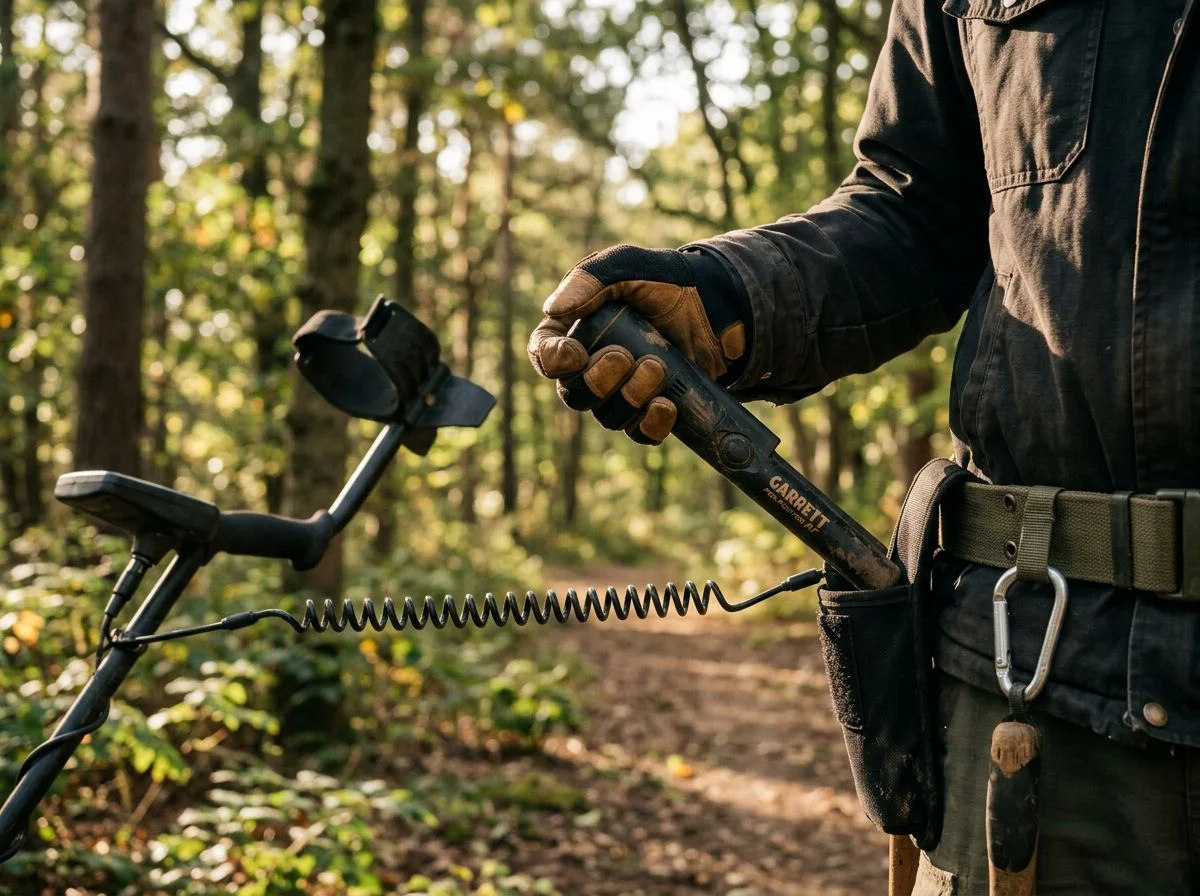
A retractable lanyard physically tethers your metal detecting pinpointer holster to your belt or finds pouch. Even if you drop it or set it down and walk away, it’s still attached to you. The cord retracts when not in use. That keeps slack out of the way.
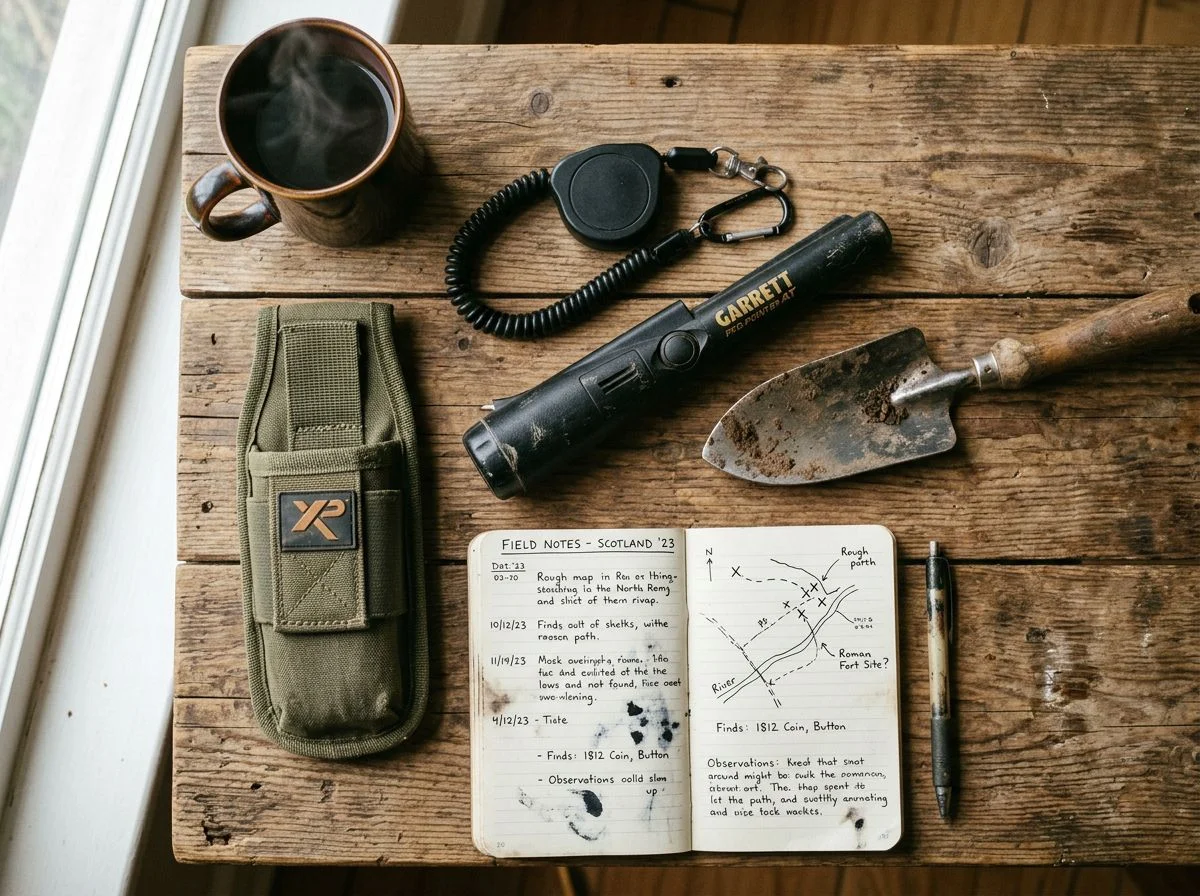
This is the simplest fix. Honestly, it’s the one I recommend starting with. Clip one end to your belt loop or the D-ring on your digging pouch. Clip the other to your pinpointer’s molded loop. You’re done. The retractable mechanism gives you enough cord to work a hole without snagging on brush. Then it reels itself back in when you holster the tool.
Dan’s Lanyards are the ones I see most often at club hunts. They’re made in the USA and extend out to 36 inches. That’s plenty of reach for scanning a deep plug. The cord retracts cleanly instead of dangling. You’re not constantly fighting a tether wrapped around your leg. They come in four colors — red, black, orange, and slate gray. I’ll tell you right now: get the orange or red. The whole point is visibility. A black lanyard on a black pinpointer in tall grass is just doubling down on the problem.
If you want something purpose-built, Nokta’s Retractable Security Lanyard is a solid option. It’s designed specifically for their pinpointers. But it works with anything that has a lanyard loop. Same concept — retractable cord, secure attachment, no dangling slack.
But here’s the budget move that I genuinely love. A Reddit user named TooDooDaDa posted about using a “Key-Bak” retractable key holder to secure their pinpointer. The cord runs close to 3 feet. That gives you all the working room you need. The whole thing costs a fraction of what dedicated detecting lanyards run. It’s the kind of solution that makes you wonder why you didn’t think of it yourself.
One caveat: if your pinpointer doesn’t have a molded lanyard loop, you’ve got two options. Drill a small hole in the back cap — carefully, since you don’t want to compromise the waterproofing on models like the Garrett Pro-Pointer AT. Or attach the lanyard to the belt holster instead. The holster route is safer if you’re not comfortable taking a drill to a $130 tool.
My buddy BigTony on Find’s Treasure Forums swears by the tether method. He clips his lanyard directly to his finds pouch. He admits it’s occasionally annoying to manage. But he says it’s foolproof. I’ll take a minor hassle over a missing pinpointer any day.
Built-In Lost Alarms Save Your Metal Detecting Pinpointer Holster
Most major pinpointers now include a lost alarm that triggers automatically after about 5 minutes of inactivity. It’s an audible chirp or beep designed to help you track the thing down before you wander too far. It’s not a replacement for a lanyard. But it’s a damn good backup. Think of it as the pinpointer’s way of yelling “Hey, idiot, I’m still over here!”
The Garrett Pro-Pointer AT is the gold standard here. Leave it powered on without pressing a button for 5 minutes, and it starts chirping. Progressively faster, like it’s getting more annoyed with you. That chirping continues for a full 60 minutes before the auto-shutdown kicks in. An hour of audible breadcrumbs is plenty of time to realize your belt feels light and backtrack.
The Minelab Pro-Find 40 works on the same 5-minute idle trigger. Its alarm is loud — Minelab didn’t mess around with a polite little beep. The bright yellow handgrip helps too. Assuming you’re not hunting in a sunflower field.
The Nokta Pointer takes a slightly different approach. After 5 minutes of inactivity, it triggers an audible alarm and starts flashing its integrated LED flashlight. That’s clever. The light gives you something to spot visually in tall grass or fading daylight. The alarm runs for 5 minutes. Then the unit shuts off to save battery.
Now, the XP MI-6 is in a completely different league. It’s wirelessly linked to your DEUS II or ORX detector. You can activate a “Lost MI-6 search mode” from your detector’s remote — even if the pinpointer itself is switched off. The search function stays active for weeks. Your detector displays a zoom graph and emits an alarm as you get closer. I’ve never needed it. But my buddy Tom swears it saved him a $200 replacement after he dropped his MI-6 in a cornfield.
Here’s the catch with all of these. They only work if you leave the pinpointer powered on. If you’re in the habit of switching it off before holstering it, the alarm never gets a chance to fire. That’s why the lanyard remains your first line of defense. The alarm is the safety net for when the lanyard isn’t attached. Or when you set the thing down mid-dig and your brain moves on.
High-Visibility Gear Makes Metal Detecting Pinpointer Holsters Hard to Miss
Visibility is your last line of defense. Bright-colored gear and permanent markings won’t stop you from setting your metal detecting pinpointer holster down. But they’ll make it dramatically easier to spot. Or get back if someone else finds it first.
Some pinpointers are already ahead of the game. The Minelab Pro-Find 40 features a vibrant yellow handgrip. It stands out against dirt, sand, and dead grass. It’s not just aesthetics. Minelab built that color in specifically so the thing doesn’t disappear into the terrain. Same logic applies to Dan’s Lanyards. They come in bright red and orange for exactly this reason. A black lanyard on a black pinpointer in tall grass is just doubling down on the problem.
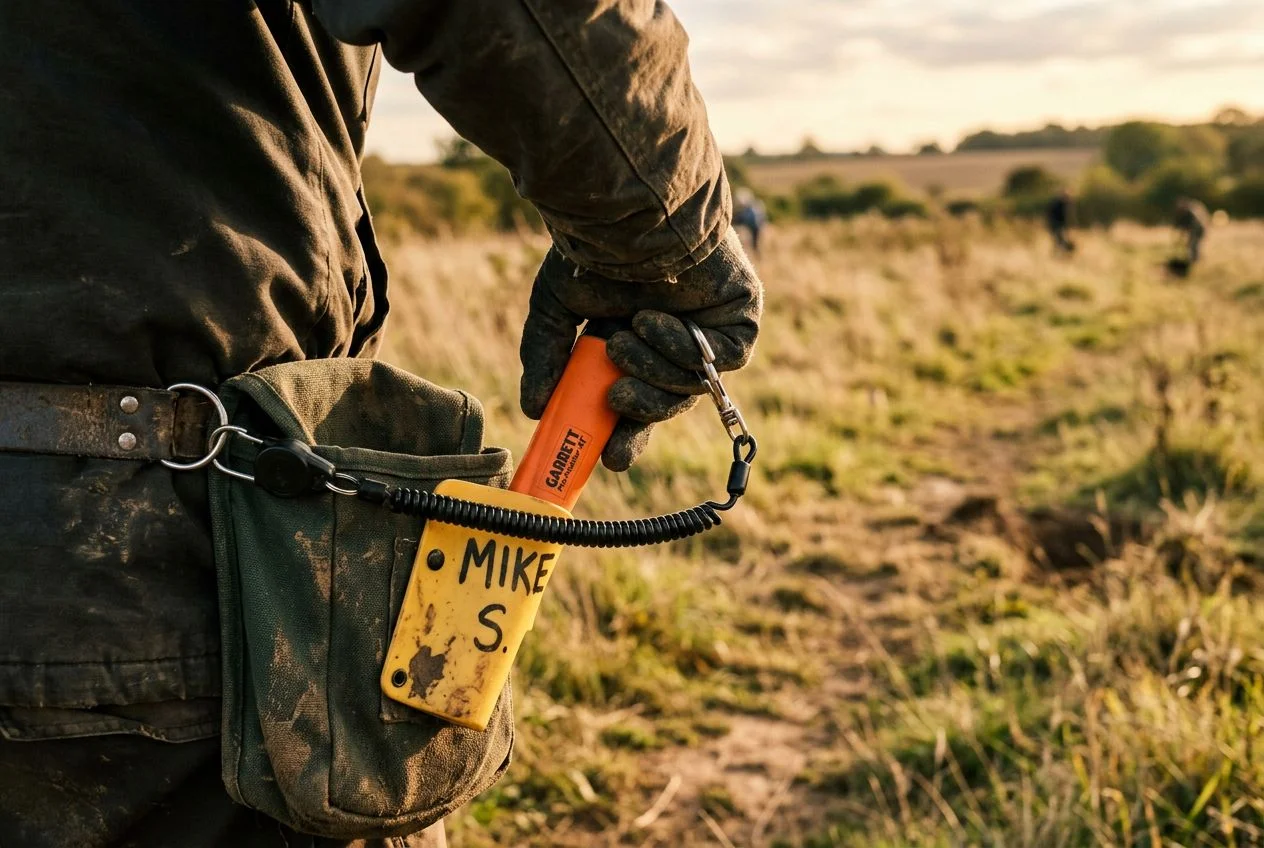
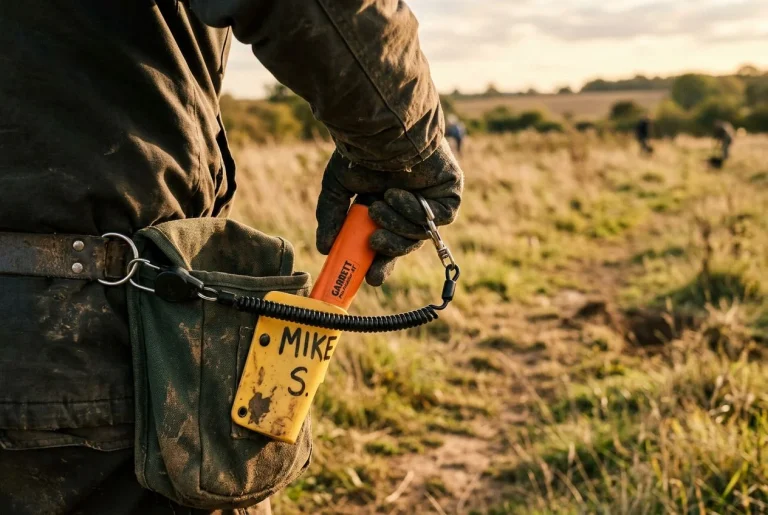
But here’s the move that costs nothing and might actually get your gear back. Write your name and phone number directly on the device. A forum member named MuddyMo learned this the hard way. He left a $130 pinpointer on his truck’s tonneau cover and drove off. His suggestion? Permanent marker or a label maker, right on the housing. Detectorists are an honest bunch. If someone finds your gear and there’s contact info on it, you’ve got a real shot at getting it back. No contact info? It’s just a lucky find for someone else.
A silver Sharpie works well on dark plastic. So does a strip of bright tape with your info written on it. Double duty: visibility and identification.
Tether Systems Keep Your Metal Detecting Pinpointer Holster Secure
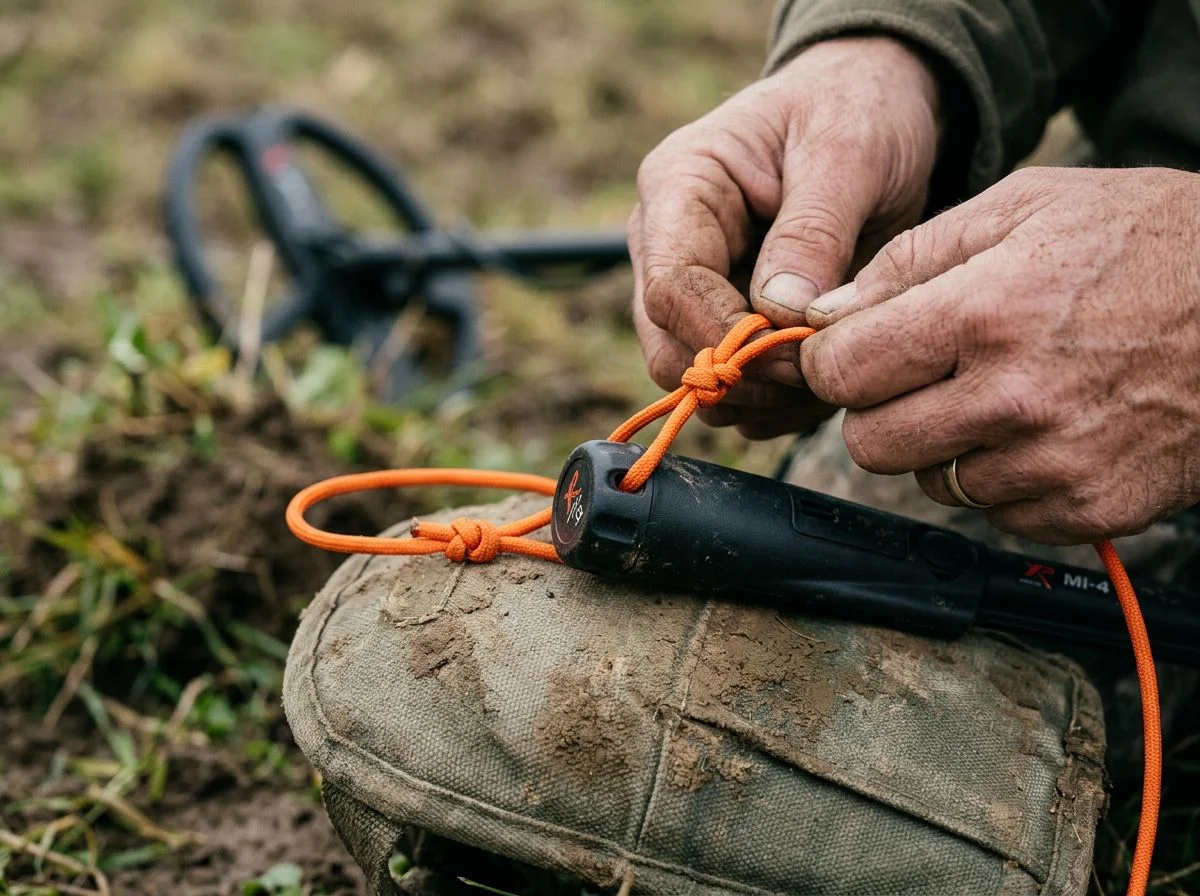
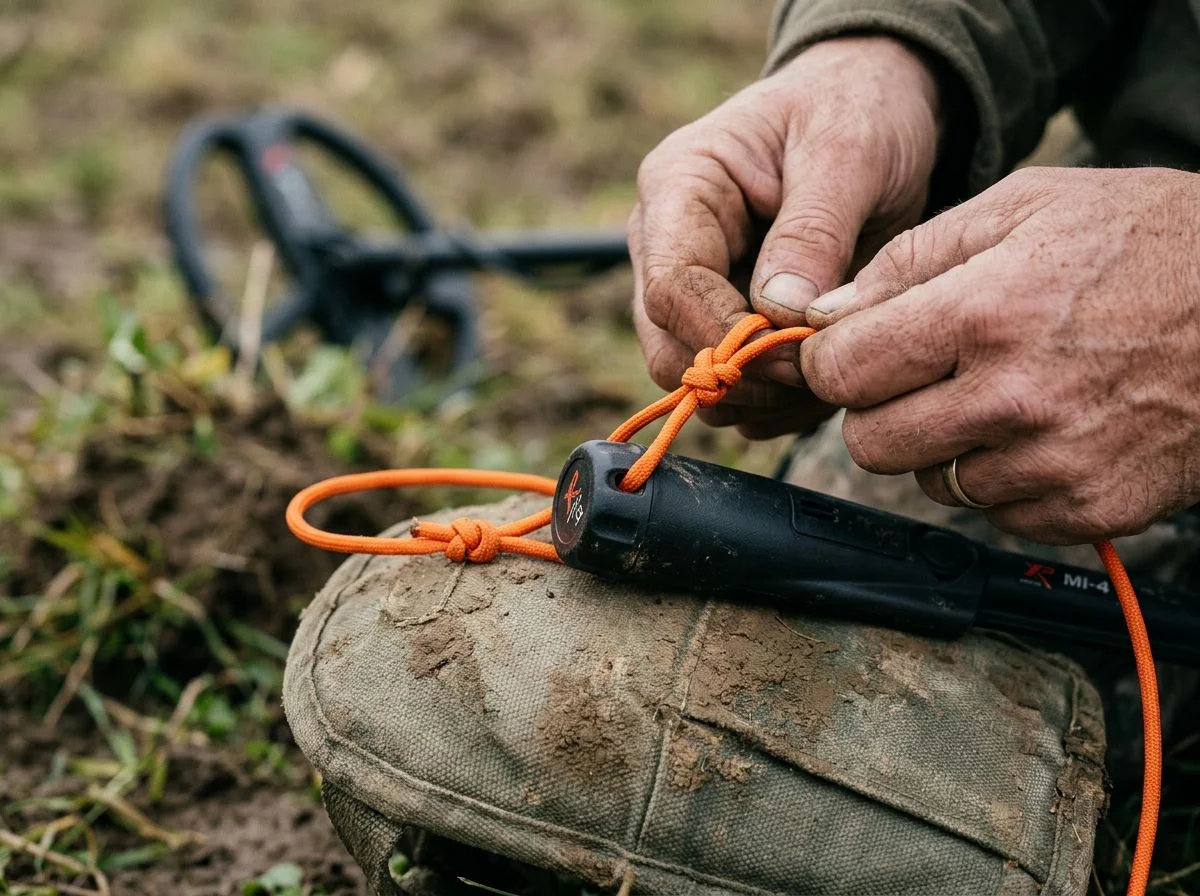
Sometimes the best solution is the oldest one. A simple cord or lanyard physically connecting your metal detecting pinpointer holster to your belt, finds pouch, or detector means you literally cannot leave it behind. No batteries, no alarms, no technology required.
This is the method I recommend to every beginner. Honestly, it’s what I still use myself. The concept is embarrassingly simple. Attach one end of a cord to your pinpointer’s molded loop or back cap. Attach the other end to something you’re already wearing. If you set the pinpointer down and walk away, it follows you. Or at least yanks your belt hard enough to remind you it’s still there.
Forum member BigTony over at Find’s Treasure Forums described his setup perfectly. He attaches a lanyard cord directly from his pinpointer to his finds pouch. He calls the whole thing “foolproof.” His exact words on the tether? “A minor hassle” but “highly effective.” That’s the tradeoff in a nutshell. You’ll occasionally feel the cord snag on brush or need to untangle it from your shovel handle. But you’ll never drive home with an empty holster.
What I love about this approach is that it costs almost nothing. You don’t need a specialized retractable system. Though Dan’s Lanyards makes a nice one if you want the retractable convenience. A basic nylon cord, a boot lace, even a couple of zip ties linked together will do the job. The key is making sure it’s long enough to actually use the pinpointer comfortably. Around 24 to 36 inches gives you room to probe a hole without constantly fighting the tether.
One tip from experience: attach the cord to a carabiner or quick-release clip at the belt end. That way, when you’re kneeling over a deep hole and need maximum reach, you can unclip for a minute without untangling the whole mess. Just don’t forget to clip back in. That’s the one failure point in an otherwise foolproof system.
The Free Fix That Always Works for Your Metal Detecting Pinpointer Holster
Habit systems cost nothing and work every single time. The trick is building a ritual around your metal detecting pinpointer holster. Setting it down without securing it should feel wrong — like leaving the house without your keys. It’s not about willpower. It’s about never giving yourself the chance to forget.
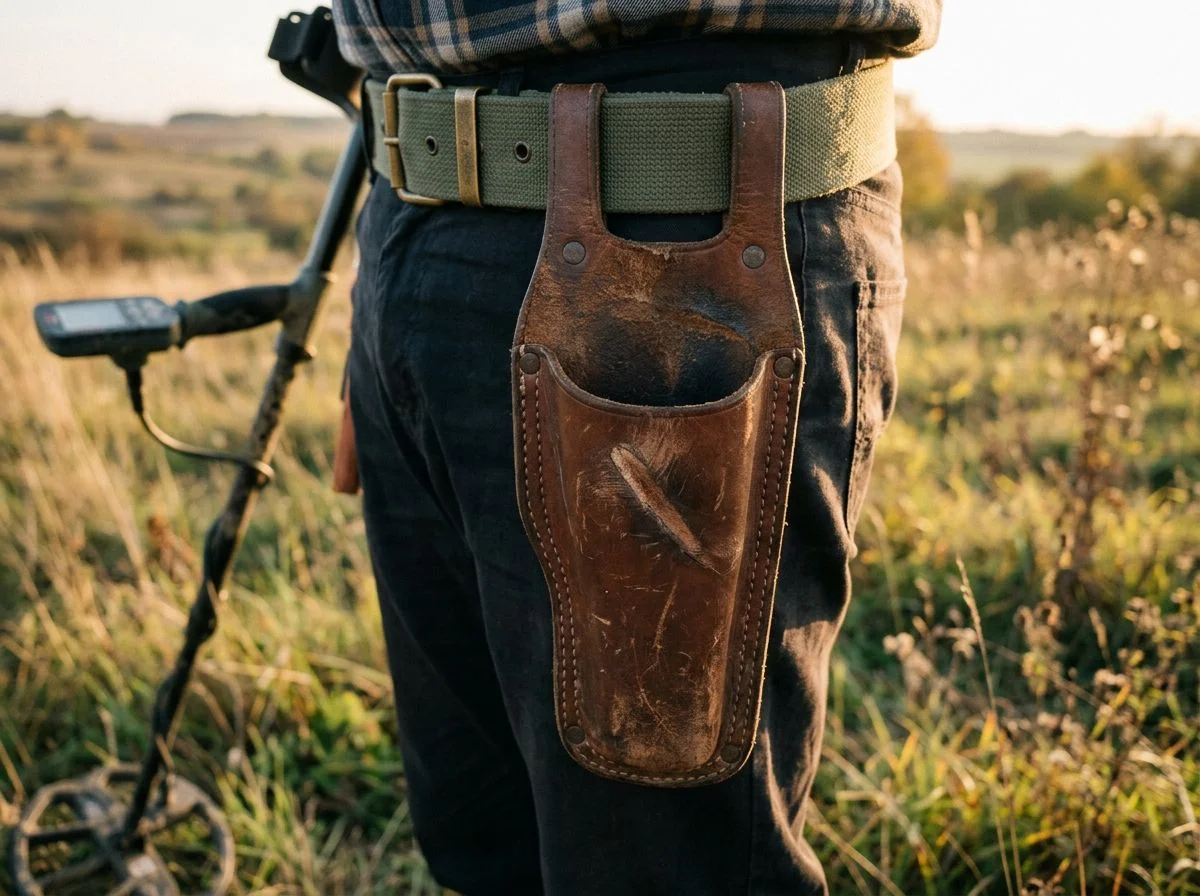
Here’s the habit that changed everything for me: the pinpointer goes back in the holster before the plug goes back in the hole. Not after. Not “in a second.” The moment I finish probing, the pinpointer clicks into its holster. Then I fill the hole. It’s a chain — probe, holster, fill. Once that sequence becomes automatic, you physically cannot leave your pinpointer behind. It’s already attached to your belt before you move on.
The Reddit horror stories prove why this matters. One user on r/metaldetecting admitted they’d only lost their pinpointer once. But recently they managed to lose their entire digging shovel. Think about that. A shovel. The thing you lean on, dig with, and carry across fields. Gone. Another detectorist in the same thread spent a solid hour backtracking through rough terrain. They were looking for a misplaced Garrett “carrot” they’d set down in an unexpected spot. An hour of hunting time, burned. Side note: if you can lose a shovel, you can lose anything. Habits are the only real insurance.
The beauty of habit systems is that they work alongside every other method. You can run a tether, use bright gear, and still build the holster-first ritual as your baseline. When the habit is the default, the gear is just backup. When the gear fails, the habit saves you. Redundancy is the whole point.
Which Metal Detecting Pinpointer Holster Method Fits You Best?
The short answer: it depends on where and how you hunt. Most detectorists end up combining two or three of these methods anyway. There’s no single perfect metal detecting pinpointer holster solution. But there’s almost certainly a right starting point for your specific situation.
Do you hunt beaches, fields, or woods? Your answer determines your best setup.
If you’re wading through surf or working wet sand, a physical tether is non-negotiable. A wave can knock a pinpointer out of your hand and bury it in shifting sand faster than you can react. A retractable lanyard with a 36-inch reach gives you room to work while keeping your gear attached. At $15–$30, it’s cheap insurance for a $100–$300 tool.
For open fields and farm sites, habit systems are your best friend. You’re covering ground quickly and digging dozens of targets. The repetitive nature of the work makes it easy to set your pinpointer down and walk to the next signal. The “holster before plug” ritual costs nothing and works every time.
Woods and thick brush? That’s where a basic cord under $5 shines. Retractables can snag on branches. A simple nylon cord with a carabiner at the belt end lets you detach quickly when you’re crawling through undergrowth. And if you’re hunting at dusk or in tall grass, pair any method with a pinpointer that has a built-in alarm. Most modern models like the Garrett Pro-Pointer AT and Minelab Pro-Find 40 include this feature free.
My honest recommendation? Start with the tether and the habit. Together they cost less than a tank of gas. And they’ll save you from the sickening feeling of realizing your metal detecting pinpointer holster is two miles behind you on the side of the road.
Frequently Asked Questions
Do I really need a lanyard, or is that overkill?
If you’ve never lost a pinpointer, a lanyard feels like training wheels. If you have, it feels like the smartest $15 you ever spent. The retractable options from Dan’s Lanyards give you a 36-inch reach. You’re not wrestling with a short tether while probing a deep plug. The cord retracts when you’re done — no dangling, no snagging. My buddy Tom resisted for years. Right up until he spent 45 minutes searching a cornfield for his Garrett carrot. He owns two lanyards now.
What if my pinpointer doesn’t have a lanyard loop?
You’ve got options. The Garrett Pro-Pointer AT has a molded loop built right into the side. That makes attachment dead simple. For pinpointers without one, drilling a small hole in the back cap is a perfectly viable method. Just make sure you’re drilling through plastic, not electronics. Some detectorists also use the belt holster as an attachment point if it has a D-ring or sturdy loop.
Can a pinpointer find itself if it’s switched off?
The XP MI-6 actually can. Its lost search mode works through the wireless link to your XP detector. The search function stays active for several weeks even when the pinpointer is powered off. That’s the closest thing to a built-in recovery system I’ve seen. Most other pinpointers rely on a lost alarm that only works if the device is still on. Which is precisely when you’re most likely to lose it. So the MI-6’s approach is genuinely clever.
What’s the cheapest thing I can do today?
Build the habit. Holster before plug. It costs nothing, takes three seconds, and works every single time. The gear is backup. The habit is the fix.
Stop Losing Gear and Start Finding More
Look, you can spend $15 on a lanyard or lose $130 on a tonneau cover. The math isn’t complicated. The fix comes down to a tether, a habit, and a backup alarm. Together they cost less than one tank of gas and take about five minutes to set up permanently.
I’ll level with you: I resisted the lanyard for years. It felt like admitting I couldn’t keep track of my own gear. Then I watched my buddy Tom spend 45 minutes grid-searching a cornfield for his Garrett carrot. I stopped being stubborn. A retractable lanyard clips to your belt, lets you work freely, and retracts when you’re done. Done.
The habit is even cheaper. Holster before plug. Every time. Three seconds, zero dollars, works forever. And if you’re the type who needs a safety net, modern pinpointers like the Garrett Pro-Pointer AT and Minelab Pro-Find 40 have built-in lost alarms. They start chirping after five minutes of inactivity. The XP MI-6 goes further. Its lost search mode works even when the unit is powered off.
The point isn’t the gear. It’s this: every minute you spend backtracking for a lost metal detecting pinpointer holster is a minute you’re not swinging your coil over the next good signal. Secure the tool, trust the habit, and keep hunting.

My name is Paul and I am the founder of Detector For Metal, a dedicated resource for metal detecting enthusiasts seeking to uncover historical treasures and connect with the past using the latest technology. As a stay-at-home dad and family man, I’ve found metal detecting to be the perfect hobby that combines family adventure with historical learnings for the whole family.
As a father, I’m deeply committed to passing on this hobby to the next generation of detectorists, starting with my own children. I share advice on everything from metal detecting with kids to exploring the top 10 metal detecting sites you never thought about. My methodical approach to the hobby goes beyond the thrill of discovery—it’s about creating family traditions while preserving history and sharing the stories of those who came before us.